 AI Web Maker
Build a contractor website with AI
AI Web Maker builds a contractor website from a short description of your trade, the jobs you take on and the places you cover. The builder drafts a page for each kind of job, writes what a customer wants to read before calling, and adds photos suited to the work. Every service page points to an enquiry form that asks where the job is, what needs doing and how soon, so a quote request arrives ready to price. Roofers, plumbers, electricians, painters, general builders and renovation firms each get pages arranged around how their own customers search and decide. The site also makes room for your licence and insurance details, the areas you serve, a gallery of finished projects and reviews from past customers. Every word and photo can be changed before going live, and no money is asked for while you build and preview. The sections below cover what a contractor site needs, the samples you can open and the cost of going live, so you can judge the fit before committing.
Does every job you take on need its own page?
Every main job deserves its own page, because customers search for the work they need rather than for a company name. Someone with a leaking gutter and someone planning a new roof want different answers, and one general page serves neither well. From the jobs you list, the builder drafts a separate page for each, so a plumber might get pages for leak repairs, water heaters and bathroom fitting. Each page says what the job involves, what changes the price and how to ask for a quote. You can merge, rename or delete pages as your mix of work changes. A page per job therefore gives each customer a direct answer and gives search engines a clear reason to show it.
Service areas matter almost as much as services, since most contractors only travel so far for a job. The builder writes the towns, districts or regions you name into the pages, so a customer can tell at a glance whether you cover their street. Listing the places you genuinely work beats claiming a whole country, because an enquiry from outside your range wastes everyone's time. If distant jobs cost more or need a minimum size, the site can say so plainly. Those place names also help local searches find you without pretending you have offices everywhere. Clear service areas, in the end, bring in enquiries you can actually take on.
Contractor websites to open and explore
Each website below belongs to an invented contracting business and is complete enough to browse page by page, just as a homeowner would. The set runs from a general construction firm and a roofer to a plumber, an electrician, a heating and cooling company, a painter, a renovation specialist, a deck builder and a carpenter. Opening one shows how the services are split into pages, how the quote form is worded and how finished work is presented. Names, prices, people and reviews are all invented, so read the figures as illustrations rather than as rates for your market. Pick the trade nearest to yours, and it will give you a fair picture of where a site of your own could begin.
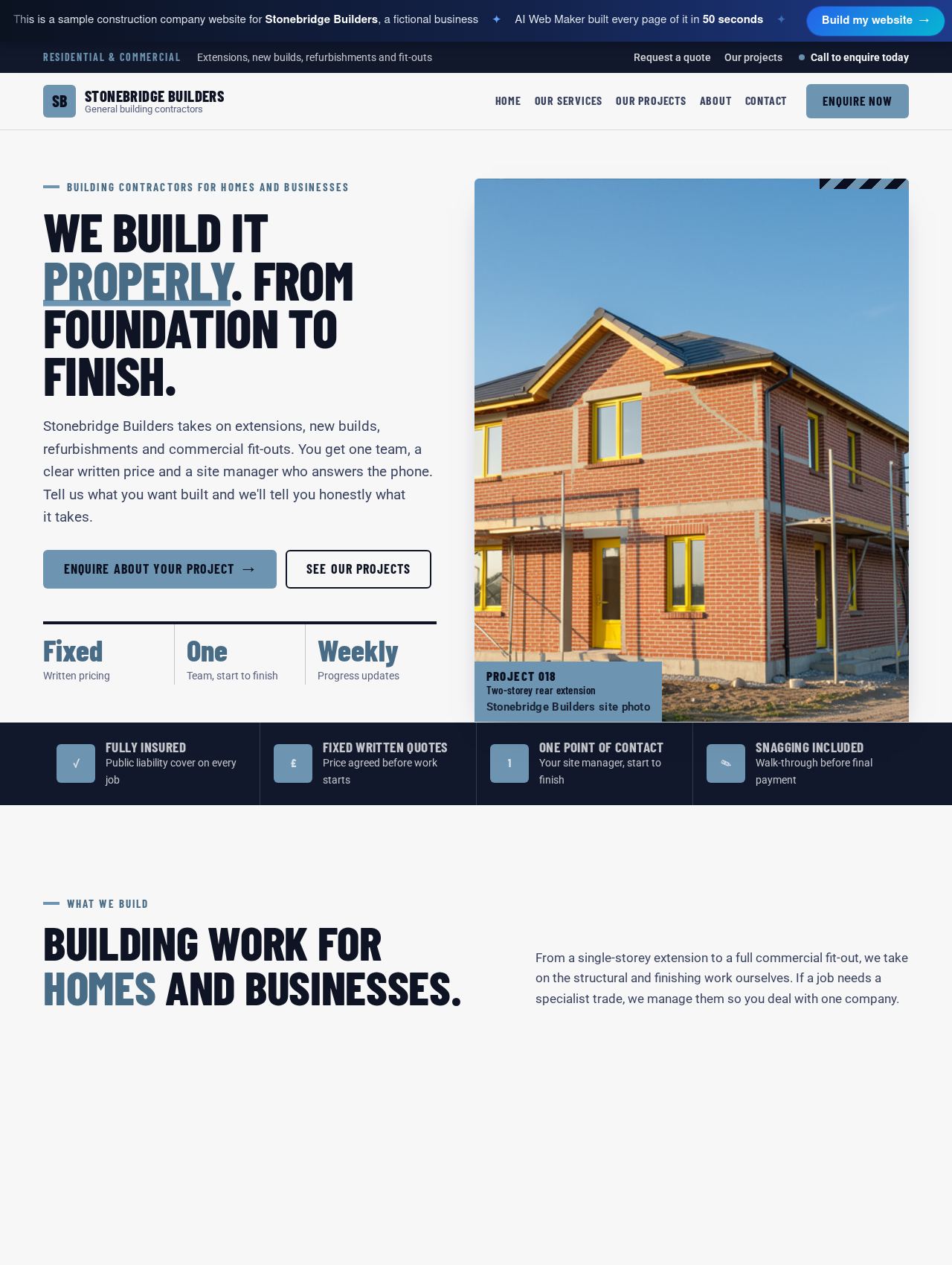 Construction Company website example
Sample for Stonebridge Builders, a fictional business
Walk through this site →
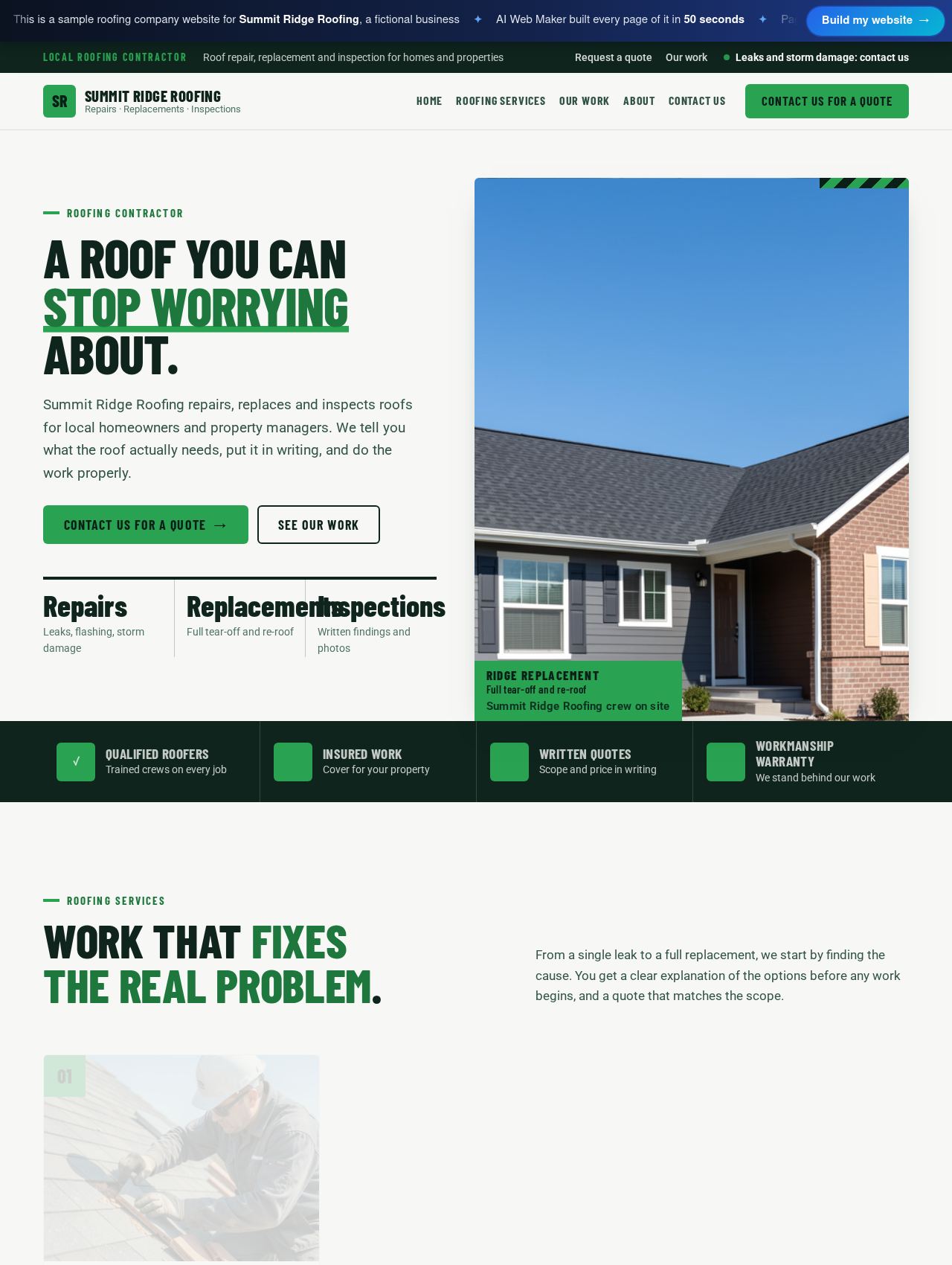 Roofing Company website example
Sample for Summit Ridge Roofing, a fictional business
Walk through this site →
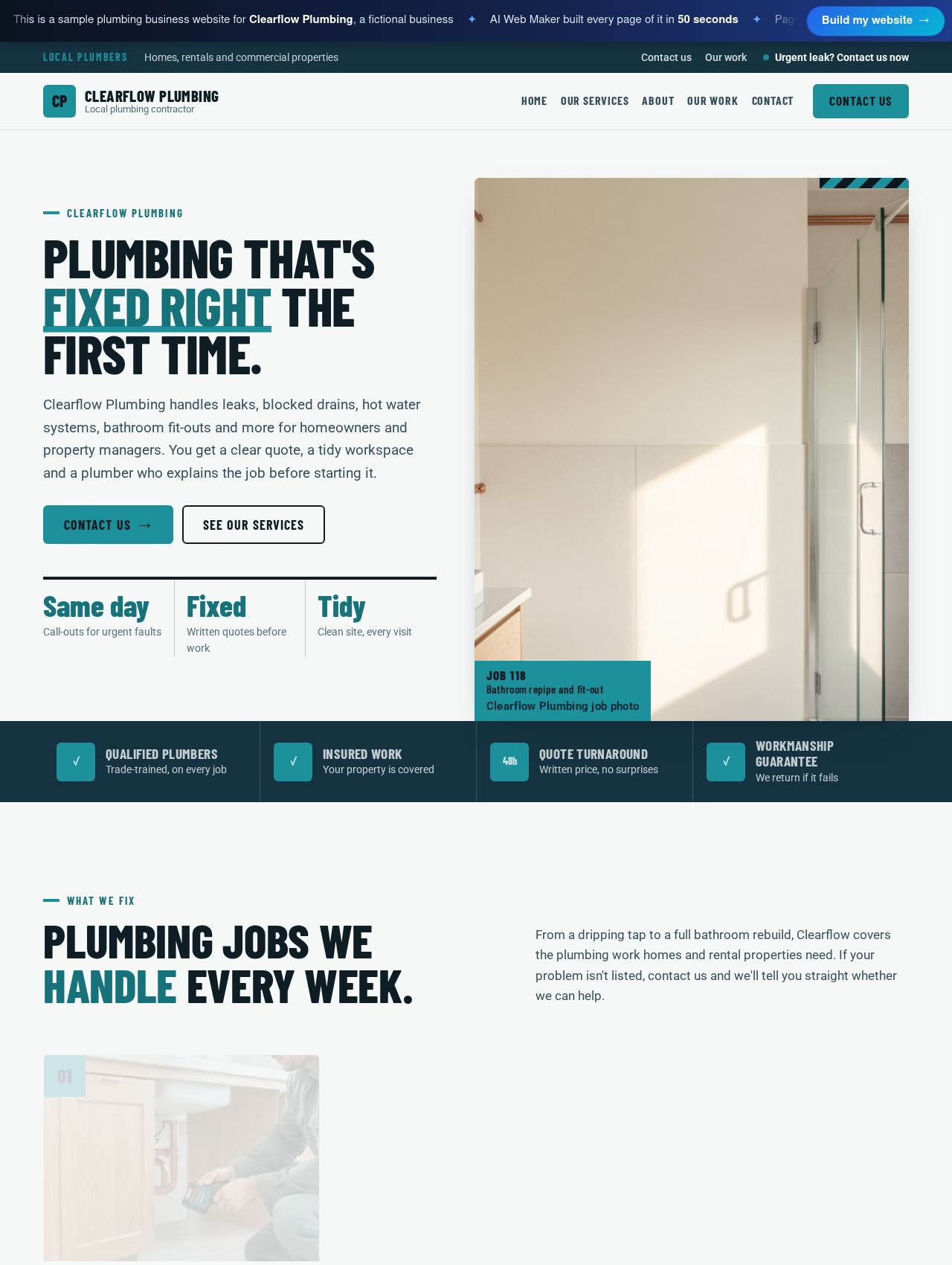 Plumbing Business website example
Sample for Clearflow Plumbing, a fictional business
Walk through this site →
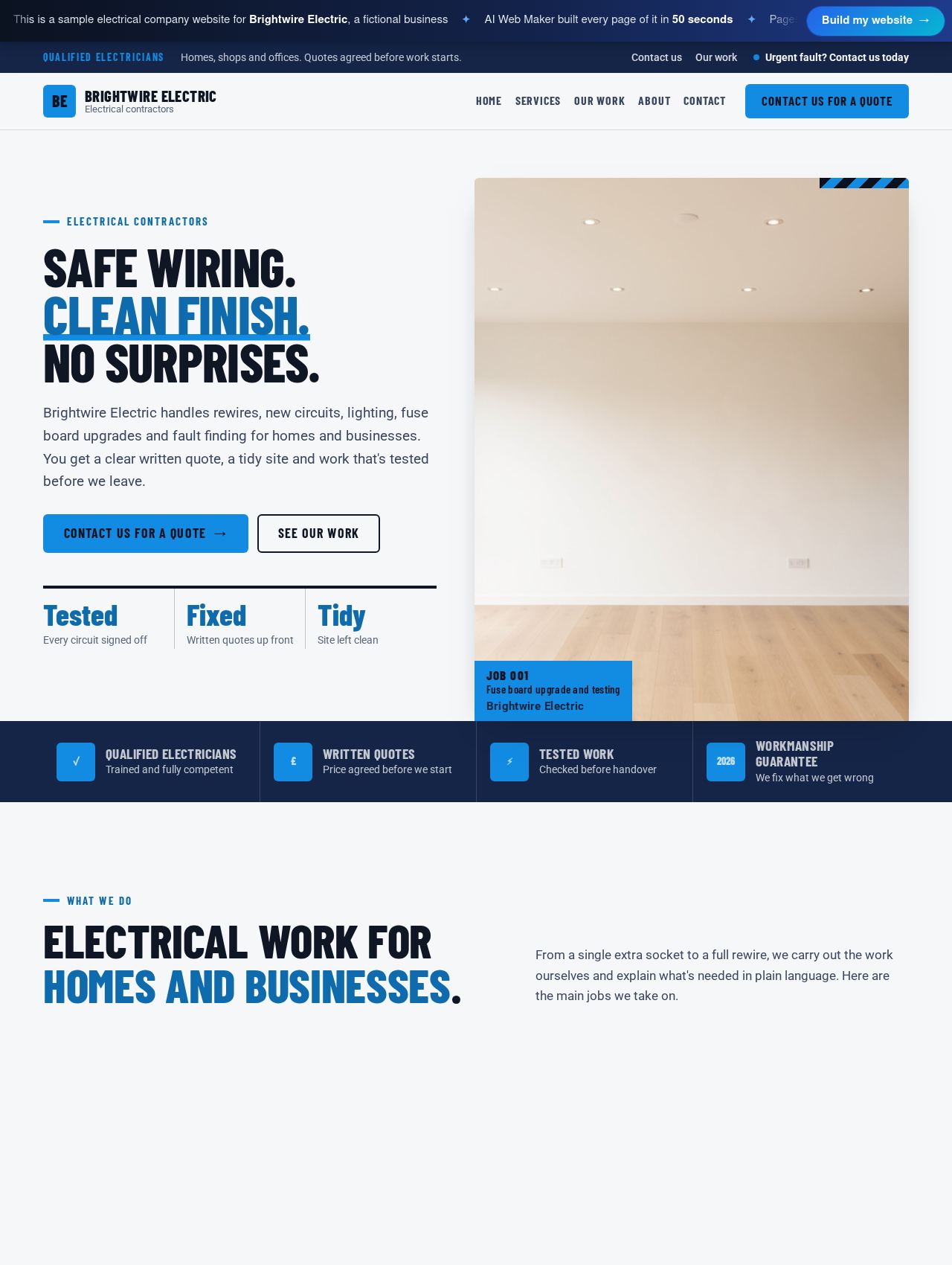 Electrical Company website example
Sample for Brightwire Electric, a fictional business
Walk through this site →
 HVAC Company website example
Sample for Northwind Heating and Air, a fictional business
Walk through this site →
 Painting Business website example
Sample for True Coat Painting, a fictional business
Walk through this site →
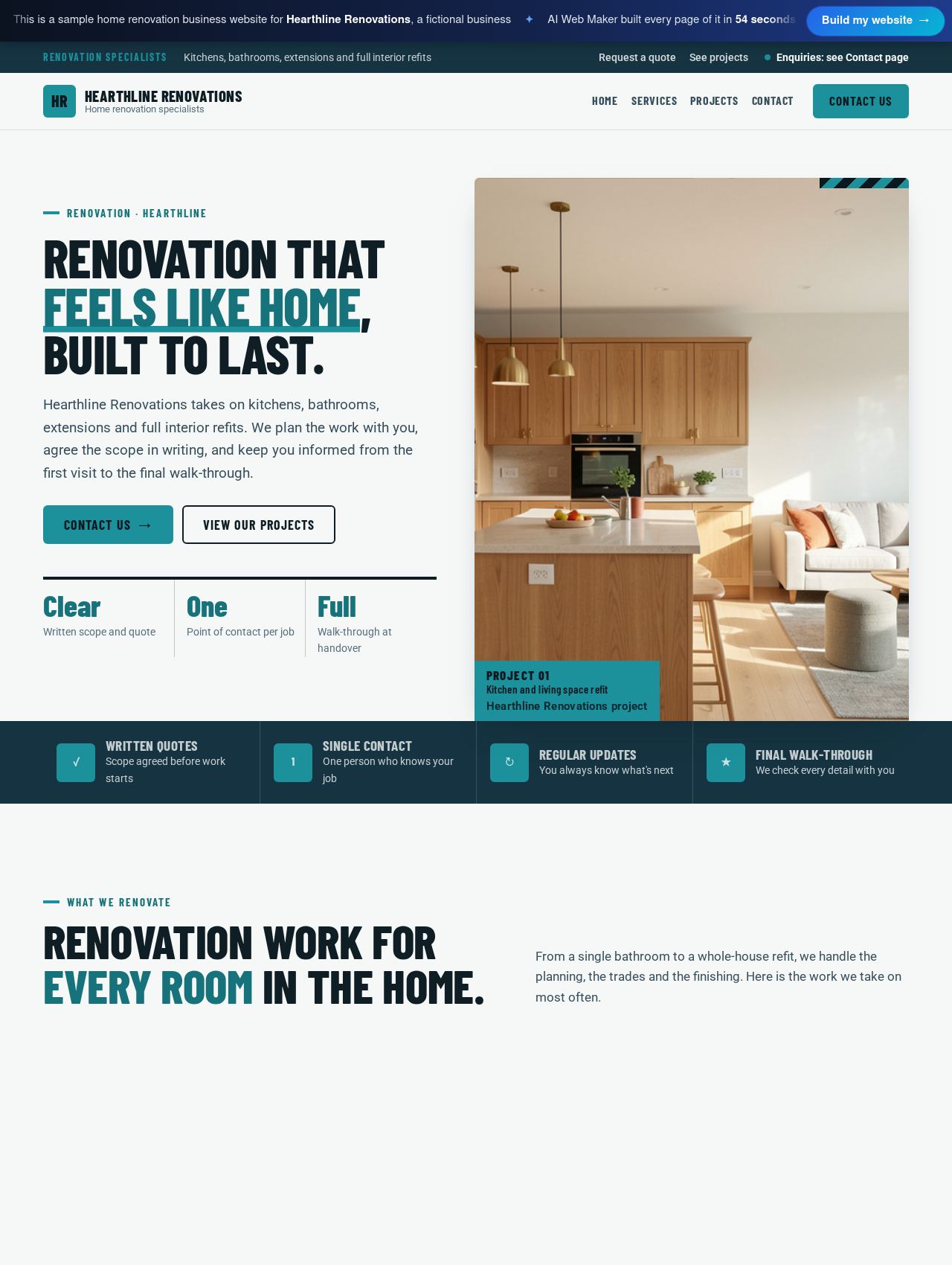 Home Renovation Business website example
Sample for Hearthline Renovations, a fictional business
Walk through this site →
 Deck Builder website example
Sample for Cedar Ridge Decks, a fictional business
Walk through this site →
 Carpenter website example
Sample for Oak and Pine Carpentry, a fictional business
Walk through this site →
How should a quote request work when no two jobs are the same?
A good quote request gathers the facts you would otherwise chase on the first phone call. The enquiry form asks for the type of job, the town or area, the preferred timing and the customer's contact details. Because it takes words rather than attached files, invite customers to describe what they see, such as where a stain shows on the ceiling or which rooms need rewiring. Those few sentences often tell you whether a site visit is needed or a rough figure can go back the same day. When pictures would help, you can ask for them in your reply. Detailed requests, in short, turn into faster and more accurate quotes.
Emergency work needs a faster route than a form, so urgent trades should put a phone number where a worried customer looks first. Plumbers, electricians, roofers after a storm, garage door firms and tree surgeons all get calls that cannot wait for an email. The site can show your number at the top of every page, with a short line naming what counts as an emergency and asking the customer to call. Be honest about hours, since promising round the clock cover you cannot staff does more harm than admitting you answer until ten at night. Jobs that can wait still go through the enquiry form, which keeps the line clear. Separating the two routes protects both your evenings and your reputation.
What do people check before letting a contractor into their home?
Before letting anyone into their home, most people check whether the contractor holds the right licence and insurance. What counts as the right licence depends on where you work, since the rules vary by country and often by region. That might mean a contractor licence number issued by a US state, a registration required for gas work in the United Kingdom, or a builder's licence from an Australian state. You can state these details on the about page or beside the quote form, and only you can supply the facts. Show only what is current and true, and update it whenever a policy or licence is renewed. Plain, checkable credentials remove one of the biggest doubts a customer brings to a first call.
Finished work and honest reviews do the rest of the persuading, which is why a project gallery sits near the centre of a contractor site. Customers want to see jobs like theirs, so captions naming the job, the area and the materials make each photo more useful. Before and after pairs suit painting, renovation, decking and roofing, where the change is easy to see. The builder's photos hold the layout until you swap in pictures of your own projects, taken with the owner's agreement and without house numbers in view. Reviews belong beside the work, quoted from real customers who are happy to be named. Together, real projects and real words carry more weight than any claim you could write about yourself.
Should a contractor show prices before seeing the job?
Showing some guide to price helps, even when the final figure depends on a visit. Set jobs such as replacing a tap, fitting a socket or servicing a heating system can carry a starting price, while larger work is better shown as a typical range. Next to the figure, say what moves it, such as access, materials, size and the condition of what is already there. If you charge for a survey or a call out, state that too, so nobody feels caught out by the invoice. The cost guides further down this page show typical prices for several of these trades. Honest guidance filters out people expecting the impossible and leaves you with customers who understand the likely spend.
On the site, each service page can carry a starting price, a range or no figure at all, whichever suits the job. Where a page shows no price, the wording leads the customer to the enquiry form, so the gap reads as an invitation to ask rather than something hidden. Every figure stays editable and can be republished whenever material or labour costs move. Written quotes still come after you have seen or understood the job, and the website simply prepares the customer for that conversation. A short check of your prices each season keeps the guidance believable. A price that is honest and current builds more trust than a bargain figure that never survives the visit.
What does a contractor website cost?
Building and previewing cost nothing, so you can shape every service page and the quote form before spending anything. To go live, hosting costs $119 a year or $19 a month, and the domain is added on top at a price set by its ending. With about 400 endings to choose from, a firm can pick one that suits its country, its trade or its town. A $189 yearly plan is also offered, and the plans page sets out how the two compare. If you later want the AI to write more, such as an article on choosing roof materials, that writing uses credits of about $0.65 each. The running cost is therefore a known, fixed overhead rather than a monthly surprise.
Cost guides for common trade jobs
Written for builders and construction firms: annual website cost, the clients who hire builders, services, case studies, the build process, pricing, credentials, commerci...
For roofing companies: the yearly website cost, why homeowners distrust roofers, service pages, roof check requests, materials and lifespans, insurance claim support, war...
A guide for plumbers and plumbing firms: the yearly website cost, what callers need in the first seconds, service and emergency pages, call out charges, areas and respons...
For electricians and electrical contractors: the yearly website cost, who calls an electrician, service pages, why enquiry forms beat instant booking, emergency advice, l...
For heating and air conditioning companies: the yearly website cost, emergency and planned customers, service pages, maintenance plans, replacement guidance, efficiency a...
A guide for painting and decorating firms on hosting costs, how homeowners compare painters, interior and exterior pages, pricing by room or area, preparation, sheens and...
Renovation firms can weigh up hosting for a year, how homeowners plan, project pages, stages from survey to handover, quotes and stage payments, permits, living through t...
A contractor's guide to deck builder websites: the yearly cost, how to compare materials, build a project gallery, explain permits and price drivers, and turn homeowners'...
Describe your trade and see your site
Tell us your business name, your trade and the main jobs you take on, along with the towns or regions you cover. The builder drafts a page for each job, the quote form, the gallery and the pages around them, then shows you a preview. Add your licence and insurance details, swap in photos of your own projects and adjust any price or wording. Nothing is billed until you choose a domain and a plan and decide to go live. Once the site reads the way you would explain your work on a doorstep, it is ready for customers.
Frequently asked questions
Can customers send photos of the job with a quote request?
The quote form takes written details rather than attached files, so customers describe the job in words. Clear prompts in the form's wording help, for example asking which room is affected, what the surface is made of and how long the problem has been there. Many jobs can be judged well from a good description, and the rest need a visit anyway. When a picture would settle a question, you can ask for one in your reply and continue from there. A short, well worded description often tells you more than a blurry photo would.
Can one website cover several trades, such as plumbing and heating?
One website can cover several trades, with a page for each kind of work and a menu that groups them sensibly. Plumbing and heating firms, handyman businesses and renovation companies often work this way, because their customers arrive with very different jobs. Describe every line of work you want to promote, and the builder drafts the pages to match. Leave the jobs you rarely take on off the menu, so the site points people toward the work you prefer. A focused range of services usually reads as more expert than a list of everything you could possibly do.
Can customers book a fixed job instead of asking for a quote?
Fixed jobs with a known length and price can be booked as appointments, which suits work such as home inspections, annual servicing or a set gutter clean. The customer chooses the service, a day and a time, then sends a request that you confirm, move to another slot or decline. Payment is arranged directly between you and the customer, and AI Web Maker takes no share of it. Larger or uncertain jobs stay with the quote form, since a price comes only after you understand the work. Many trades run both side by side, booking the routine jobs and quoting the rest.
Should photos of jobs at customers' homes go on the website?
Photos of finished jobs are among the strongest things on a contractor site, yet they show someone's home, so asking the owner first is good practice. Most customers are glad to agree when the photo shows the work rather than the house number, the street or anything personal inside. Captions can name the area and the job without giving an address. Older jobs count too, so photos from before you had a website can fill the gallery from the start. Treating customers' privacy with care is itself a sign of the trustworthy contractor they hoped to hire.
Will a contractor website bring in work from search?
A contractor website gives search engines plenty to read, although no website can guarantee a steady flow of jobs. Every page the builder drafts carries a clear title, headings and text that name the job, which is what people type when they need a trade. Naming the towns you serve in your own words adds the local detail that most trade searches depend on. Ranking takes time, and steady additions such as new project captions and fresh reviews keep the site current. Seen this way, the website is a long term asset that grows alongside your record of work.
More ways to build with AI Web Maker
Updated 4 November 2026 · by AI Web Maker. The sample businesses are fictional; their people, prices and reviews are invented to show what a real website holds.