 AI Web Maker
Build a booking website with AI
AI Web Maker builds a booking website from a short description of your business, and the booking system is set up during the build rather than bolted on afterwards. The builder lists the services people can book, with their prices and categories, and adds a booking page to the main menu. Customers choose a service, a day and a time, then send a request that you can confirm or move to another slot. The same build writes the rest of the website, from the services and team pages to the contact details and a gallery of your work. Building and previewing cost nothing, so you can test the booking flow as a customer before paying anything. Read on to see which kinds of booking the builder handles, open more than 40 sample booking websites, and check what going live costs.
Which kinds of booking can the builder set up?
The builder sets up the kind of booking your business actually takes, because a dentist, a yoga studio and a restaurant each need something different. Appointments and sessions suit salons, clinics, coaches, tutors and garages, where a customer books a service at a time. Class based businesses such as gyms, yoga and pilates studios list their classes as bookable sessions with their own prices. Restaurants, bars and pizzerias take table bookings, while hire businesses can list vehicles or equipment for customers to reserve. The builder decides which of these fits from your description, and you can rename, reprice or remove any bookable item afterwards. That means the booking system matches the way your business runs from the very first preview.
Try booking as a customer on these samples
These samples are booking websites the builder produced for invented businesses, each with bookable services, prices and booking pages created during the build. They cover appointments at a hair salon and a dental clinic, classes at a gym and a yoga studio, tables at a restaurant and jobs for a garage, a dog groomer, a cleaning company and a tutor. Open one and try booking as a customer to see the flow from the other side. Every business is invented, yet the booking setup is exactly what the builder produces for a real owner. More than 40 of the sample websites in our gallery take bookings, so there is likely one close to your own business.
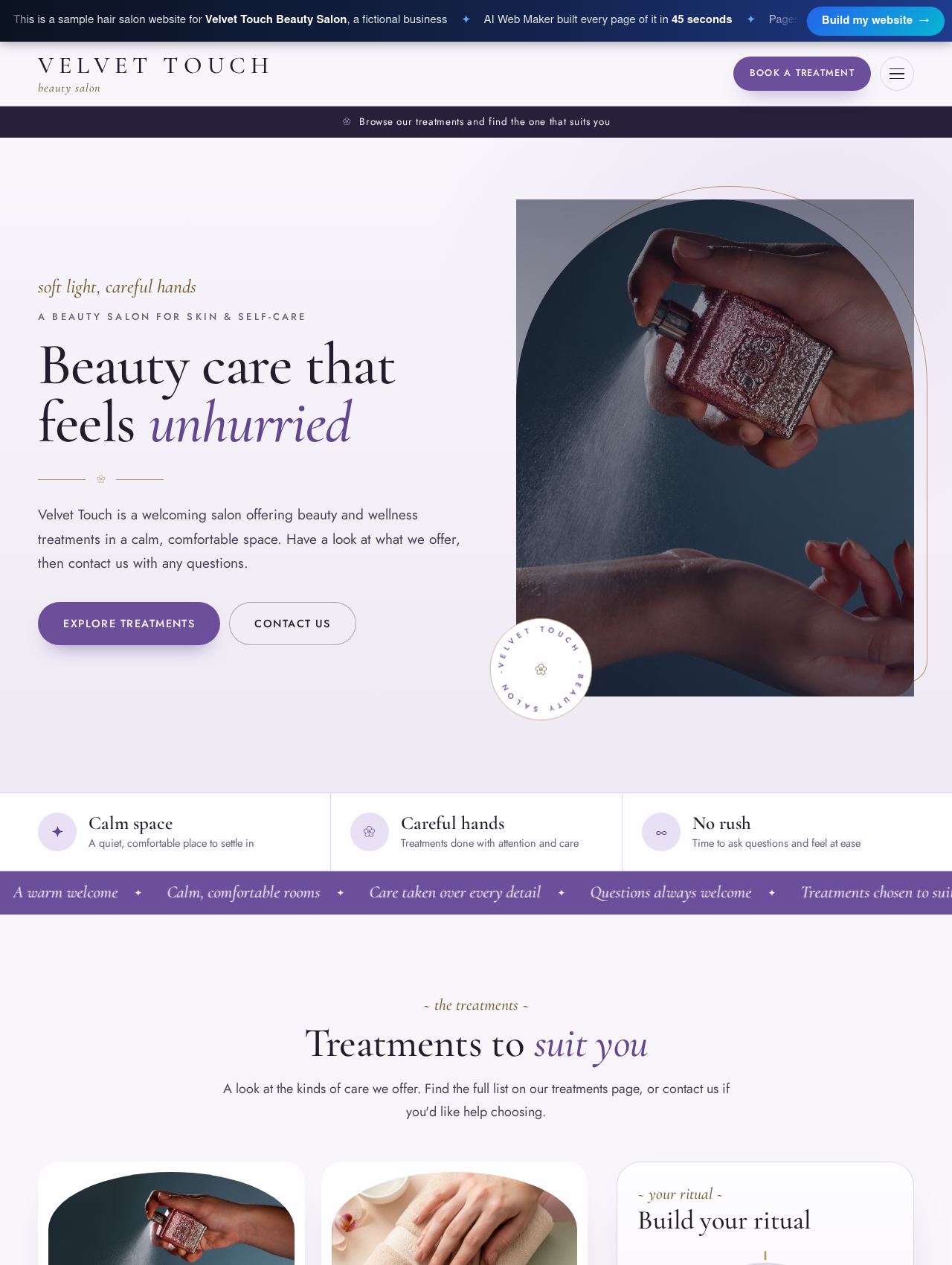 Hair Salon website example
Sample for Velvet Touch Beauty Salon, a fictional business
4 bookable services →
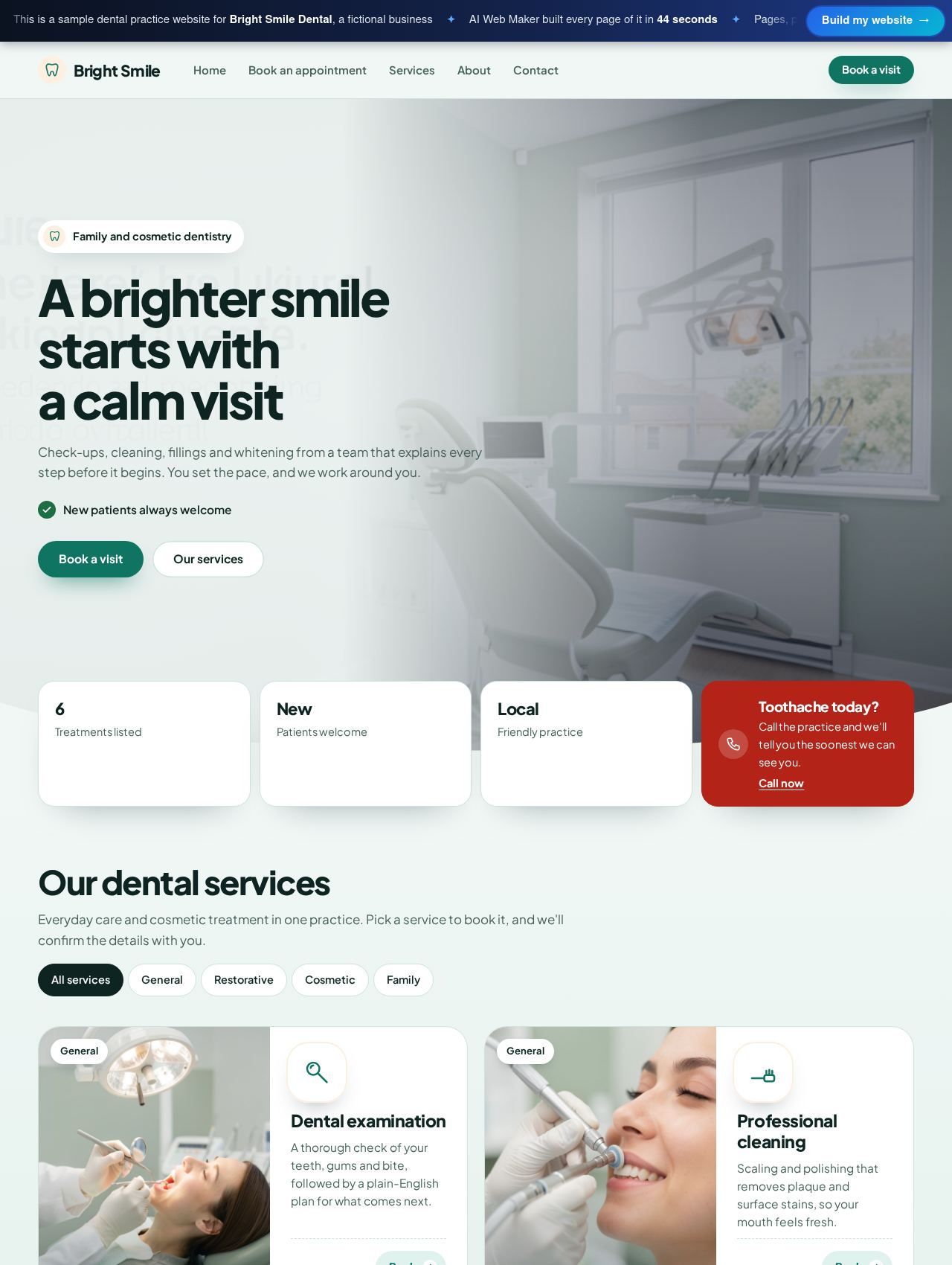 Dental Practice website example
Sample for Bright Smile Dental, a fictional business
6 bookable services →
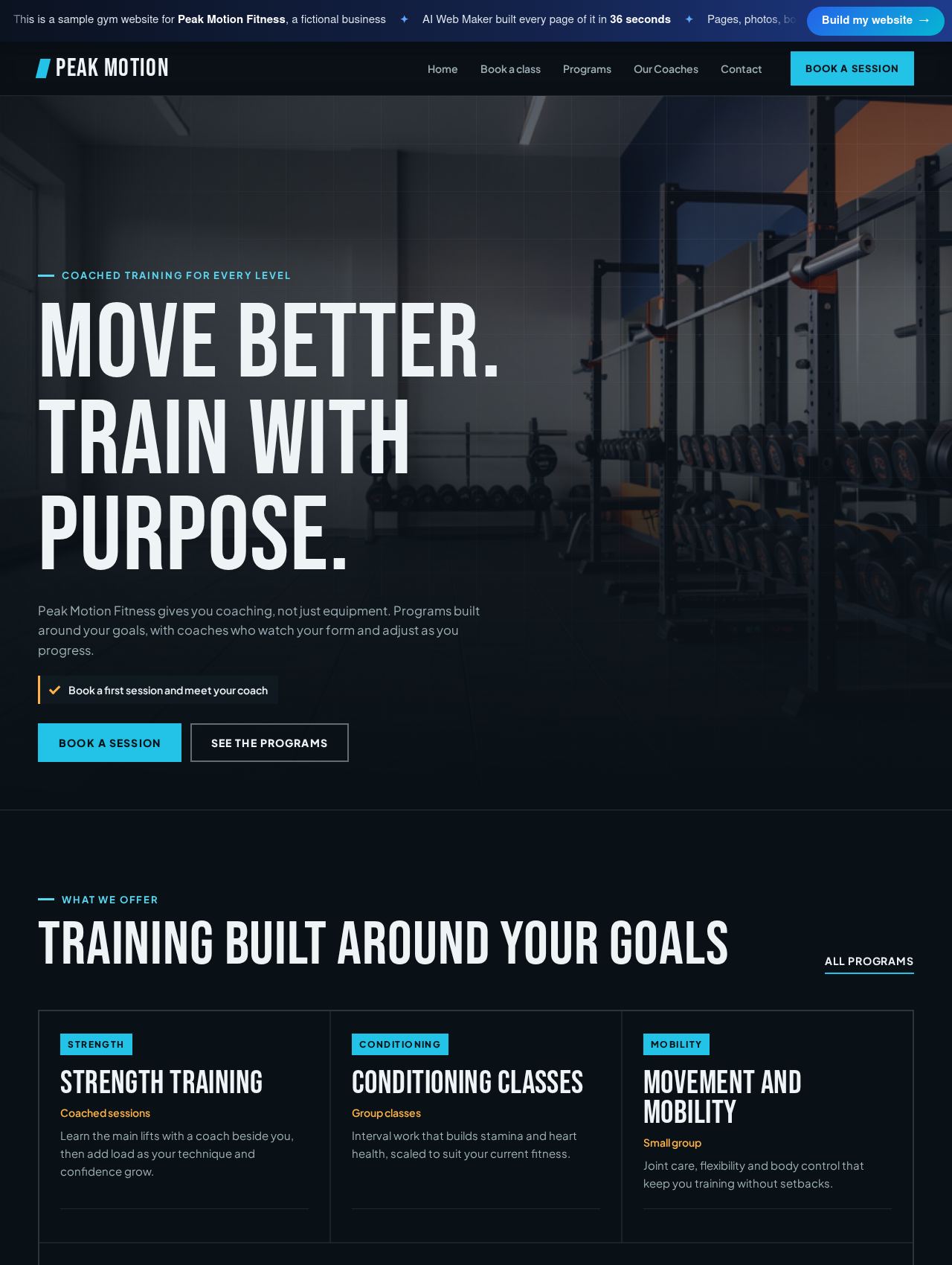 Gym website example
Sample for Peak Motion Fitness, a fictional business
4 bookable services →
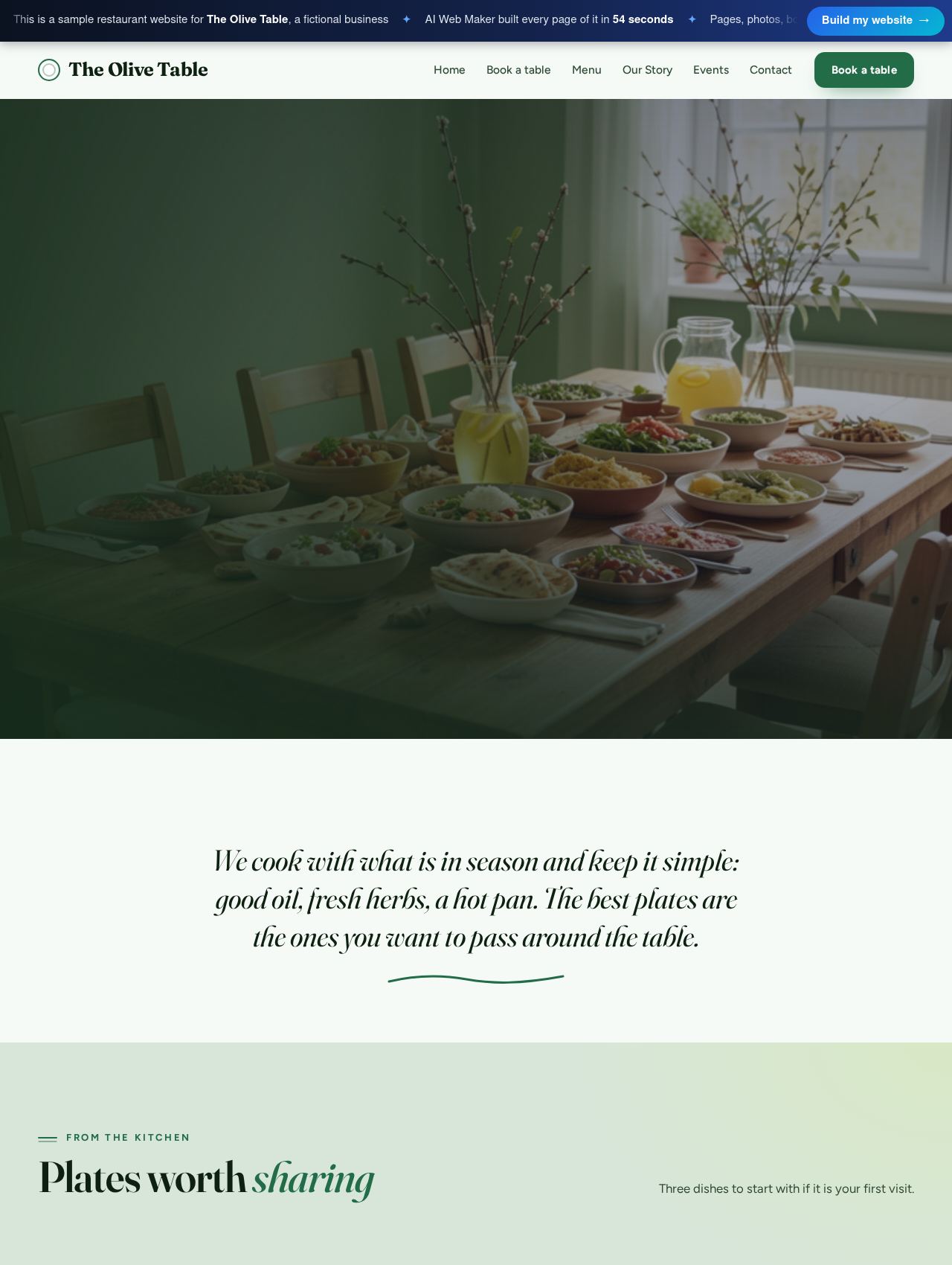 Restaurant website example
Sample for The Olive Table, a fictional business
3 bookable services →
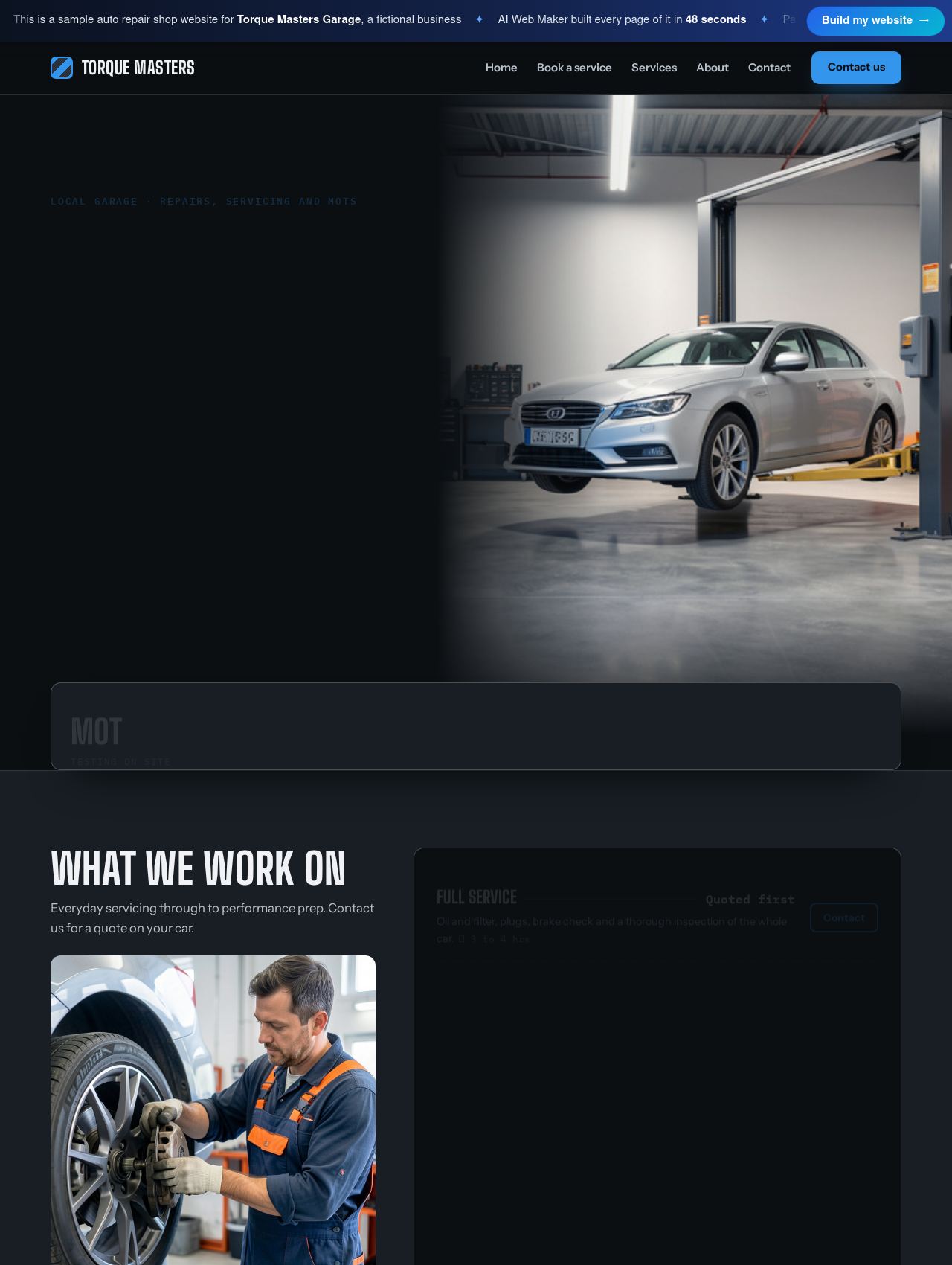 Auto Repair Shop website example
Sample for Torque Masters Garage, a fictional business
6 bookable services →
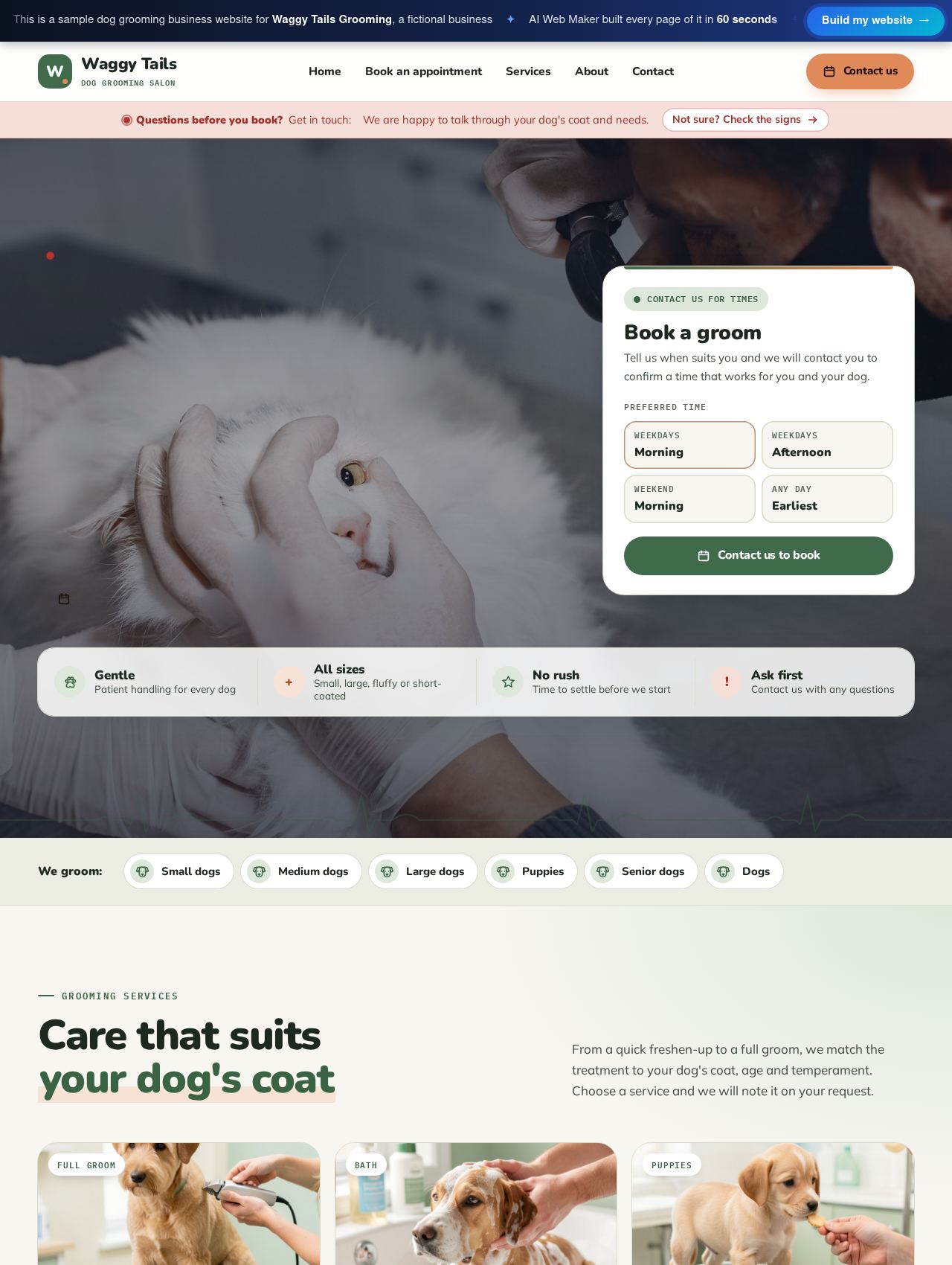 Dog Grooming Business website example
Sample for Waggy Tails Grooming, a fictional business
6 bookable services →
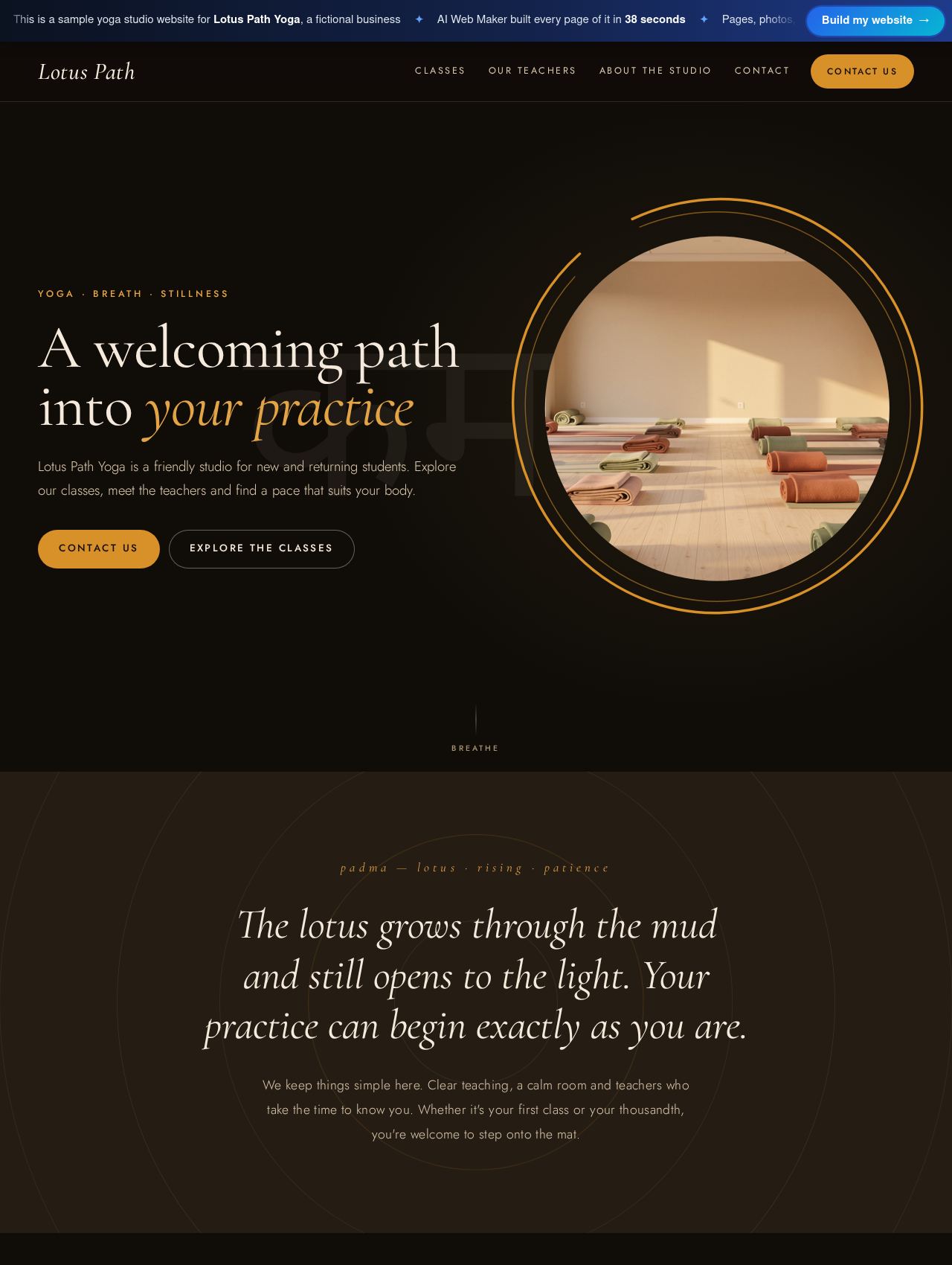 Yoga Studio website example
Sample for Lotus Path Yoga, a fictional business
3 bookable services →
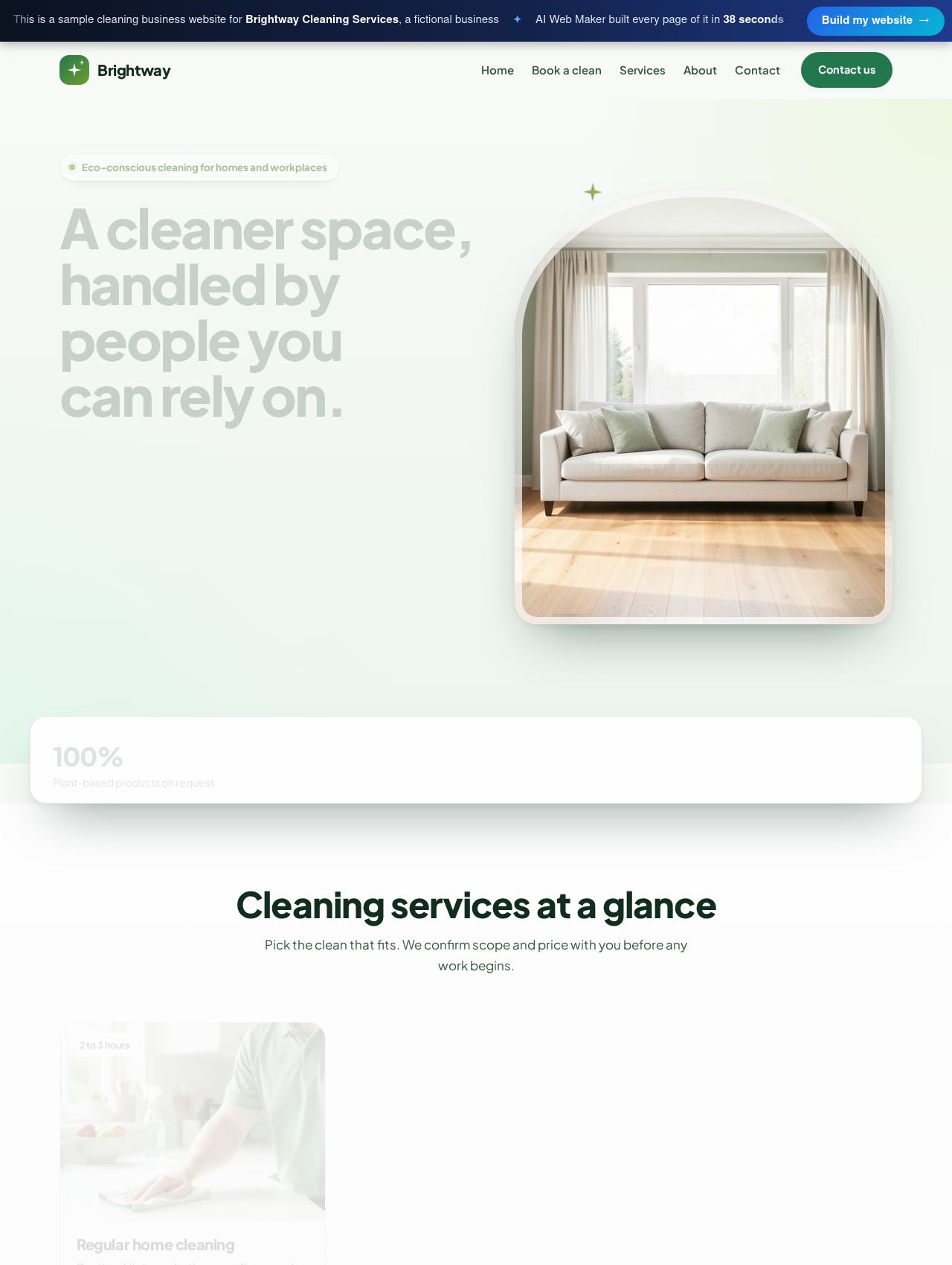 Cleaning Business website example
Sample for Brightway Cleaning Services, a fictional business
5 bookable services →
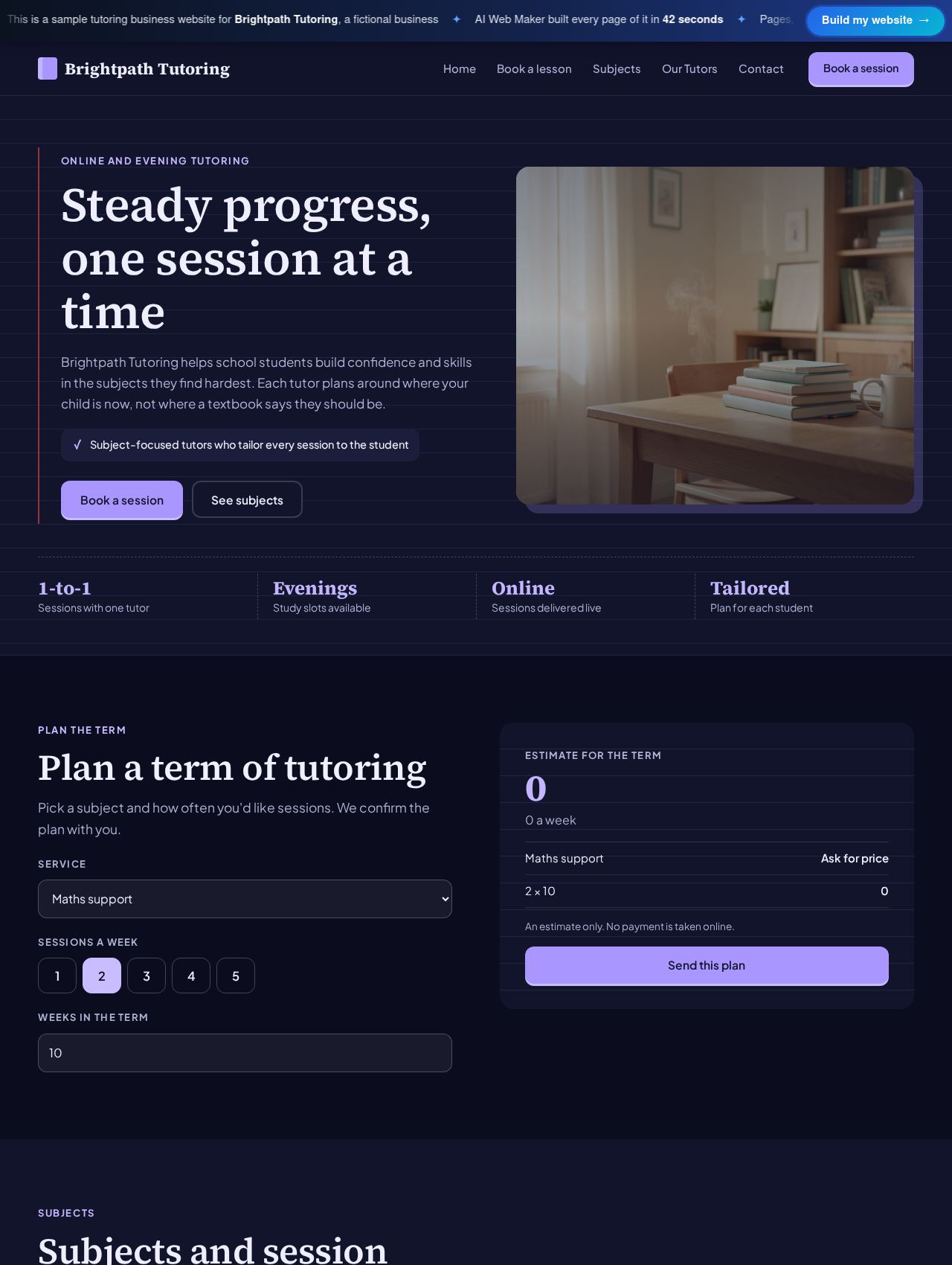 Tutoring Business website example
Sample for Brightpath Tutoring, a fictional business
5 bookable services →
What does a customer see when booking online?
A customer sees a booking page that lists every bookable service, grouped by category, with its price and a short description. They pick the service, then the day and time that suit them, and send the request with their name and contact details. Our hair salon sample, for instance, lets a client choose between its treatments, while the dentist sample offers six bookable services and the auto repair sample lists six jobs with their prices. A page for browsing by category helps when a business offers many services, so customers are not faced with one long list. The whole flow works on a phone, which matters because many people book from their phones. In practice, the customer finishes in a minute or two and you receive a clear request instead of a missed call.
How do you manage bookings once they arrive?
Bookings arrive as requests in your account, where you can confirm them, move them to another time or decline them. Each request shows the service, the time chosen and the customer's details, so you have what you need before you reply. Your bookable services, prices and categories live in the same place, which means a new treatment or a price change is a short edit rather than a website rebuild. You decide how payment works, whether customers pay when they arrive or you send payment instructions with the confirmation. Because the booking page is part of your own website, every booking comes to you directly instead of through a marketplace that takes a share. Running bookings this way keeps the diary and the website in step without any extra software.
Which businesses get the most from a booking website?
Businesses that sell their time get the most from a booking website, because every phone call they avoid is time they can spend with a customer. Salons, barbers, nail and lash studios fill their diaries while the team is busy working. Clinics such as dentists, chiropractors, physiotherapists and vets ease the queue at reception, and fitness studios let members book classes late in the evening. Home services like cleaning, car detailing and window cleaning take bookings for set jobs, while restaurants and bars take table requests during service. Even a single tutor or coach benefits, since the booking page answers the question of when they have time. Whatever the trade, a booking website turns interest into a fixed time in the diary.
What does a booking website cost?
Building the booking website and trying its booking flow carry no charge. Once you are ready, hosting runs from $119 a year, also available at $19 monthly, and your domain is registered alongside it. The booking system is created during the build, so there is no separate booking app to connect before you start taking requests. Domain prices vary with the ending you pick from the roughly 400 on offer. Another plan, priced at $189 a year, sits above the first, and the plans page shows how the two differ. Extra AI writing is optional and runs on credits, which sell for roughly sixty five cents each.
Guides for taking more bookings online
What an all-in-one website builder includes, what built-in CRM, email, booking and payments should each do, and how to check which parts a builder really covers.
How a cleaning business turns website visitors into booked cleans: the booking button, a short quote form, instant price guidance, quick replies and follow-up on quiet qu...
Booking a first counseling session takes courage. Here is how a counselor's website can make that step short, private and clear, from the first form to the confirmation.
What a veterinary clinic pays for its website, how booking and a pet care tips page give reception time back, and what the site must say about urgent cases.
Set up your booking system in one build
Tell us your business name and what customers book, ideally with the services and their prices. The builder sets up the booking system with those services, writes the pages and picks the design, so your preview is ready in minutes. You can make a test booking yourself before paying anything at all. When everything looks right, the site goes live with bookings switched on as soon as a domain and plan are chosen. If handing it over suits you better, our team can do the launch for you.
Frequently asked questions
Can customers book outside opening hours?
Customers can send a booking request at any hour, because the booking page stays open even when the business is closed. Requests made overnight wait in your account until you confirm them in the morning. This is where much of the value lies, since many people plan appointments in the evening after work. You still control the diary, because nothing is final until you confirm or move the request. Late bookings therefore become confirmed appointments instead of forgotten intentions.
Can each service have its own price and length?
Each bookable service has its own price and length, so a quick trim and a full colour treatment can sit side by side with different figures. Services can be grouped into categories, which keeps a long list easy to scan. You can add, rename or reprice a service whenever your menu changes, and the booking page updates when you publish. Short descriptions under each service tell the customer what is included. This flexibility lets one booking page serve every kind of appointment you offer.
Does the booking website work for classes?
Classes work well, since each class can be listed as a bookable session with its own price, as the gym, yoga, pilates and dance studio samples show. Members pick the class and the time they want, then send the request in the same way as an appointment. Studios often add a page about the classes and the teachers beside the booking page, and the builder includes those pages when your description mentions them. Class times and prices can be changed as the timetable changes. A studio can therefore run its weekly timetable from the same website that introduces it.
What if my business does not suit online booking?
If your work needs a quote or a visit before a time can be set, the builder uses an enquiry form instead of a booking page. Roofers, electricians and architects are typical examples, since every job is different and a price comes after a conversation. The builder makes that choice from your description, and booking can be added later if a set service becomes popular. Some businesses use both, taking bookings for standard jobs and enquiries for larger ones. In every case the aim is the same, which is to turn a visitor into a clear request you can act on.
More ways to build with AI Web Maker
Updated 3 November 2026 · by AI Web Maker. The sample businesses are fictional; their people, prices and reviews are invented to show what a real website holds.