 AI Web Maker
Build a school website with AI
Describe what you teach, who you teach and where, and AI Web Maker turns it into a website for your school, academy or teaching business. The draft covers the pages families look for first, such as admissions, fees, term dates, the timetable and practical information for parents. Tours, trial lessons and classes become requests, so a parent picks one, a day and a time, and you confirm, move or decline it. Words and photos can all be edited before launch, which matters because safeguarding, fees and admissions wording should be checked by the people responsible for it. Building and previewing are not billed, so the whole site can be read from a parent's point of view first. The sections below explain what each page should say, how requests work and what going live costs.
Which pages do parents look for on a school website?
Parents usually check four things before they call: what you teach, what it costs, how admissions work and how children are kept safe. The builder drafts a page for each, plus an about page, a contact page and a gallery of school life. A private school might need a section per stage, a tutor needs subjects and levels, and a daycare needs ages, hours and the shape of a typical day. Pages can be renamed, reordered or removed in the editor, so the menu speaks your families' language. When the basic questions are answered on the page, the calls you receive come from families who are already interested.
A parents page gathers the practical details that otherwise fill the inbox at the start of each term. Term dates, drop off and collection times, uniform or kit, and who to tell about an absence all belong there. Music schools, dance studios and martial arts clubs can add lesson etiquette, gradings or end of term shows. Keeping the page current matters more than making it long, since a wrong date causes more trouble than a missing one. A short, accurate parents page saves your office time every week.
Browse sample school, academy and club websites
Each sample below is a complete website for an invented school or teaching business, open to browse just as a parent or student would. They run from a private day school, a tutor and a daycare to music, coding and driving schools, a dance studio, a martial arts club and a community sports club. Try requesting a tour, a trial lesson or a taster to see how the request feels from the family's side. Names, teachers, fees and reviews on these sites are made up, so read them as examples only. The sample nearest to your own setting is the best guide to what your first preview might hold.
 School website example
Sample for Oakfield Academy, a fictional business
Browse as a parent →
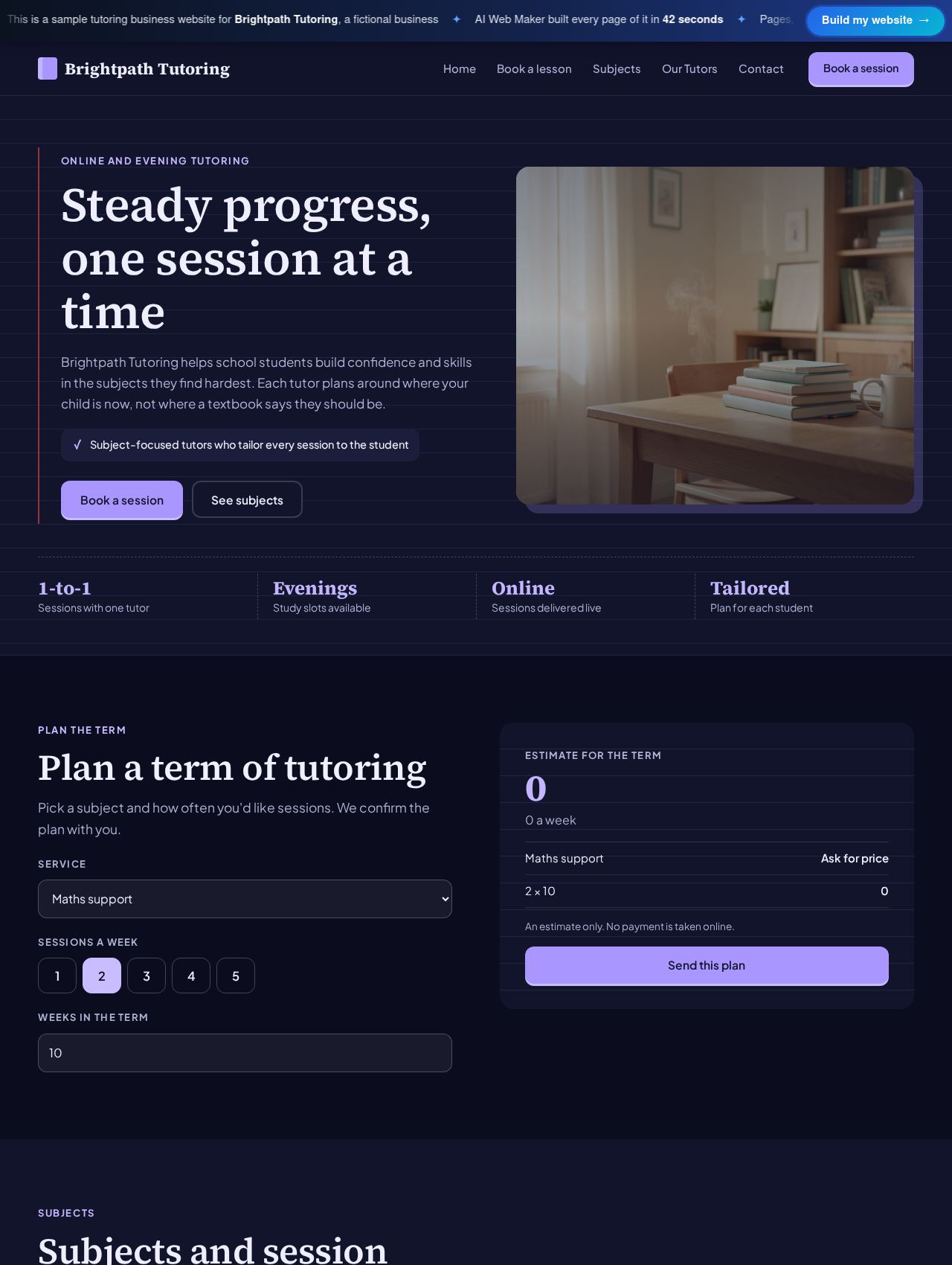 Tutoring Business website example
Sample for Brightpath Tutoring, a fictional business
Browse as a parent →
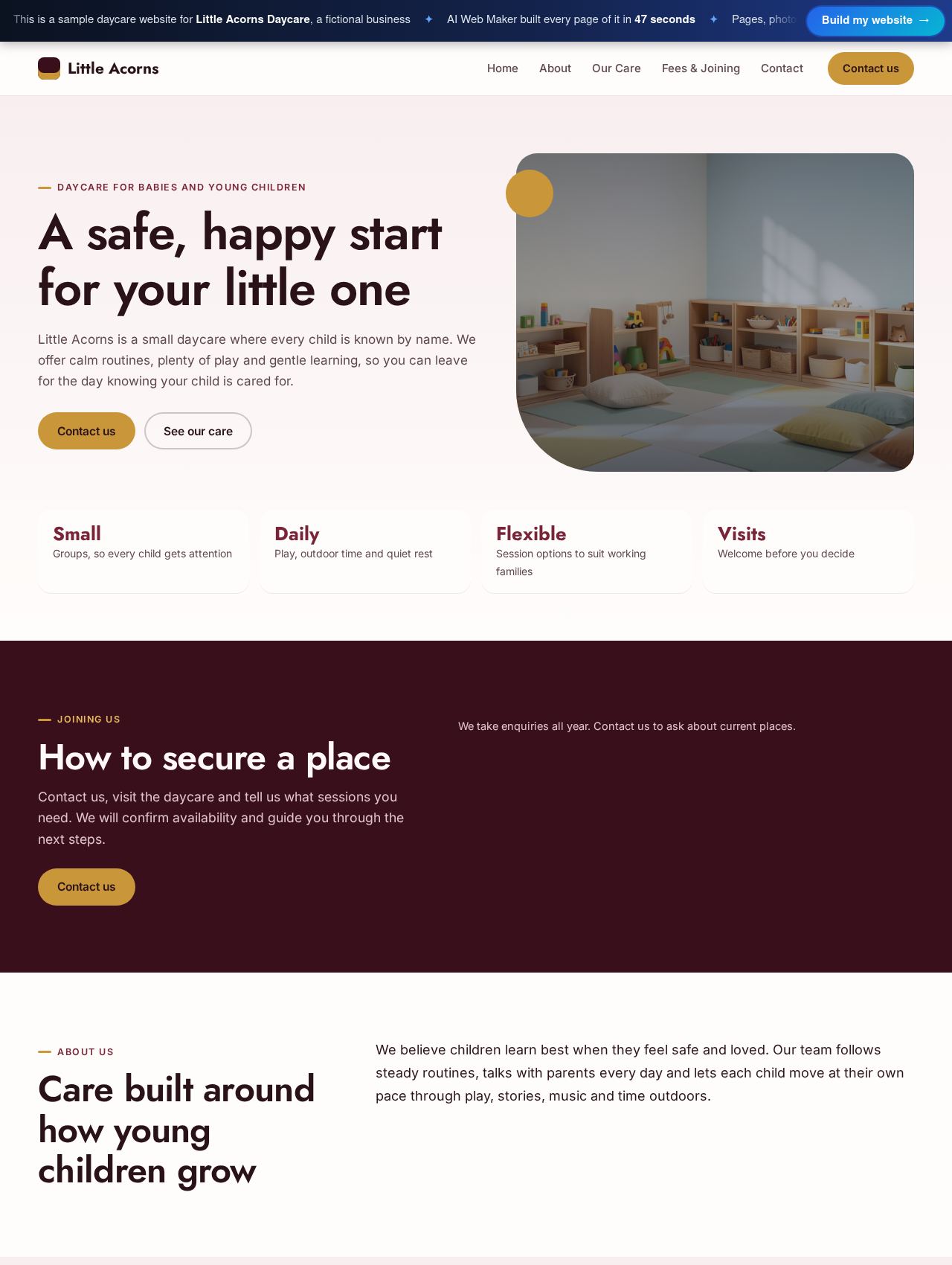 Daycare website example
Sample for Little Acorns Daycare, a fictional business
Browse as a parent →
 Music School website example
Sample for Harmony Lane Music School, a fictional business
Browse as a parent →
 Coding School website example
Sample for Launchpad Coding Academy, a fictional business
Browse as a parent →
 Driving School website example
Sample for Clear Road Driving School, a fictional business
Browse as a parent →
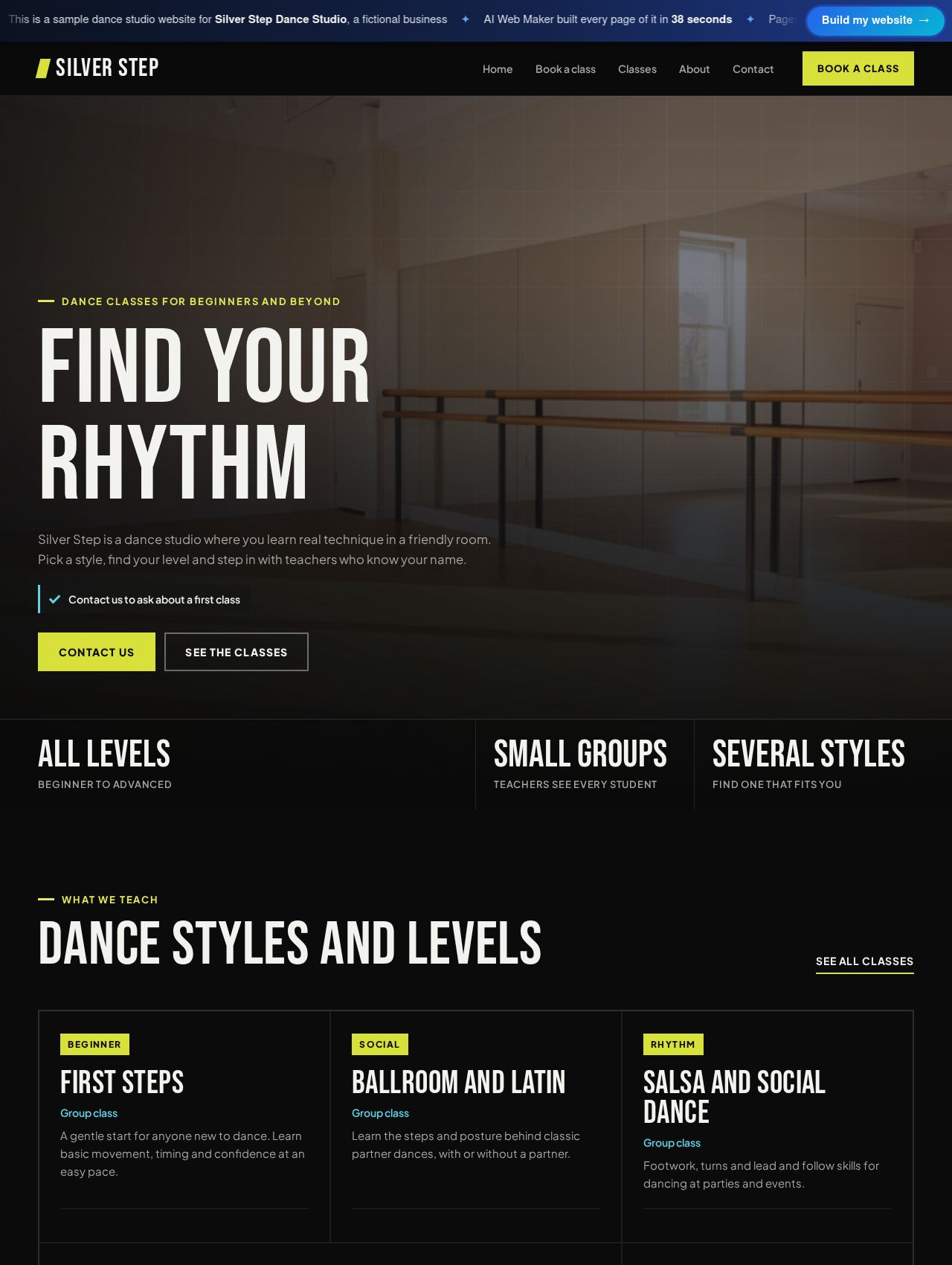 Dance Studio website example
Sample for Silver Step Dance Studio, a fictional business
Browse as a parent →
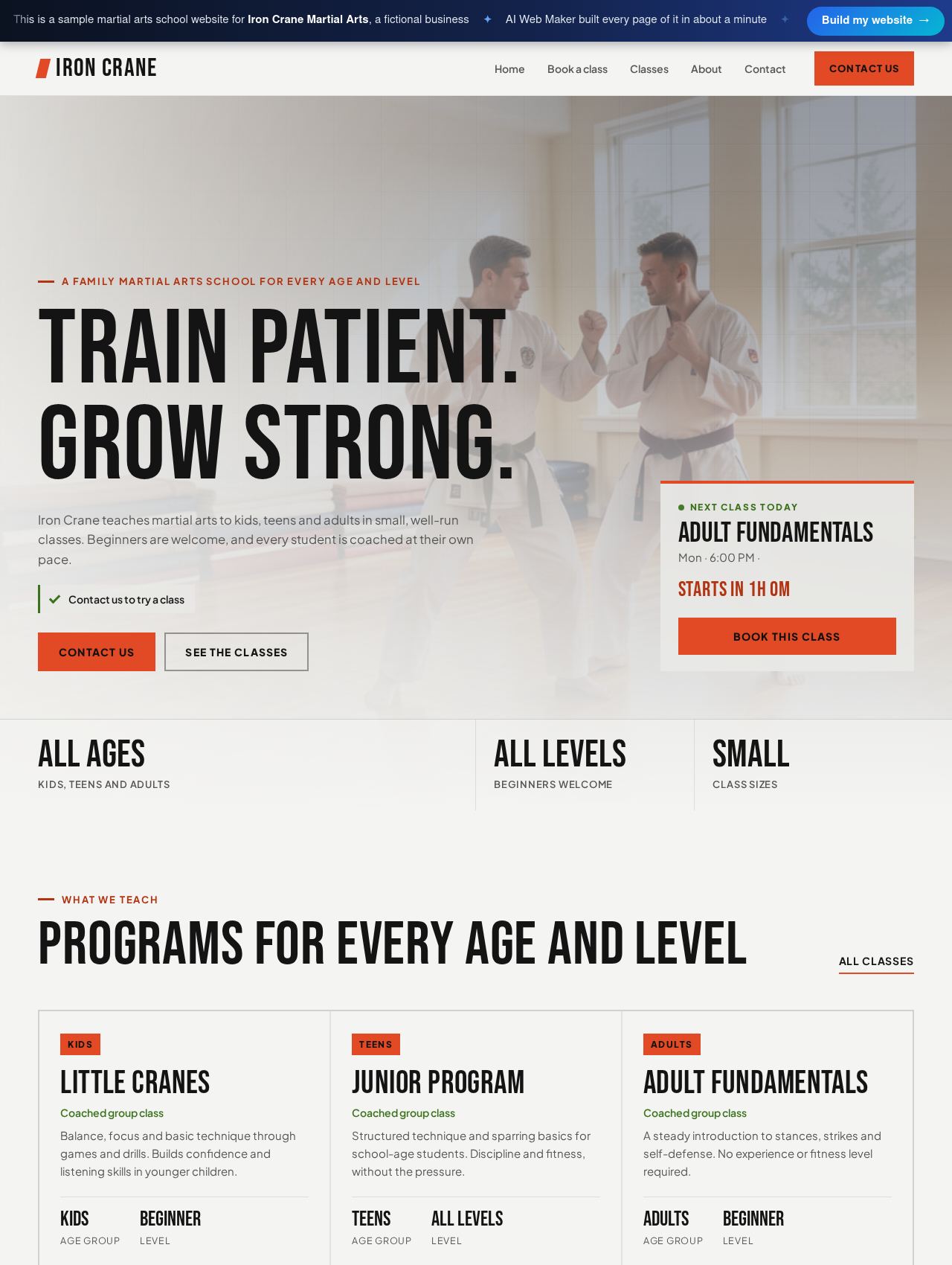 Martial Arts School website example
Sample for Iron Crane Martial Arts, a fictional business
Browse as a parent →
 Sports Club website example
Sample for Northfield Sports Club, a fictional business
Browse as a parent →
How do families book tours, trial lessons and classes?
Tours, trial lessons and classes are booked as requests, which suits teaching businesses because no place is final until someone has checked it. A family chooses a school tour, a trial piano lesson or a first driving lesson, picks a day and a time, and sends the request. You confirm it, move it to a better time or decline it, with the family's contact details in front of you. Dance studios, martial arts clubs and coding schools can list each class as its own option with its own price. The first contact stays simple for families and entirely under your control.
Admission to a full school place needs more than a time slot, so the enquiry form handles it. A parent can mention the child's age, the year they hope to join and questions about learning support or transport, and the message comes straight to you. Many schools use both routes, with tours through the booking page and admissions questions through the form. Setting out each admissions step on a page, from first visit to offer of a place, tells families what to expect before they write. Families who know what happens next tend to trust the process and the school behind it.
How should a school present timetables, terms and fees?
Timetables and terms work best as plain words on a page, because families want to scan them rather than decode a printed grid. A weekly timetable can list each class with its age group, day and time, as the sports club sample does for its training evenings. Term structure sits beside it, covering how many weeks a term runs, whether lessons are paid termly and what happens over holidays. The music school sample, for instance, charges weekly lessons by a twelve week term so each student keeps one slot all year. A timetable that reads easily on a phone removes one more reason for a parent to hesitate.
State fees as clearly as you are able to, since a parent who cannot find a price often moves on to the next school. A private school can show tuition by stage and list extras such as lunches, transport or individual music lessons, as the private school sample does. A tutor or driving school can price single sessions beside blocks of lessons, while a daycare may show daily or weekly rates. Families pay you directly, however you already collect fees, and AI Web Maker keeps none of it. Where fees depend on circumstances, a short explanation and an invitation to ask beats leaving the figure out.
What should the website say about safeguarding and photos of children?
Describe safeguarding in general, accurate terms your school can stand behind, because rules for checks and inspections vary from country to country. A website can say that staff working with children complete the background checks required where you operate, that a named person leads on welfare, and how parents can raise a concern. It should not present any one scheme or inspection body as if it applied everywhere. Treat any wording the builder drafts on this subject as a starting point, and replace it with the exact language of your own policy. Getting this page right reassures parents more than any amount of polished copy.
Photos of children should appear only with the consent of their parents or carers, and many schools avoid recognisable faces altogether. The builder places photos to hold the layout, and you choose what replaces them before launch. Classrooms, instruments, artwork, buildings and adults teaching make good subjects without identifying any child. When you do show pupils, keep a record of consent, never print a full name beside a face, and remove an image promptly if a parent asks. A gallery made with this care shows school life warmly while protecting the children in it.
How does a school website get found and trusted without promising results?
A school website gets found when its pages say, in plain words, what you teach, to which ages and in which area. Parents search for things like a coding class for teenagers or piano lessons for a six year old, so those words belong in your headings and text. Give each subject, class or stage its own description, and add your town and neighbourhood to make the draft more specific. Ranking takes time and depends on much that no website builder controls. Specific, honest pages simply give search engines and parents more to work with than slogans do.
Trust comes from showing how you teach, not from promising grades, test passes or university places. Describe your approach, your class sizes, your teachers' experience and how progress is shared with families. Reviews from parents and students help when they are genuine, used with permission and never edited to say more than the person said. Exam results, if you publish them at all, should be accurate, dated and explained, and a driving school can describe its test preparation without implying that everyone passes first time. Parents can tell confidence from overpromising, and they tend to trust the school that sticks to facts.
What does a school website cost?
A school website costs nothing to build or preview on AI Web Maker, and hosting starts at $119 a year or $19 a month when you go live. The domain is an extra cost, with about 400 endings to choose from, so the address can suit your school's name and country. Tour requests, trial lesson bookings and the enquiry form come with the website, so nothing else needs connecting. A $189 yearly plan also exists, with the differences listed on the plans page. Extra AI writing, such as a new page for each subject, uses credits that cost about $0.65 each. The price is therefore clear before launch, and no charge arrives until you choose to go live.
Guides for running a school or teaching business online
A guide for independent and private schools: the yearly website cost, an admissions path families can follow, fees and aid, curriculum by stage, visits, calendars, polici...
A guide for tutors and tutoring centres covering hosting costs for a year, how parents choose a tutor, subjects by level and curriculum, lesson formats, safeguarding and...
For daycares and nurseries: the yearly website cost, how parents shortlist care, a page plan, daily routines, licences and staff checks, ratios, fees and funding, policie...
A guide for music schools and teaching studios: the yearly website cost, instrument pages, lesson formats and lengths, term fees, missed lesson policies, exams, recitals,...
A guide for coding schools and bootcamps: the yearly website cost, course pages that compare cleanly, curriculum and schedules, admissions steps, financing, honest outcom...
A guide for driving schools and independent instructors: the yearly website cost, lesson types, instructor profiles, prices and blocks, pickup areas and test centres, pol...
Dance studios grow when nervous beginners stay for a term, so this guide covers class pages by style and level, the timetable, first class advice, terms, children's class...
For martial arts schools and dojos: the yearly website bill, who trains and why, programmes by age, the arts taught, trial classes, belts and gradings, safety and safegua...
Describe your school and preview its website
Tell us your school or academy's name, what you teach and the ages you teach. Mention whether families should request tours, trial lessons or classes, and add fees if you are ready to publish them. A full draft of pages, words and photos follows, and any part of it can be changed before launch. Check the safeguarding, fees and admissions wording against your own policies, and swap in photos you have consent to use. Once every page reads correctly, pick a domain and a plan, and the site opens to families.
Frequently asked questions
Can parents request a school tour online?
Parents can request a tour by choosing it on the booking page, picking a day and a time and sending their details. Nothing is fixed until you confirm it, so the office can check the date against open mornings first. If the time does not suit, you move the request or decline it. Schools that prefer to talk first can take tour requests through the enquiry form instead. Either way, a parent browsing late at night can ask for a visit before the office opens.
Does the builder work for a daycare or nursery?
A daycare or nursery can use the same builder, with pages for age groups, opening hours, meals, the daily routine and settling in. Visits can be requested through the booking page, while questions about places and waiting lists come through the enquiry form. Fees can be shown as daily or weekly rates, or explained with an invitation to ask. Childcare registration and inspection differ by country, so describe your own arrangements rather than making general claims. Parents of young children read closely, so calm, exact wording is worth the effort.
Can families pay fees through the website?
Fees are not collected through the website, because payment is arranged directly between you and each family. The site can state the fees, explain what they include and say when they are due. When a family requests a trial lesson or a class, your reply can explain how to pay. AI Web Maker takes no share of the fees you collect. Your existing arrangements with families stay exactly as they are.
Can one website cover several subjects, stages or locations?
One website can cover several subjects, stages or locations, each with its own section or page. A music school might describe each instrument separately, while a school with junior and senior sections explains each stage on its own. Teaching in more than one place is handled by listing each address, and what happens there, on the contact page. Each option families can request, such as a trial on a particular instrument, is listed separately so every request is clear. Families then find their own option without reading about everyone else's.
Does the builder suit a single tutor as well as a school?
A single tutor can use the builder as easily as a school, with a site scaled to one person's subjects and hours. The pages might cover your subjects and levels, where lessons happen, your background and prices for single lessons or blocks. Students or parents request a trial or a regular lesson with a day and a time, and you confirm or move it. Online and in person lessons can be listed as separate options so families know which they are booking. A focused site like this often reads more personally than a large school's, which suits families choosing a tutor.
More ways to build with AI Web Maker
Updated 4 November 2026 · by AI Web Maker. The sample businesses are fictional; their people, prices and reviews are invented to show what a real website holds.