 AI Web Maker
Build an online store with AI
AI Web Maker turns a few lines about what you sell into a complete online store, with the shop, product pages and checkout ready to preview within minutes. You name the products and their prices, and the builder fills the shop with them, adds photos and writes the words that describe each one. Customers can choose sizes, colours or other options, add items to a bag and place an order through a checkout that already knows your delivery fee and any discount codes. Around the shop, the builder adds the pages a store needs to be trusted, such as the brand story, delivery and returns, and a contact page. No payment is taken while the store is built and previewed, so the first charge comes only on launch day. The sections below show what the store includes, which sample shops you can open right now, and what going live costs.
What does the AI online store builder put in your shop?
The builder adds a shop page, a page for every product and a checkout, and it puts the shop in the main menu so customers find it at once. When you tell it what you sell and what each item costs, it uses that list to fill the shop, and when a price is missing the product shows an enquiry button instead of a figure. Each product can carry options such as size, colour or scent, which the customer picks before adding it to the bag. The checkout then adds your delivery fee and checks any discount code, so the total the customer sees is the total you expect. Every product name, price, photo and description stays editable, which means you can correct anything before the store goes live. In short, the parts of an online store that usually take days to assemble arrive together in one build.
Sample shops you can open and browse
Every shop in this section is a sample store made by the builder for an invented business, complete with products, options and a working checkout. The businesses range from a general online store and a clothing brand to a florist, a soap maker and a farm that delivers boxes of produce. Opening a sample shows how the builder arranged the shop, which supporting pages it chose and how the product pages read. The prices, people and reviews are invented, but every page was produced by the same build you would run for your own store. Pick the sample closest to what you sell and treat it as a picture of where your own first preview will start.
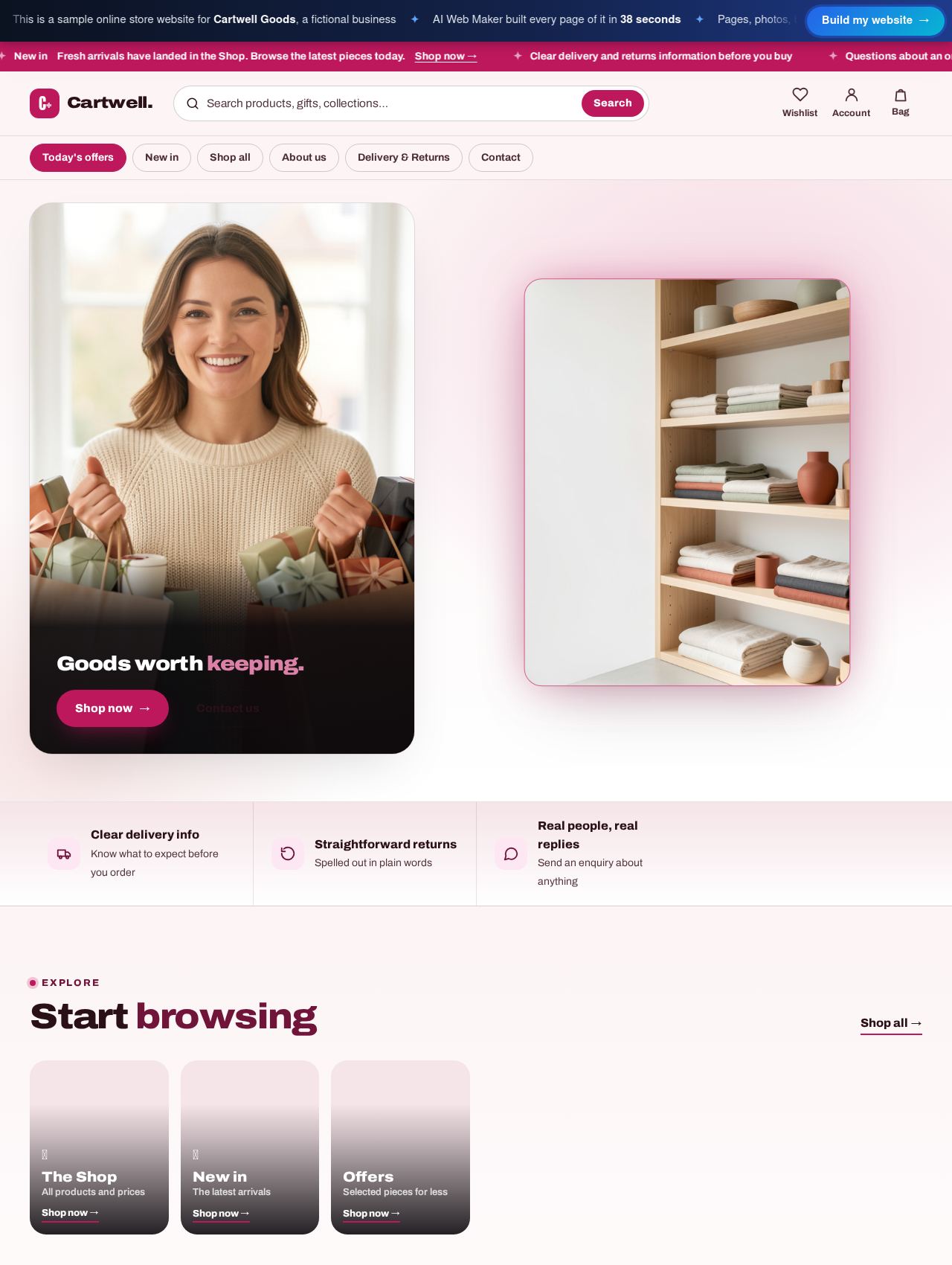 Online Store website example
Sample for Cartwell Goods, a fictional business
6 products in its shop →
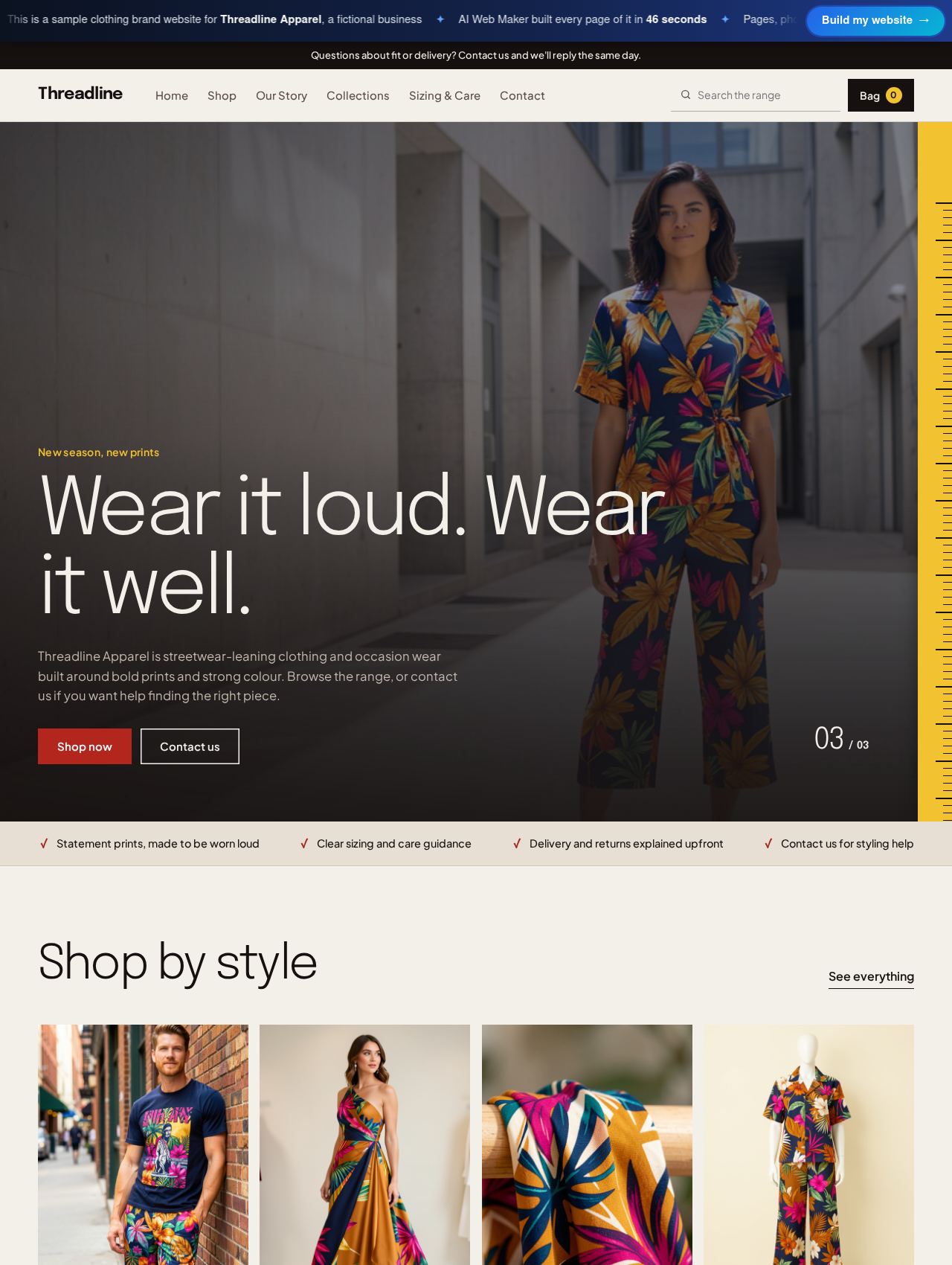 Clothing Brand website example
Sample for Threadline Apparel, a fictional business
6 products in its shop →
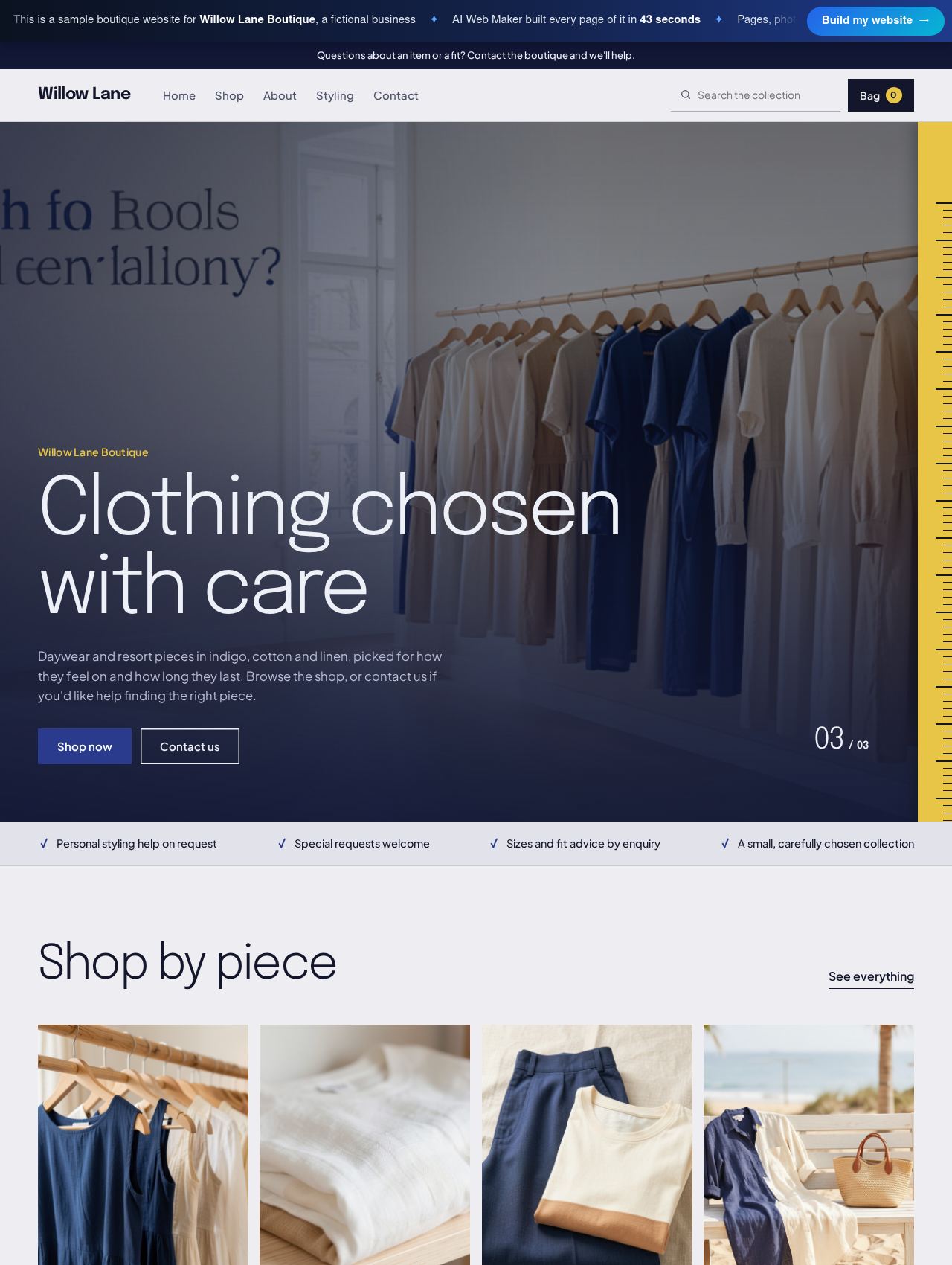 Boutique website example
Sample for Willow Lane Boutique, a fictional business
4 products in its shop →
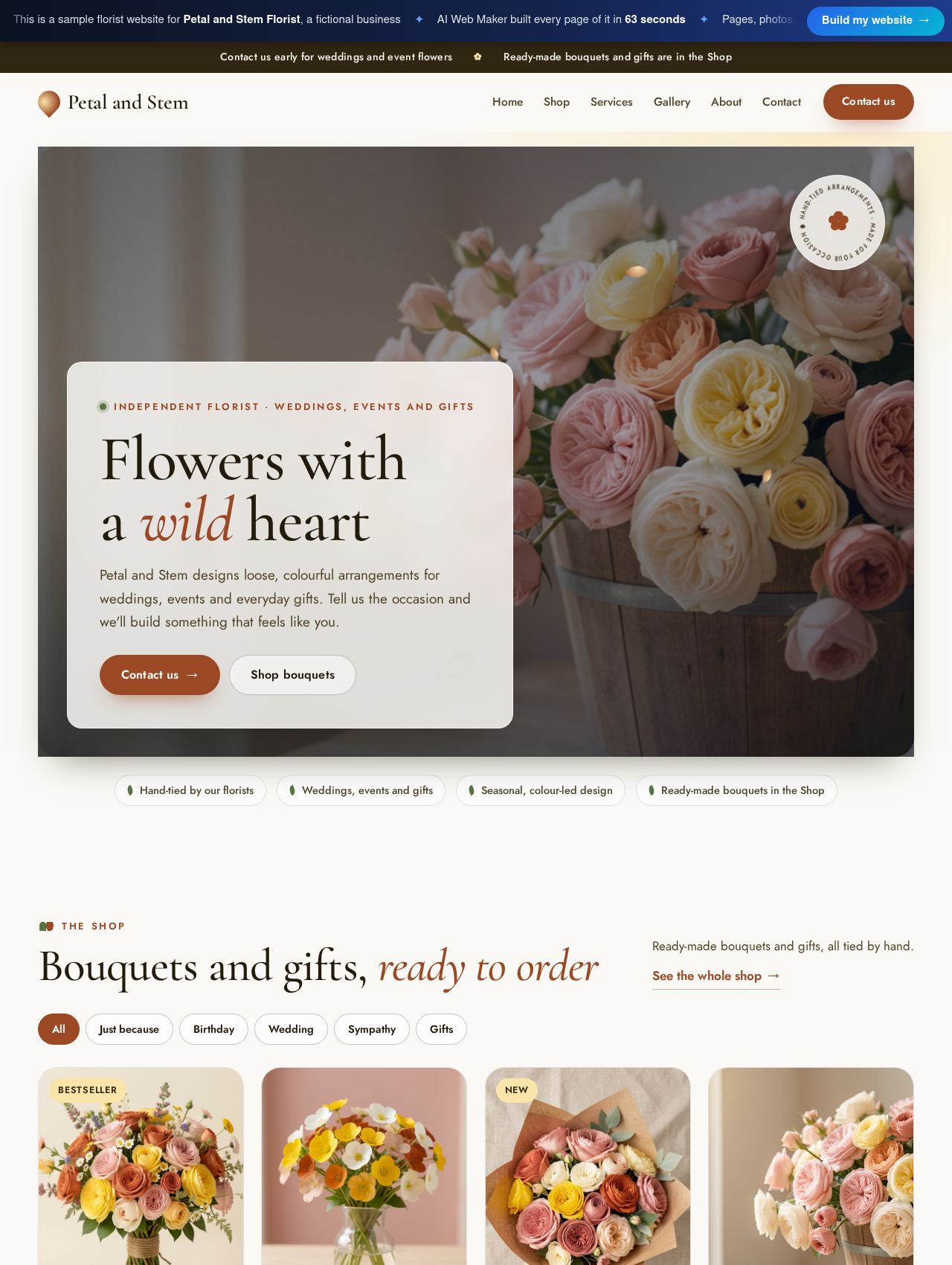 Florist website example
Sample for Petal and Stem Florist, a fictional business
8 products in its shop →
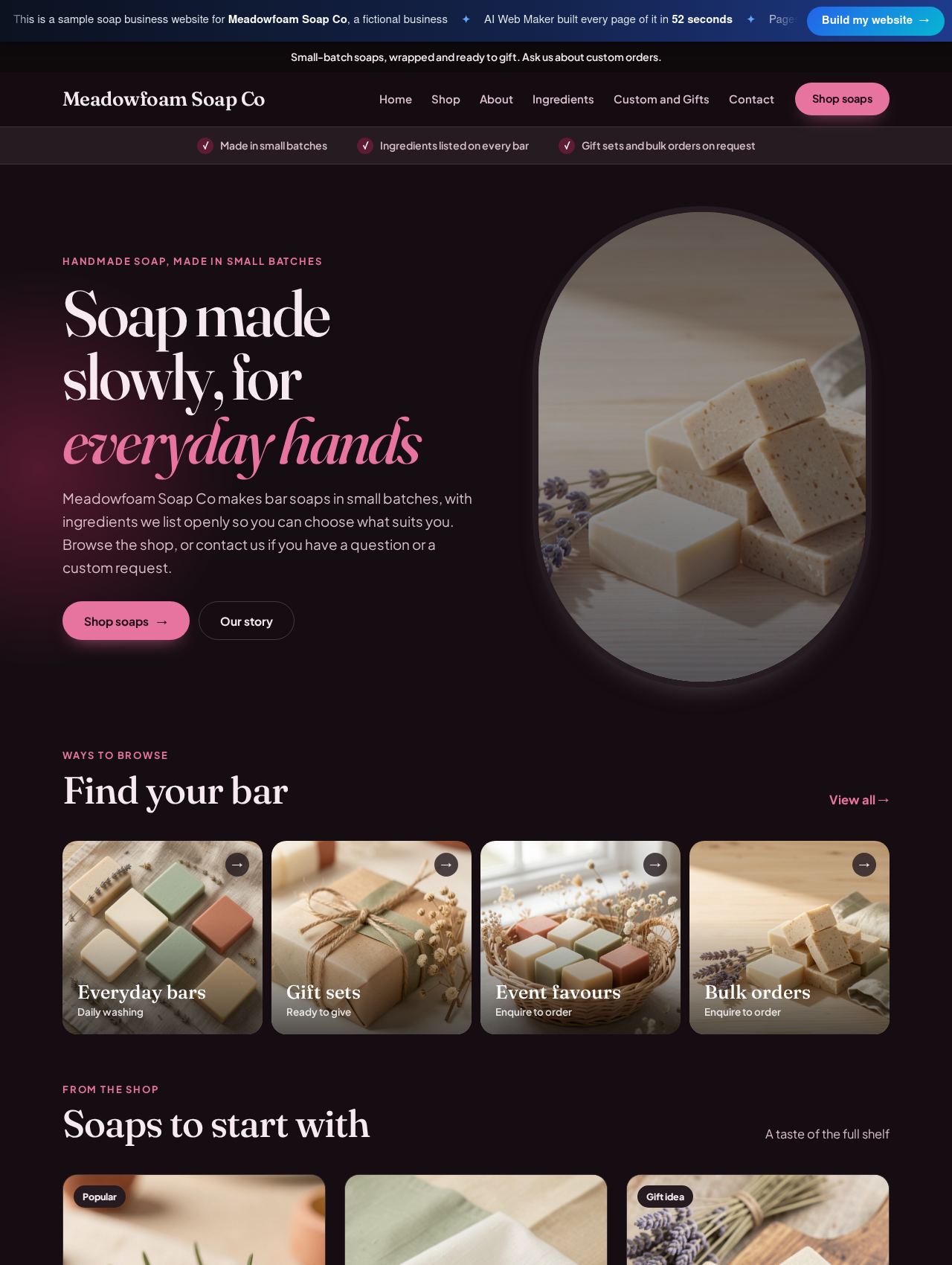 Soap Business website example
Sample for Meadowfoam Soap Co, a fictional business
4 products in its shop →
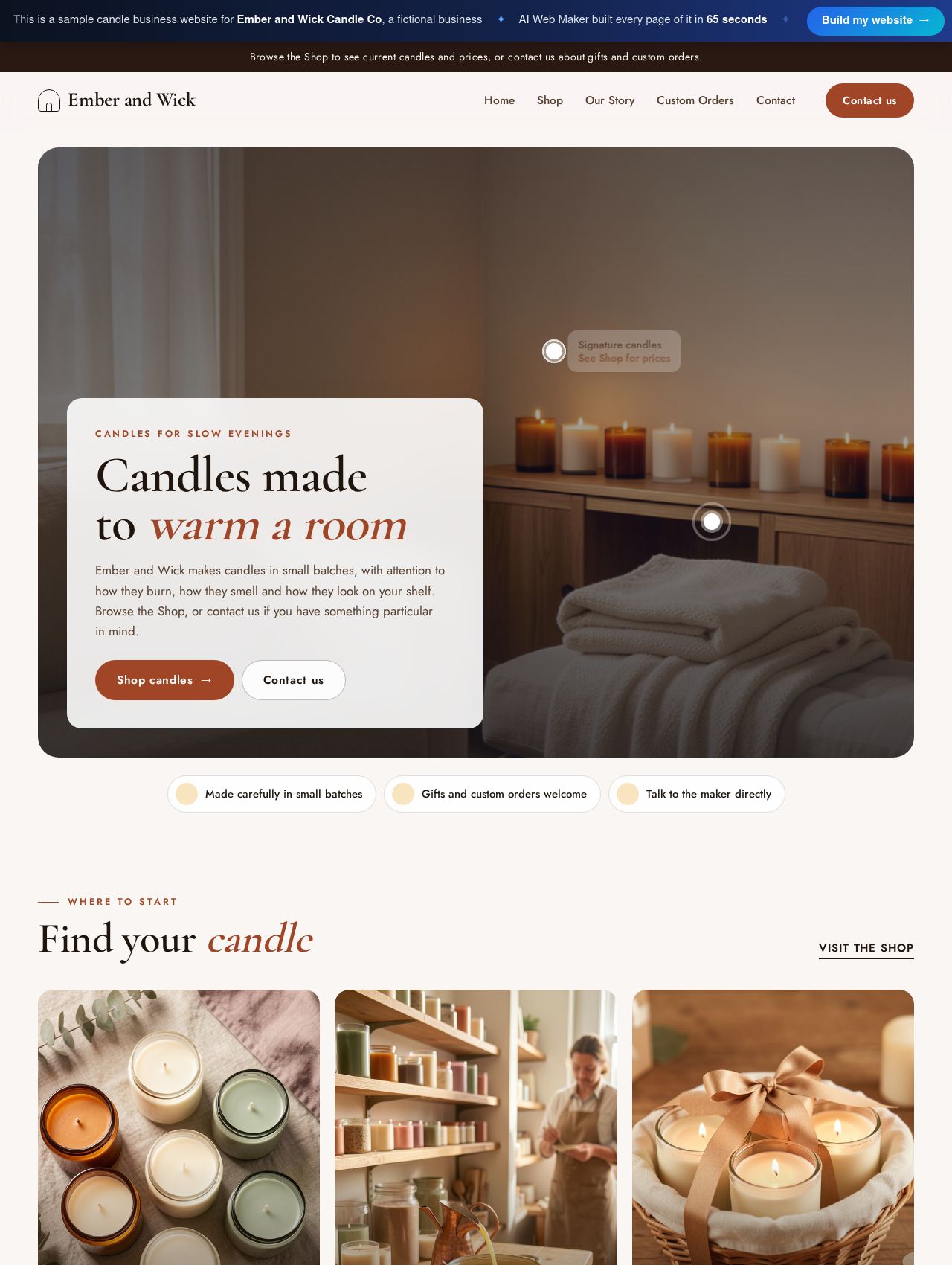 Candle Business website example
Sample for Ember and Wick Candle Co, a fictional business
3 products in its shop →
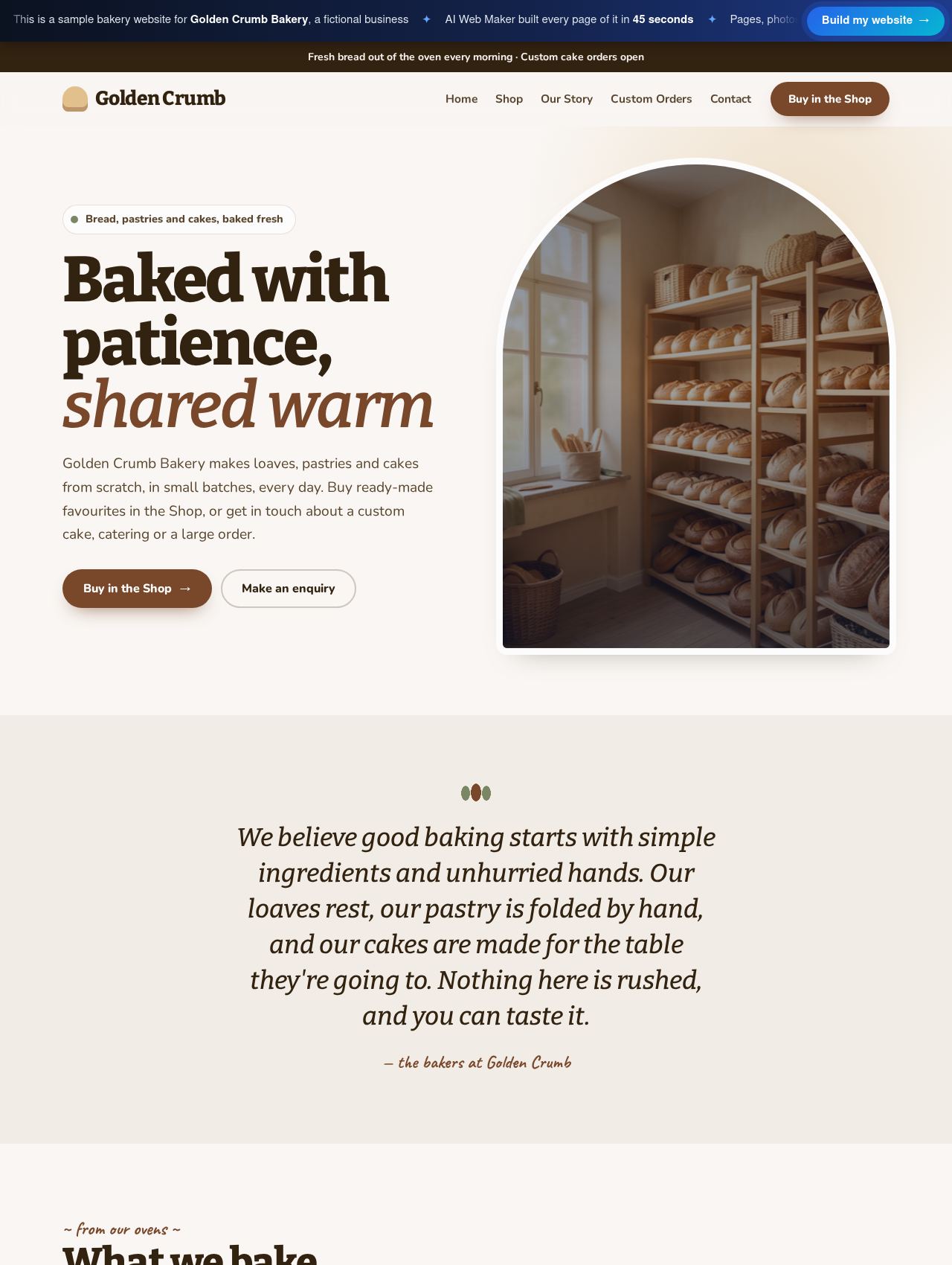 Bakery website example
Sample for Golden Crumb Bakery, a fictional business
5 products in its shop →
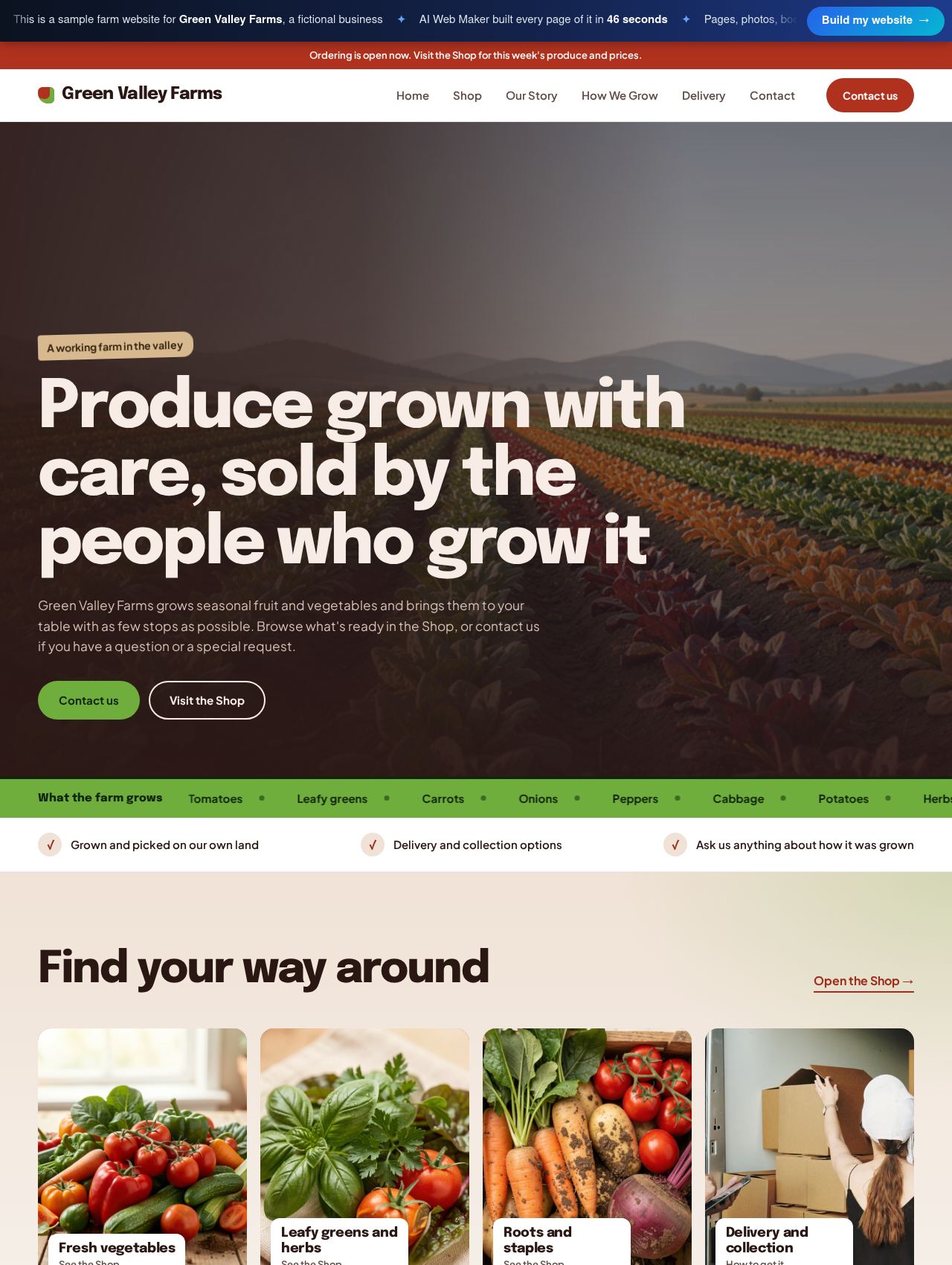 Farm website example
Sample for Green Valley Farms, a fictional business
4 products in its shop →
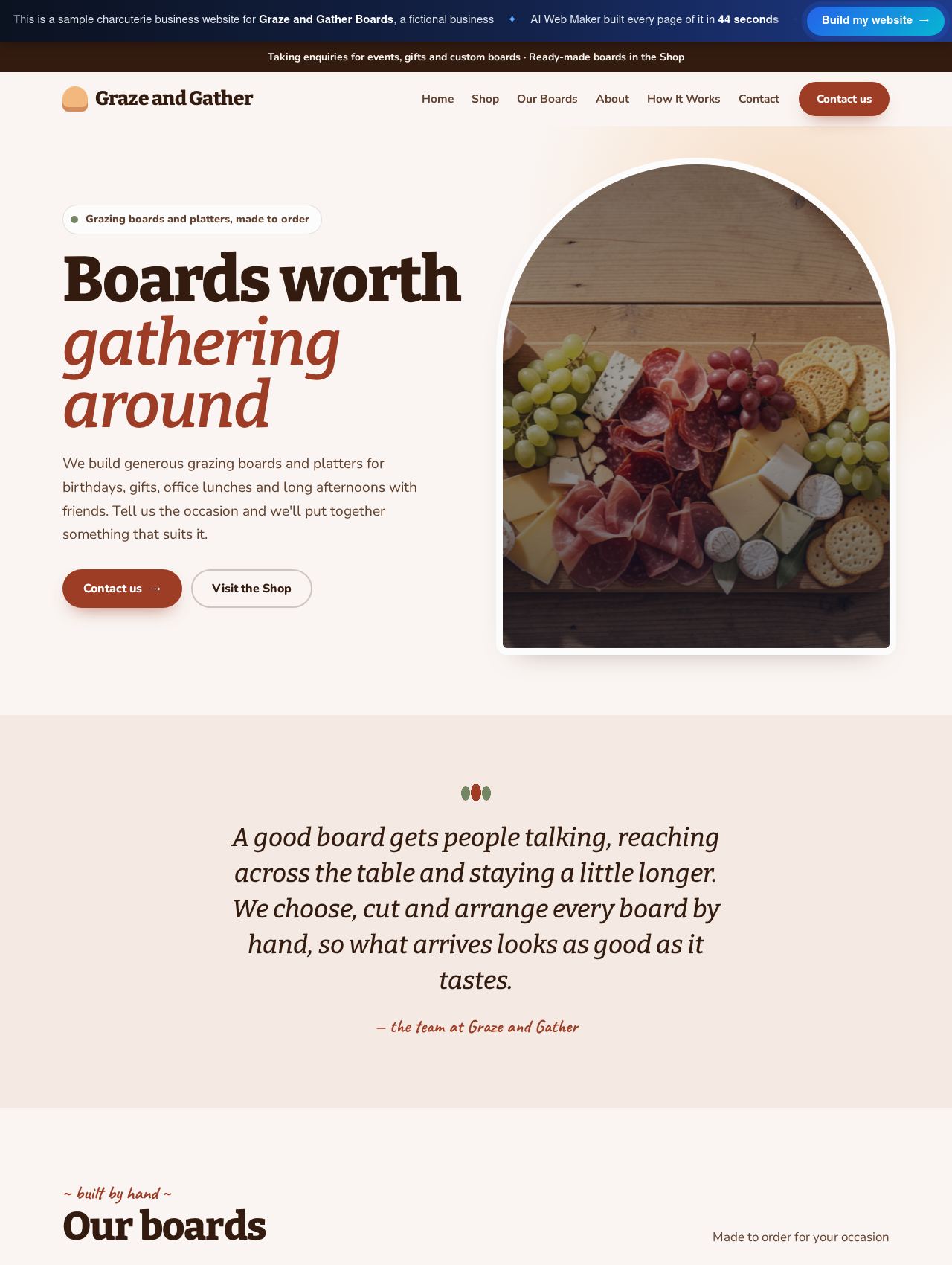 Charcuterie Business website example
Sample for Graze and Gather Boards, a fictional business
5 products in its shop →
Which pages help a new store earn trust?
A new store earns trust through the pages around the shop, since a stranger wants to know who you are and what happens after ordering. Our online store sample, for example, has a page on delivery and returns beside its shop, while the clothing brand sample adds sizing and care and the soap maker explains its ingredients. The builder chooses these pages from what you describe, so a candle maker gets a page for custom orders while a farm shop gets one about delivery. Clear policies cut down the questions that arrive by email and make a first order feel safe. You can rewrite any of these pages in the editor, and you can add your own photos of the products, the workshop or the team. Together, these supporting pages turn a list of products into a shop that strangers are willing to buy from.
How does the store look different for each kind of product?
Each store looks different because the builder chooses its design from more than 140 templates, matching the look to what you sell. Fashion labels, jewellers, florists, bakeries, wine shops and electronics sellers each have designs made for them, so a clothing brand does not end up looking like a farm shop. The words follow the same logic, since the builder writes product descriptions and page copy in the tone your kind of customer expects. Photos are chosen to suit the products and the brand, and you can replace any of them with your own pictures whenever you like. If a section does not suit your store, you can reword it, move it or remove it in the editor without rebuilding anything. The result is a shop that fits its products from the first preview rather than a generic template waiting to be customised.
What happens when a customer places an order?
When a customer places an order, the store saves exactly what was chosen, including the options, the delivery fee, the discount and the customer's details. The customer sees the same subtotal, delivery and discount on screen before sending the order, so there is no surprise at the end. You then confirm the order and arrange delivery or collection in the way your business already works. Because the products and prices live in your account, a sold out item or a new price can be changed in a minute and published straight away. Discount codes can be added for a launch or a season and removed when the offer ends. This keeps the day to day running of the store in your hands rather than in a developer's queue.
What does an AI built online store cost?
Building and previewing an online store on AI Web Maker cost nothing, and going live starts at $119 a year or $19 a month in hosting. The domain name is paid for on top of that, at a price set by the ending you choose. That price puts the whole website online at once, so the shop, the product pages, the checkout and the supporting pages all launch together. With roughly 400 endings in stock, the address can match your brand and your market. A second plan at $189 a year is also available, and the plans page compares what each plan includes. Should you want the AI to write extra articles about your products later, those are paid with credits priced near $0.65 apiece.
Guides for building and running an online store
There is no single winner. The right builder depends on your catalogue, your checkout and the channels you sell through, so the first step is knowing what your shop needs...
The fastest route from products to a first order: decide how you will take payment, let an AI builder draft the pages, make them accurate and launch in a way Google can f...
An AI website builder with a built in store covers more of a shop than many owners expect, and less than some hope. Here is where the line sits, which shops fit on each s...
The plan price is only one line of the bill. Here are the fees ecommerce builders and payment providers charge, where each one shows up and how to compare the full yearly...
Learn how to build an online store website in the right order: products, delivery and returns, checkout, trust, accessibility and local search, with a live sample store t...
Learn which pages a clothing brand website needs, what each must say about sizes, fabrics, delivery and returns, and how to build and launch it with AI Web Maker.
SEO for online stores works page by page: each product needs a title, photos, price, stock and policy details Google can read. Here is what to fix first, and how to measu...
Start your shop from a short description
Tell us your store's name and what you sell, ideally with a few products and their prices. From that, the builder fills the shop, picks the design and writes every page, so a preview appears within minutes. You see the whole store before any decision about money, because building and previewing are not billed. Once it looks right, pick a domain and a plan to open the store to customers. Prefer to hand over the last steps? Our team will take the store live on your behalf.
Frequently asked questions
Can a store sell products with sizes or colours?
Products can carry options such as size, colour or scent, and the customer chooses them before adding the item to the bag. The chosen options travel with the order, so you know exactly what to pack. Each option is set on the product in your account, and you can change the choices whenever your range changes. A product without options simply shows its price and a button to add it to the bag. One product page can therefore cover every variation instead of listing each size as a separate item.
Can customers use a discount code at checkout?
Customers can enter a discount code at checkout, and the store checks it before the total is shown. You create the codes yourself, for example for a launch, a holiday or an offer for returning customers. A code that is not valid is refused with a clear message, so nobody pays the wrong amount. The discount appears as its own line beside the subtotal and the delivery fee. Codes can be removed as soon as an offer ends, which keeps old promotions from lingering.
How is delivery charged?
Delivery is charged as a fee that the checkout adds to the order, and the customer sees it before sending the order. You set the fee in your store settings, so it matches what delivery actually costs you. Shops that also offer collection can explain it on a delivery page, as the online store and farm samples do. Changing the fee later takes a moment and applies to new orders. Clear delivery terms are one of the main reasons a first time buyer completes an order.
Is technical skill needed to run the store?
You do not need technical skills, because the builder sets up the shop, the product pages and the checkout during the build. Adding a product means typing its name, price, description and options, then adding a photo. Price changes and new products are handled the same way, without code or plugins. If you get stuck, the website guide in the editor explains each step, and our team can take the store live for you. Most owners spend their time on photos and product descriptions rather than on setup.
More ways to build with AI Web Maker
Updated 3 November 2026 · by AI Web Maker. The sample businesses are fictional; their people, prices and reviews are invented to show what a real website holds.