 AI Web Maker
Build a restaurant website with AI
A restaurant website has one job above all others, which is to make a hungry stranger confident enough to book a table or walk through the door. AI Web Maker drafts that website from a short description of your place, writing the menu pages, the opening hours, the story of the kitchen and directions to find you. Guests send a table request by picking a day and a time, and you accept it, offer another slot or turn it down. Private dining, parties and catering go through an enquiry form, so larger jobs arrive with the facts you need for a quote. The builder fills each page with photos, which you replace with pictures of your own dishes and dining room. Building and previewing cost nothing, so every page can be checked through a guest's eyes before you decide anything. The sections below cover menus, tables, allergens and events, then the samples and the price of going live.
What does a restaurant website need before anyone books a table?
Before booking, a guest wants four answers: what you serve, what it costs, when you are open and where you are. The builder drafts pages for each, starting with the menu, then a page about the kitchen or the family behind it, and a contact page with the address and hours. A coffee shop needs a lighter version with breakfast, lunch and drinks set out plainly, while a bar or brewery wants the drinks list and coming events near the top. Mention the cuisine, the mood of the room and your usual guests in your description, since the builder takes its cue from them. These basics matter more than any clever feature, because a guest who cannot find the hours tends to book elsewhere.
Opening hours deserve special care, because they change for holidays, seasons and private events more often than any other detail. Show them where a guest looks first, on the contact page and near the top of the home page, and say plainly if the kitchen closes before the bar. A food truck has a harder version of the problem, so a short page listing this week's stops does the work that fixed hours do for a restaurant. Bakeries and ice cream shops often keep different summer and winter hours, and one clear line about it saves wasted journeys. When the hours change, a quick edit and a publish bring the website up to date. Accurate hours are a small promise to every guest, and keeping it is how a first visit becomes a habit.
Restaurant, cafe and bar samples to browse
Each sample in this section is a complete website for an invented food business, open to browse as a hungry guest would. The set starts with a restaurant and moves through a coffee shop, a pizzeria, a bar, a bakery, a food truck, a brewery, a caterer and an ice cream parlour. Notice how each one names its menu, where it places the hours and how it asks for a table or an enquiry. The names, dishes and prices are made up, so read the samples for structure rather than facts. Choose the one nearest to your own place and note what you would keep or change. That short list makes an excellent start for the description you give the builder.
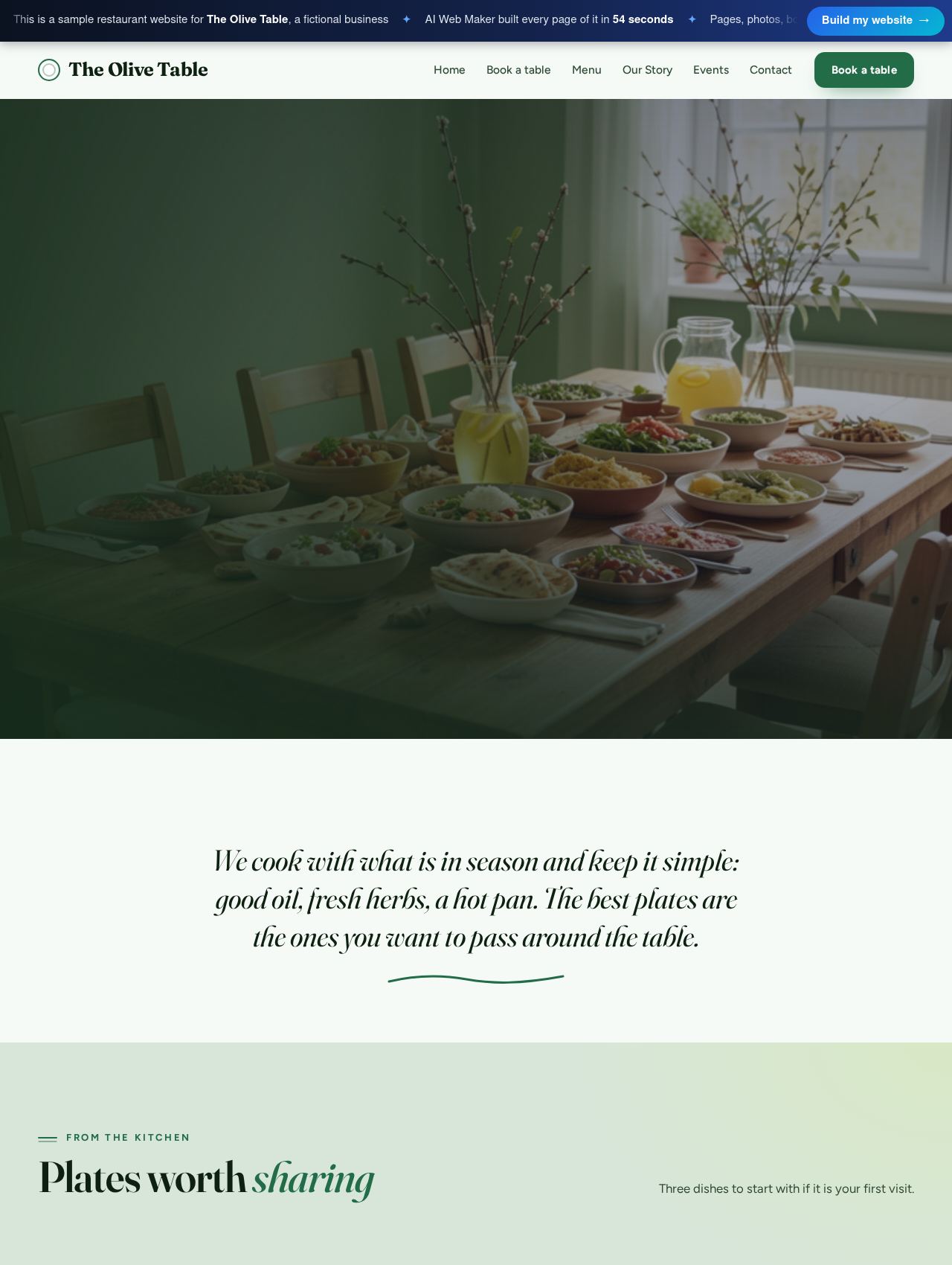 Restaurant website example
Sample for The Olive Table, a fictional business
Take a look inside →
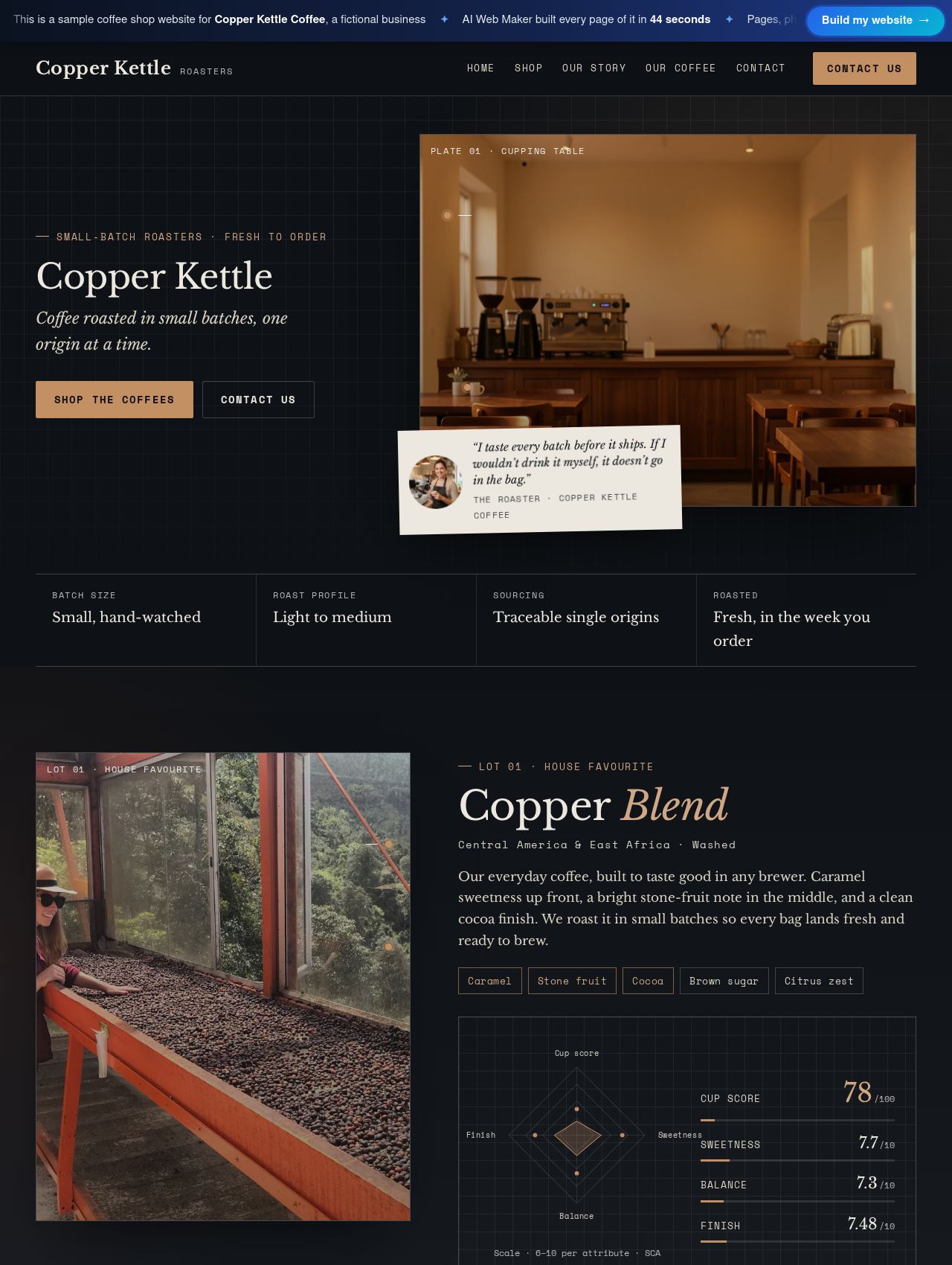 Coffee Shop website example
Sample for Copper Kettle Coffee, a fictional business
Take a look inside →
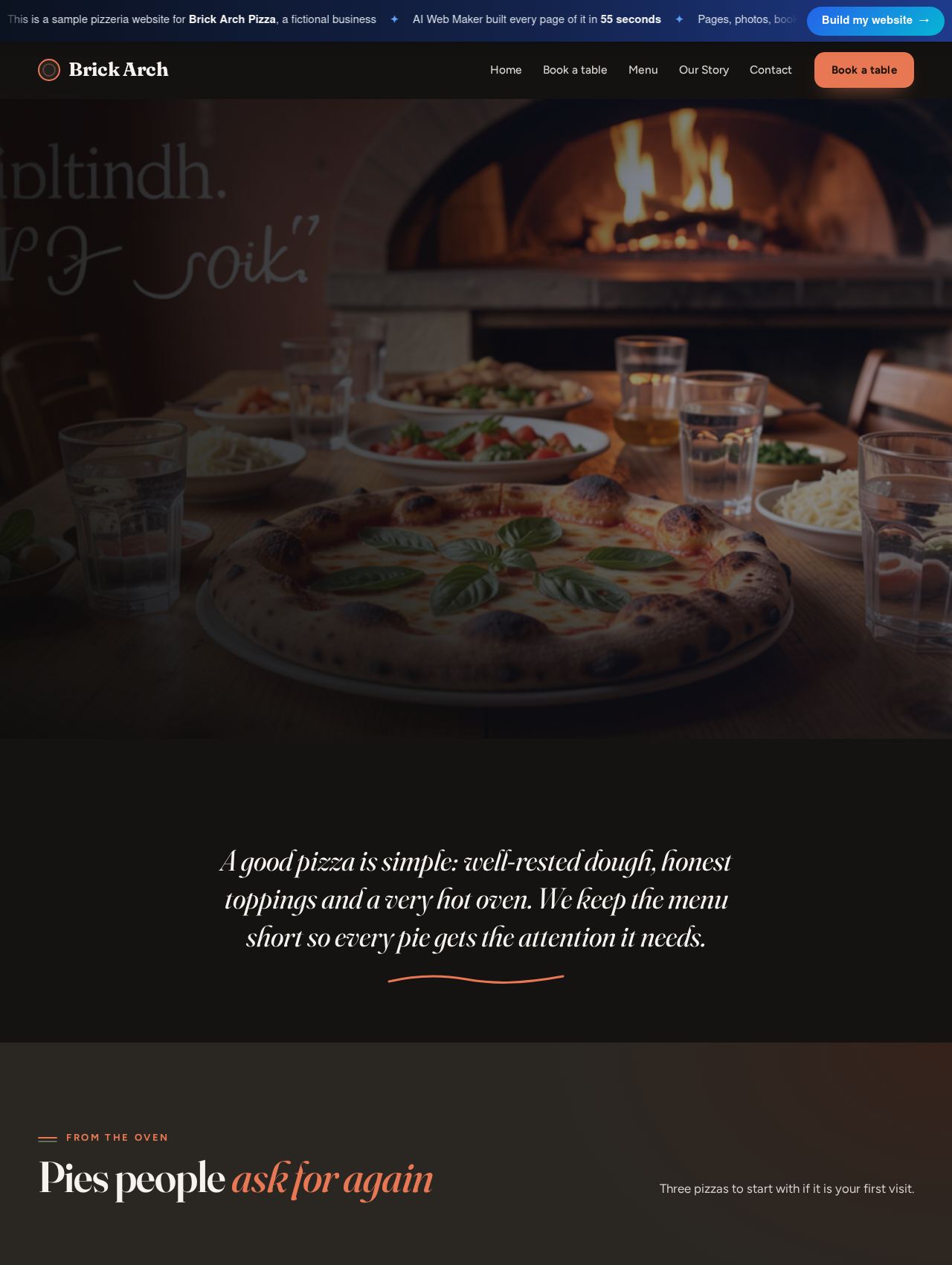 Pizzeria website example
Sample for Brick Arch Pizza, a fictional business
Take a look inside →
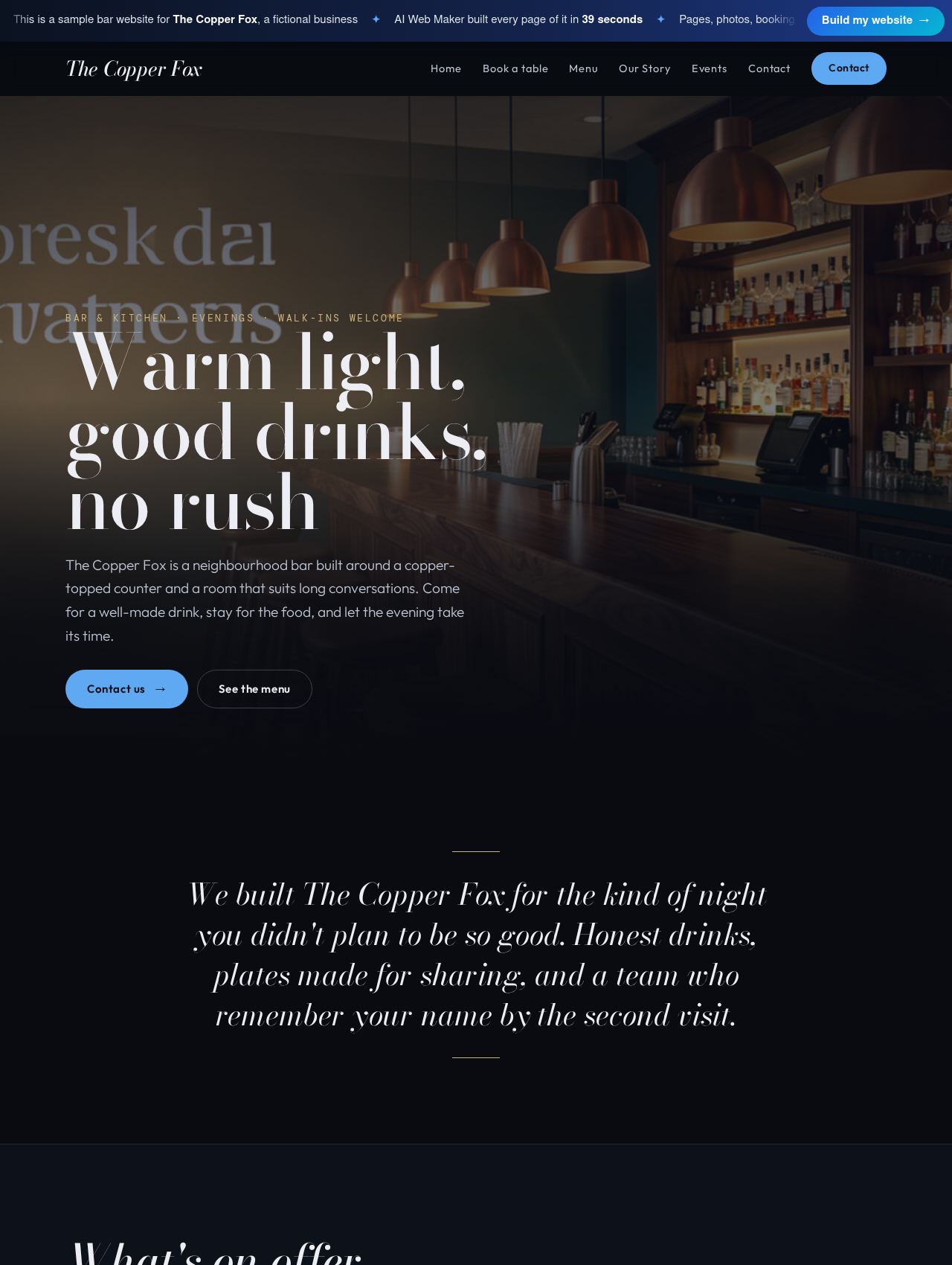 Bar website example
Sample for The Copper Fox, a fictional business
Take a look inside →
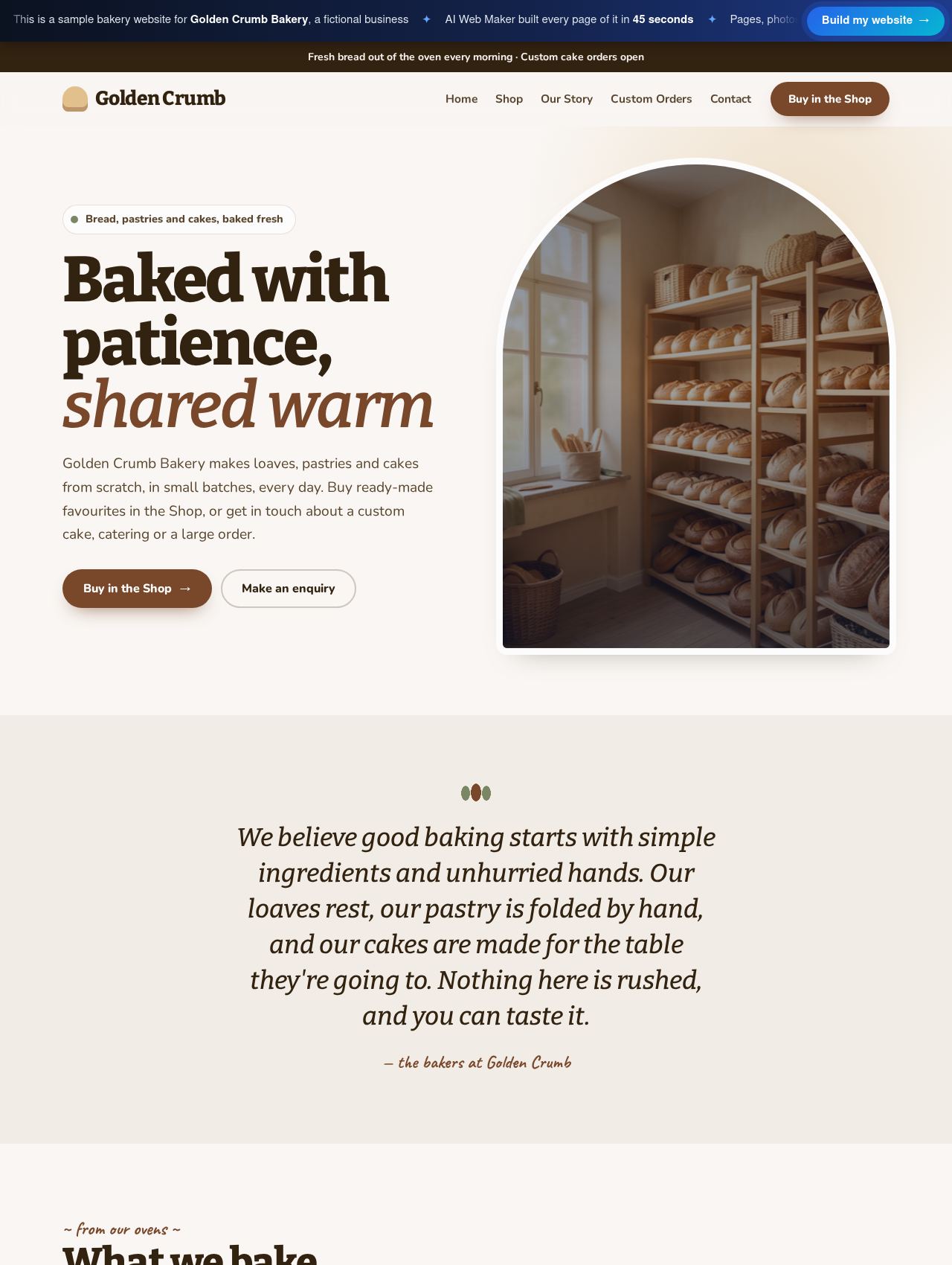 Bakery website example
Sample for Golden Crumb Bakery, a fictional business
Take a look inside →
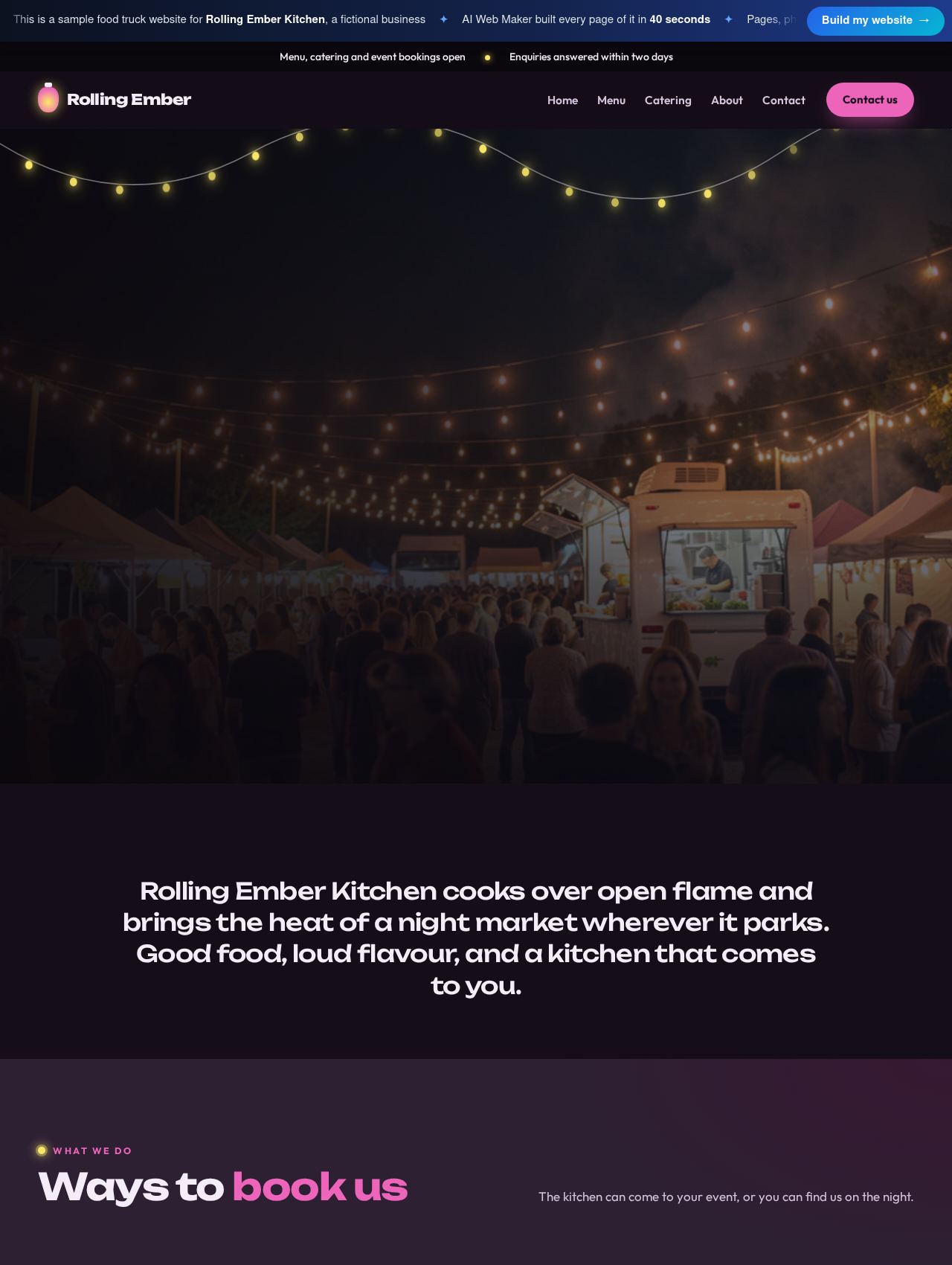 Food Truck website example
Sample for Rolling Ember Kitchen, a fictional business
Take a look inside →
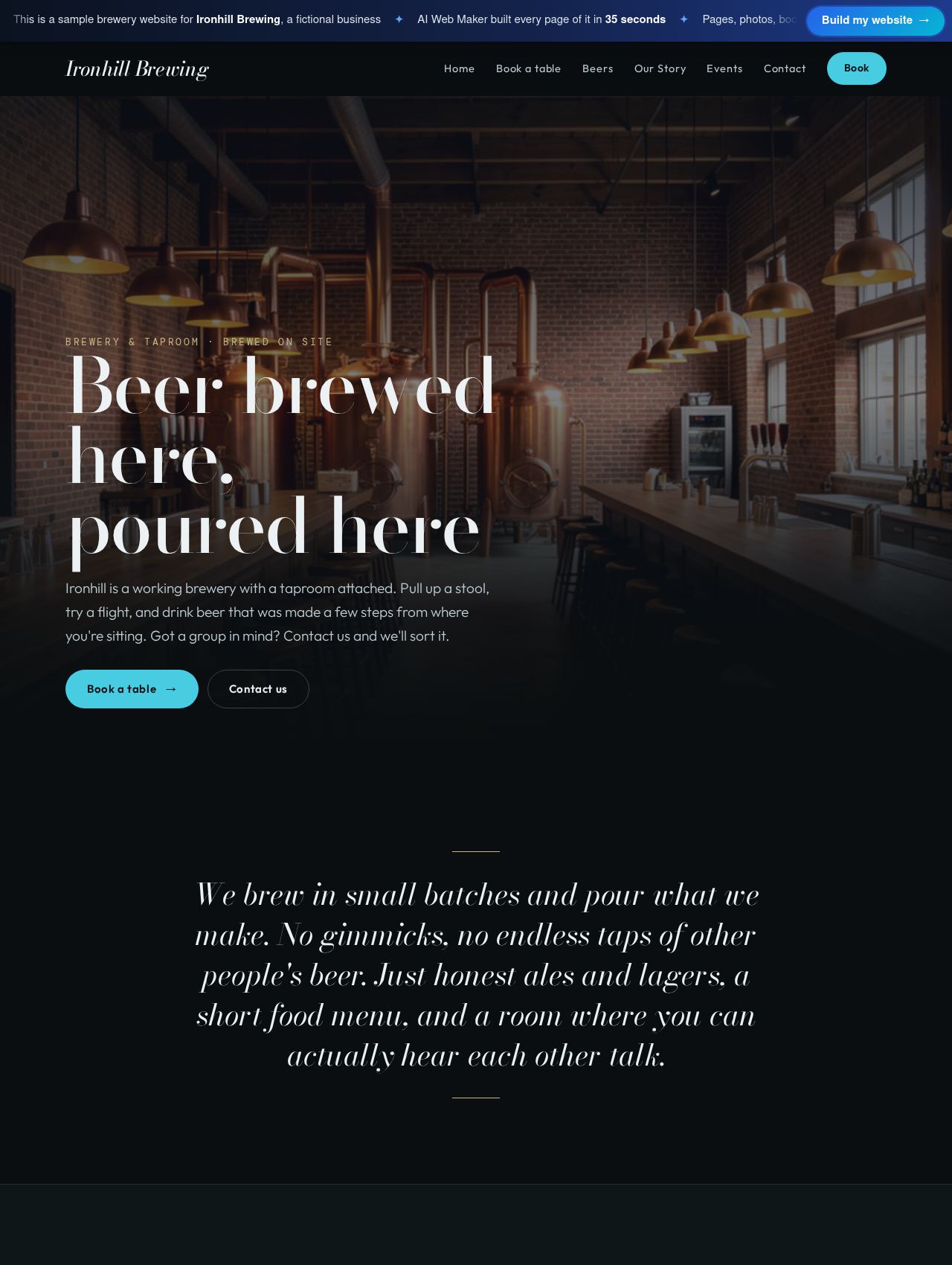 Brewery website example
Sample for Ironhill Brewing, a fictional business
Take a look inside →
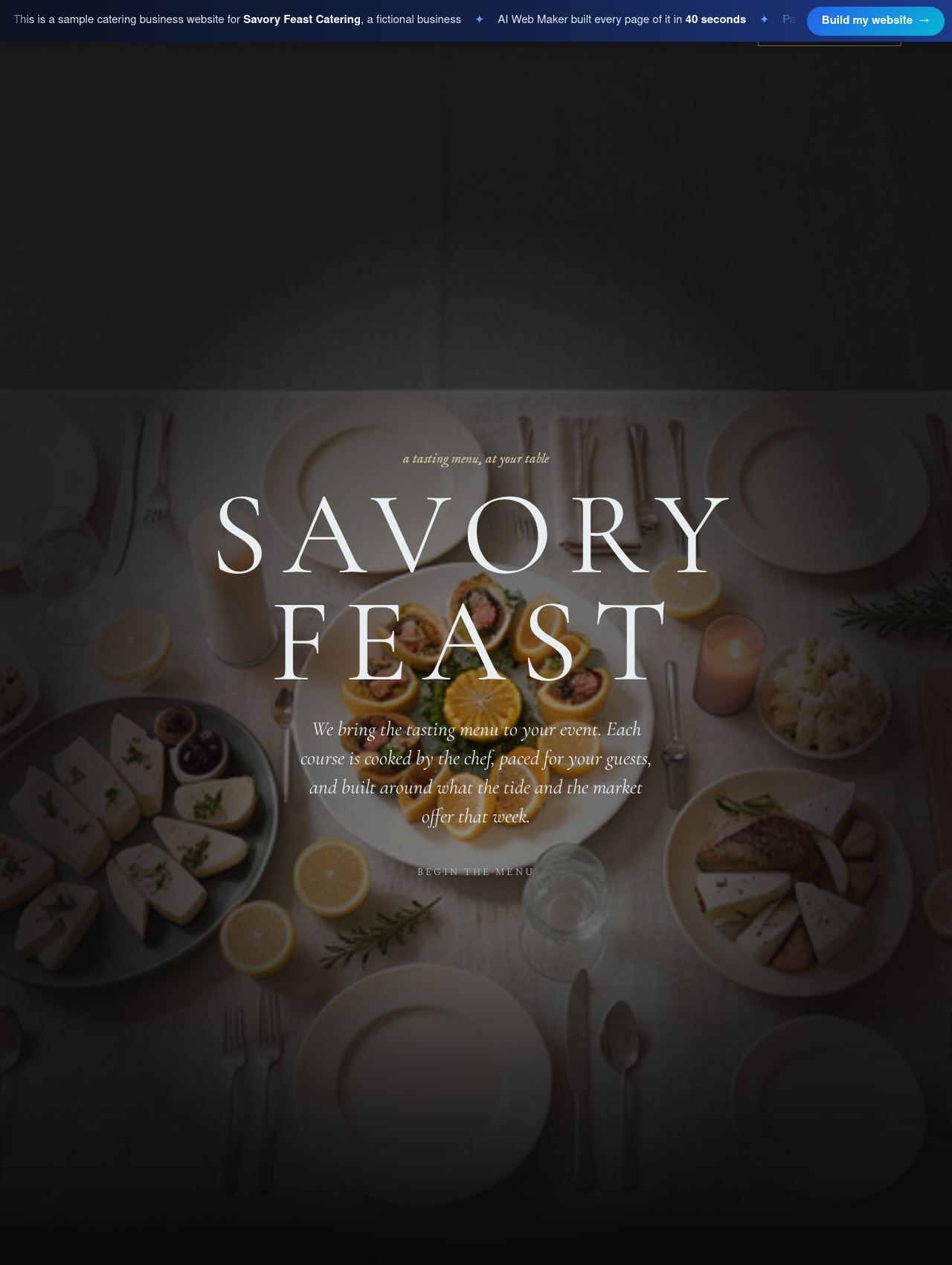 Catering Business website example
Sample for Savory Feast Catering, a fictional business
Take a look inside →
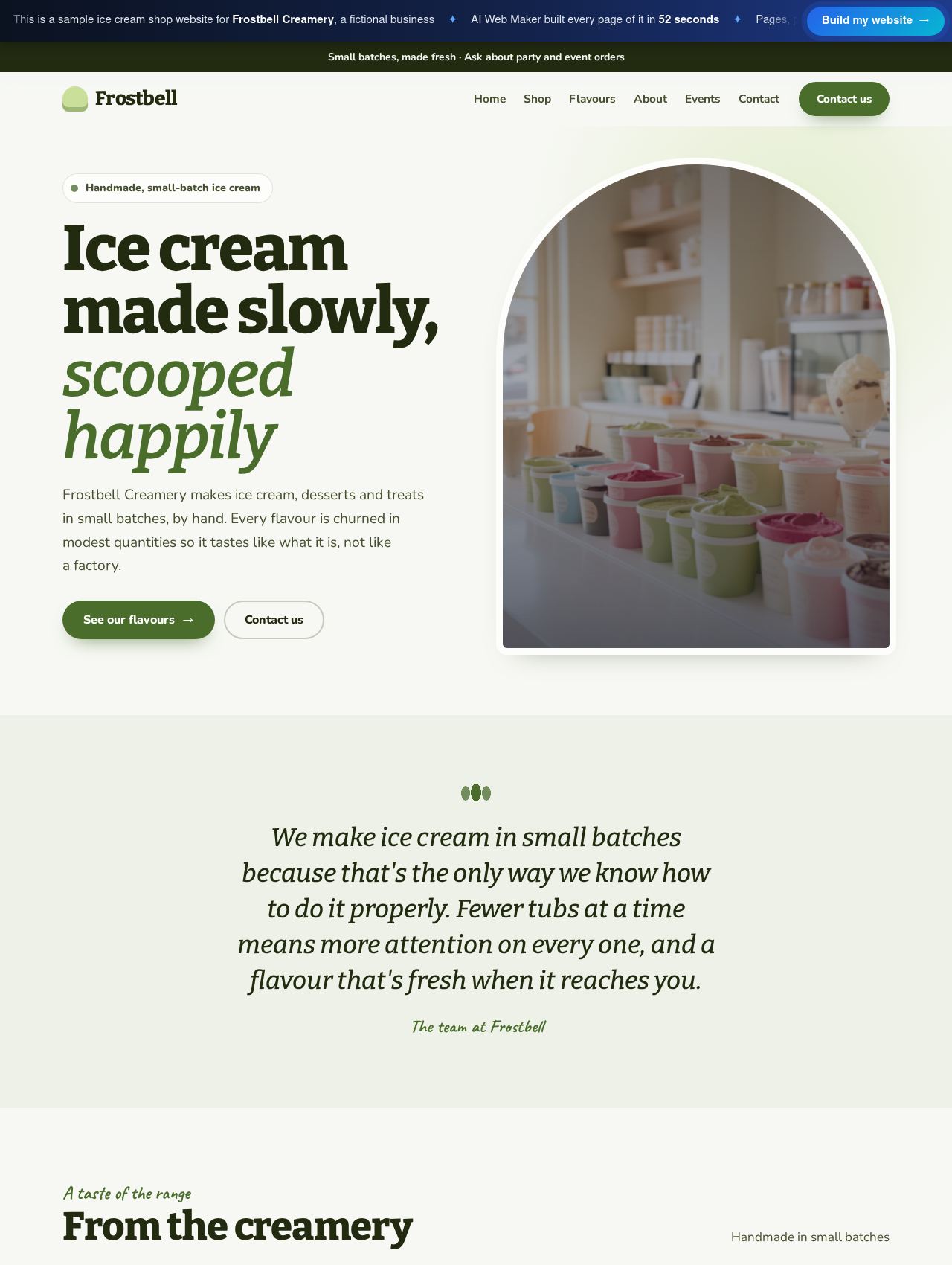 Ice Cream Shop website example
Sample for Frostbell Creamery, a fictional business
Take a look inside →
How do table bookings work on a restaurant website?
Table bookings arrive as requests, which suits restaurants because the person running the floor still decides how the room fills. A guest opens the booking page, picks a day and a time, adds a name and contact details, and sends the request. It waits in your account, where you accept it, suggest another time or turn it down when the room is full. You can list more than one kind of table, such as the dining room, the counter or the terrace, each with a short description. Any table type can be renamed or removed as the room changes. The floor plan therefore stays in your hands while the website gathers requests through the evening.
Deposits and no shows worry every busy kitchen, and the website leaves the money side entirely to you. AI Web Maker takes no cut of any booking, and payment is arranged directly between you and your guests. Some restaurants ask for a deposit on large tables and send instructions with the confirmation, while others settle everything when the bill arrives. Whatever your rule, write it on the booking page in plain words, with how long a table is held and how far ahead groups should ask. Guests who read the terms first are far less likely to dispute them later. A short, honest booking policy protects the evening for you and for the people who turn up.
How should a menu and allergen information appear online?
Menus work best online as pages of real text rather than a photo of the printed card, because text reads easily on a phone and search engines understand it. The builder sets out each menu as a page, grouped into sections such as starters, mains, desserts and drinks, with a line of description and the prices you supply. A coffee shop might split its menu into coffee, tea, pastries and lunch, while a caterer shows sample menus for weddings or office lunches. When a dish changes, you edit that line and publish, so the online menu never drifts from the kitchen. Kept as live text, the menu becomes the page that does most of the persuading.
Allergen information needs more care than any other text on a food website, because the rules behind it vary from country to country. In the European Union and the United Kingdom, for example, food businesses must be able to tell guests about a fixed list of major allergens, while other countries use different lists. You can add an allergen note to the menu page and mention allergens in dish descriptions, but the wording must come from your own recipes and local rules. Ask guests with allergies to speak to staff before choosing, and say so clearly on the menu. Check the notes whenever a supplier or recipe changes, because an outdated note can mislead someone who relies on it. Treat this wording as part of food safety, and confirm your local requirements before publishing.
Can the website handle private dining, events and catering?
Larger bookings need a conversation before a price, so an enquiry form for private hire, parties and catering can sit beside the table bookings. In the words above the form, invite people to mention the date, the number of guests, the occasion and a rough budget. A catering business can lead with this form, since nearly every job is quoted, while a restaurant with a private room gives that room a page of its own. Breweries and bars that host quizzes, tastings or live music can keep a simple events page for regulars. Cake makers and cookie bakers handle custom designs the same way, through an enquiry giving the design, the date and the guest count. Handled like this, the bigger jobs reach you as clear requests instead of scattered messages.
Photos persuade diners faster than words, and for events the room and the table settings matter as much as the plates. The builder places images on every page so the layout is complete, and you replace them with photographs of your own food, staff and space in the editor. Real dishes shot in daylight, close up and without heavy filters tend to look more appetising than polished stock images. A gallery page can show the private room set for dinner, a wedding buffet or the truck at a weekend market. Keep every photo honest, because a guest served a different plate from the one online will remember the gap. Your own pictures, even ones taken on a phone, make the strongest case for booking.
How much does a restaurant website cost?
A restaurant website costs $119 a year or $19 a month in hosting once it goes live, and building and previewing cost nothing before then. The domain name is bought on top, priced by which of about 400 endings you choose, from a country ending to a familiar dot com. There is also a $189 yearly plan, and the plans page lays out how the two compare. Table requests and enquiry forms come with the website, and no share of any booking goes to AI Web Maker. Should you want fresh pages written by the AI later, such as one for a new tasting menu, that writing is paid in credits costing around $0.65 apiece. Taken together, the cost of running the website stays plain and predictable.
Guides for restaurants, cafes and bars
A guide for restaurant owners: what a website costs each year, which pages diners expect, how to write a menu for phones, run table requests, sell private dining and appe...
For coffee shops and cafés: the yearly website cost, who visits a café website, menus with milk options and prices, selling beans online, sourcing stories and brew guides...
For pizzerias of every style: the yearly website bill, how diners pick a pizza place, menus that read well on phones, table requests, collection orders, dough and oven st...
For bars and cocktail lounges: the yearly website cost, how groups choose a bar, booth and table rules, private hire, a drinks list with allergens, door policy and age ch...
For bakeries: the yearly website cost, who buys from a bakery online, daily bake schedules, celebration cake request details, lead times and pricing, allergen information...
For food trucks and mobile kitchens: the annual website bill, the people who look a truck up, catering requests, pricing models for events, pitch, power and access, permi...
For craft breweries: the yearly website cost, who travels to a taproom, tour and tasting slots, brewhouse safety, a beer list by style and strength, takeaway and alcohol...
For caterers: hosting costs per year, how planners compare kitchens, menus and service styles, tasting and planning requests, allergens and food safety, how quotes are bu...
Describe your restaurant and preview the website
Tell us the name of your place, the food you serve and the hours you keep, adding a few dishes with prices if they are to hand. From that, the builder drafts the menu pages, the booking page and the rest of the website, then opens a full preview. Read it as a guest, swap the photos for your own dishes and correct anything that is not quite right. Nothing is billed while you build and preview. When it reads well, pick your domain and plan, and the restaurant is open online.
Frequently asked questions
How often can the menu on the website change?
The menu can change as often as your kitchen does, because every dish, price and description is plain text that you edit in your account. A weekly special or a new dessert takes a short edit and a publish, with no designer involved. Many restaurants keep one standing menu and add a separate page for specials or a seasonal set menu. When the season ends, that page comes down and the main menu stays untouched. A website in step with the kitchen spares your staff from explaining missing dishes.
Will the restaurant show up on maps and in local search?
Your website can be linked from the map listing you keep, so people who find you on a map can open the menu and the booking page. Search engines read the words on your pages, so naming the cuisine, the neighbourhood and the town helps them match you to nearby searches. Keep the name, address, phone number and hours identical on the website and every listing, since mismatched details make a business look closed or careless. Asking happy guests to review you on the listing builds trust over time. No website can promise a position in search, but a complete and consistent one gives you a far better chance of being found.
Does the website have to show allergen information?
Whether your website must show allergen information depends on where you trade, since each country sets its own food information rules. Some places expect allergen details wherever food is described to customers, while others focus on what staff tell guests in person. Your local food safety authority can tell you what applies, so check with it before launch. Even where the website is not covered, a clear note asking guests with allergies to speak to staff is good practice. You write and control every word of that note, so it can match your kitchen exactly.
What happens when a table request comes in for a night that is already full?
When the room is already full, you decline the request or move it to another time that works. Nothing is confirmed until you accept it, so the website cannot overbook the room on its own. Busy restaurants often write on the booking page that requests for the same evening are best made by phone. A note about how long a table is kept for late arrivals also helps on crowded nights. Used this way, the booking page fills the quieter nights while you stay in control of the busy ones.
Can a cafe, bakery or food truck use the same builder?
Cafes, coffee shops, bakeries, ice cream parlours and food trucks can all use the builder, and each gets pages suited to how it trades. A cafe tends to lead with its menu and hours, while a bakery may put its daily range and its cakes for special occasions first. A food truck usually needs a page showing where it will park each week and an enquiry form for private events and markets. You describe how your business works, and the builder drafts the pages around that description. The coffee shop, bakery, food truck and ice cream samples show how differently each can look.
More ways to build with AI Web Maker
Updated 4 November 2026 · by AI Web Maker. The sample businesses are fictional; their people, prices and reviews are invented to show what a real website holds.