How to Build a Website With AI: Step-by-Step for Beginners
This guide explains how beginners can build websites using AI tools. It covers AI website builders that automate design and content creation, reducing technical barriers. Learn about available platforms, their features, and steps to launch your site without coding experience or extensive design knowledge.
- No coding required
- Live in minutes
- Blog, SEO and chatbot tools included
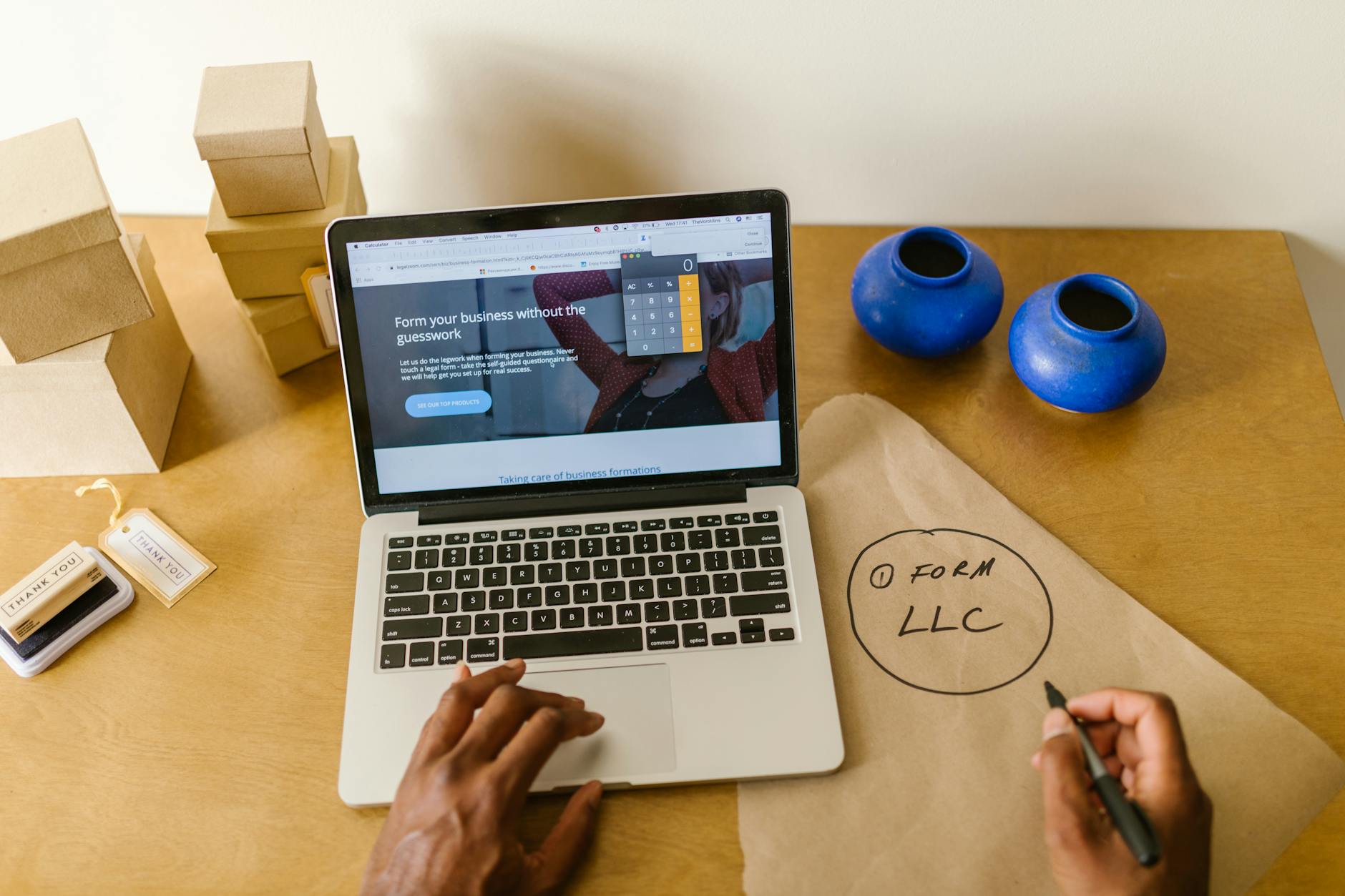
How to build a website with AI is a five-step job: you describe your business in plain words, the builder drafts the pages, layout and copy, you correct and personalise that draft, connect a domain and publish. Your time goes on checking facts and choosing photos, not on code or design.
This article is part of our complete guide: Best Tools to Build a Website.
- Google lists 4 setup steps for Search Console and suggests checking it about once a month, or after you change the site (Google Search Central).
- Google's Core Web Vitals targets are a Largest Contentful Paint within 2.5 seconds, an INP under 200 milliseconds and a CLS under 0.1 (Google Search Central).
- Adding a business to Google takes 4 steps on Google's own help page, at no charge (Google Business Profile Help).
- On AI Web Maker, building and previewing cost nothing; going live is $119 a year of hosting, the domain is paid separately and AI work uses credits of about $0.65 each.
What does building a website with AI actually involve?
Building a website with AI means answering questions about your business and letting the builder turn the answers into a complete first draft. You then edit that draft rather than starting from a blank page.
The process starts with the builder learning about your business before it creates a single page. You say what industry you are in, which services you offer, where you work and who your customers are. The builder uses those answers to decide which pages you need, how each one is structured and what the design should put first.
A plumber and a wedding photographer end up with very different sites, because their visitors want different things. The plumber's visitors want a phone number, a service area and proof of reliability, while the photographer's visitors want a gallery and a way to check dates. Choosing that structure from your answers is the part a template gallery leaves to you, and it is where an AI builder saves the most time.
The draft includes a homepage, a services section, an about page and a contact page, each with copy that reflects what you told it. That copy is a starting point built from your own information, not filler text to delete. You still read every line, because only you know whether a claim is accurate, a service is current or a phrase sounds like the way you talk to customers.
What do you need before you start?
You need your business name, a clear sentence about what you do, your contact details and a few honest photos. No technical preparation is required, and nothing has to be written in advance.
The business information is the raw material the builder works from, so the more specific you are, the closer the draft gets to your real business. "Emergency plumbing and boiler repairs across the north of the city, seven days a week" gives the builder far more to work with than "plumbing services". A list of your main services, your opening hours and the areas you cover will save several rounds of editing later.
Photos matter more than most first-timers expect. Pictures of your own work, premises or team build trust in a way stock images cannot, so gather four to six good ones before you begin. A logo helps too, but the site can go live without one and you can add it later.
A domain name is the last thing worth thinking about early, because it is your address on the internet. A short domain that matches your business name is easier to remember and to trust. If you have not chosen one yet, the AI domain name finder suggests options to check, and on AI Web Maker the domain is paid for separately from hosting.
How do you build the site, step by step?
Describe the business, review the draft, add your own details and photos, connect your domain and publish. Each step is guided, and none of them needs code.
- Describe your business in your own words: what you do, for whom, where and how people should contact you.
- Review the draft page by page, correcting facts and sharpening headlines that do not sound like you.
- Add your logo, colours and photos so the site looks like your business rather than a sample.
- Connect your domain, or keep a preview address while you decide.
- Check the site on a phone and a computer, then publish.
The first step works best as a short conversation rather than a form. Write the way you would explain your business to a new customer on the phone, including what makes you different and what you want visitors to do. The builder interprets plain language, so there is no need for marketing terms.
Reviewing is where your judgement counts. Most owners change a detail here and a headline there, reorder a section, or add information the builder could not know, such as a guarantee or a qualification. The editor is visual: you click the part you want to change and update it directly, or describe the change in plain words and let the builder apply it.
When the content is right, connect the domain and publish. On AI Web Maker you can build and preview the whole site without paying anything, and you only pay the $119 yearly hosting when you decide to go live. That order means you can see exactly what you are getting before you commit.
How long does it take, and what drives the cost?
A first version usually takes an afternoon or less, and the time depends mostly on how ready your information and photos are. Cost depends on scope, number of pages, revisions and upkeep.
The building itself is fast because layout, mobile design and the first draft of the copy happen in minutes. What takes longer is the part only you can do: checking facts, choosing photos and deciding which services to lead with. Owners who arrive with their details ready finish far sooner than those who decide their business description while the clock runs.
Cost follows the same logic. A designer or agency charges for time, so the bill grows with the number of pages, the rounds of revisions and every later change you ask for. With an AI builder you make the changes yourself, so the ongoing cost is hosting, the domain and any AI credits you choose to use for extra work such as new pages or blog posts.
Speed is not the only measure, though. A site that launches quickly but has wrong opening hours or a broken contact form costs you more than a day's delay. Treat the first version as something to publish and then improve, but never skip the checks in the next section.
What should you check before and after publishing?
Check every page on a phone, test the contact form and confirm your details are correct everywhere. Then help Google and local customers find you.
Many visitors will arrive on a phone, so open the site on your own mobile and tap every button. Make sure your phone number is clickable, the contact form actually delivers to your inbox and the images load quickly. Google measures loading, responsiveness and layout stability through its Core Web Vitals, and a page whose main content appears within 2.5 seconds meets its loading target.
Put your phone number and your main call to action on every page, usually in the header or footer. Visitors often land on a service page from search rather than on your homepage, and they should not have to hunt for a way to reach you. Run the finished site through the AI website SEO checker to catch missing titles, descriptions or alt text before Google crawls it.
Next, set up Google Search Console so you can see whether Google has indexed your pages and which searches bring visitors. Google suggests checking it about once a month, or after you change the site. If you serve customers locally, add or claim your Google Business Profile as well, and link it to the new site so both say the same thing.
Where are the narrower topics covered?
Several parts of this process have their own detailed answers. Each covers one question in more depth than a single guide can.
If you want to know whether a site can really be made in five minutes, a separate answer sets out what is finished at minute five and what needs a second pass. Another covers the pitfalls that slow a fast build down, and one explains how a builder handles the technical work so you never write code. There is a tick-box checklist that runs from choosing a domain to launch, a guide to what to expect the first time you use an AI website builder, and a plan for getting a business online quickly with a website, a Google profile and a contact route in one day.
Questions business owners ask about building with AI
Will an AI-built website look the same as everyone else's?
No, because the builder shapes the layout, copy and emphasis around your industry and your answers. Your logo, colours and own photos then give the site a look that belongs to your business. Two businesses in the same trade will still differ in services, area and tone.
Can I change the site after it is published?
Yes, you can edit any page, add sections, swap photos or restructure content at any time in the same editor you used to build it. There is no approval process or waiting for a developer. You are the only person who needs to sign off on changes.
Do I need to buy a domain before I start?
No, you can build and preview the whole site first and connect a domain when you are ready to go live. On AI Web Maker the domain is paid for separately from the $119 yearly hosting. Choosing it early simply makes your branding easier to settle.
Will my site appear on Google straight away?
Not always, because Google has to crawl and index the pages first. Google says some changes take effect in a few hours and others take several months. Setting up Search Console and a Business Profile helps you see progress and reach local searchers sooner.
Do I need any design or technical skills?
No, the builder handles layout, mobile design and the technical setup. What you need is knowledge of your own business: your services, your customers and how you want them to get in touch. Those are the decisions no tool can make for you.
Getting started
The quickest route is to start building on AI Web Maker with your business details and photos to hand, then publish once every fact is right.
Building and previewing cost nothing, so you can judge the result before paying for hosting. Google says you usually need to do nothing beyond publishing for the site to be found, although some changes show within hours and others take months, as its SEO Starter Guide explains. After launch, spend a little time each month on Search Console, your Business Profile and fresh content, because a site that keeps improving keeps working for the business.
Build your website in Minutes and get the AI Tools that work
Start Building Your Website →Read next
- Make a Website in 5 Minutes With AI: What's Realistic
- Build a Website Fast: Pitfalls That Slow You Down
- Build a Website Without Coding: How AI Does the Technical Part
- No-Code Website Checklist: From Domain to Launch in Four Steps
- First Time Using an AI Website Builder: What to Expect
- Get Your Business Online Quickly With an AI Website Builder