Your First Website With an AI Website Creator: A Beginner's Guide
Most first-time site owners lose weeks to blank pages and template choices, and the business sits invisible the whole time. An AI website creator turns a plain description of your business into a finished site in an afternoon, provided you gather your details first. Pull those together and you are ready to build.
- No coding required
- Live in minutes
- Blog, SEO and chatbot tools included
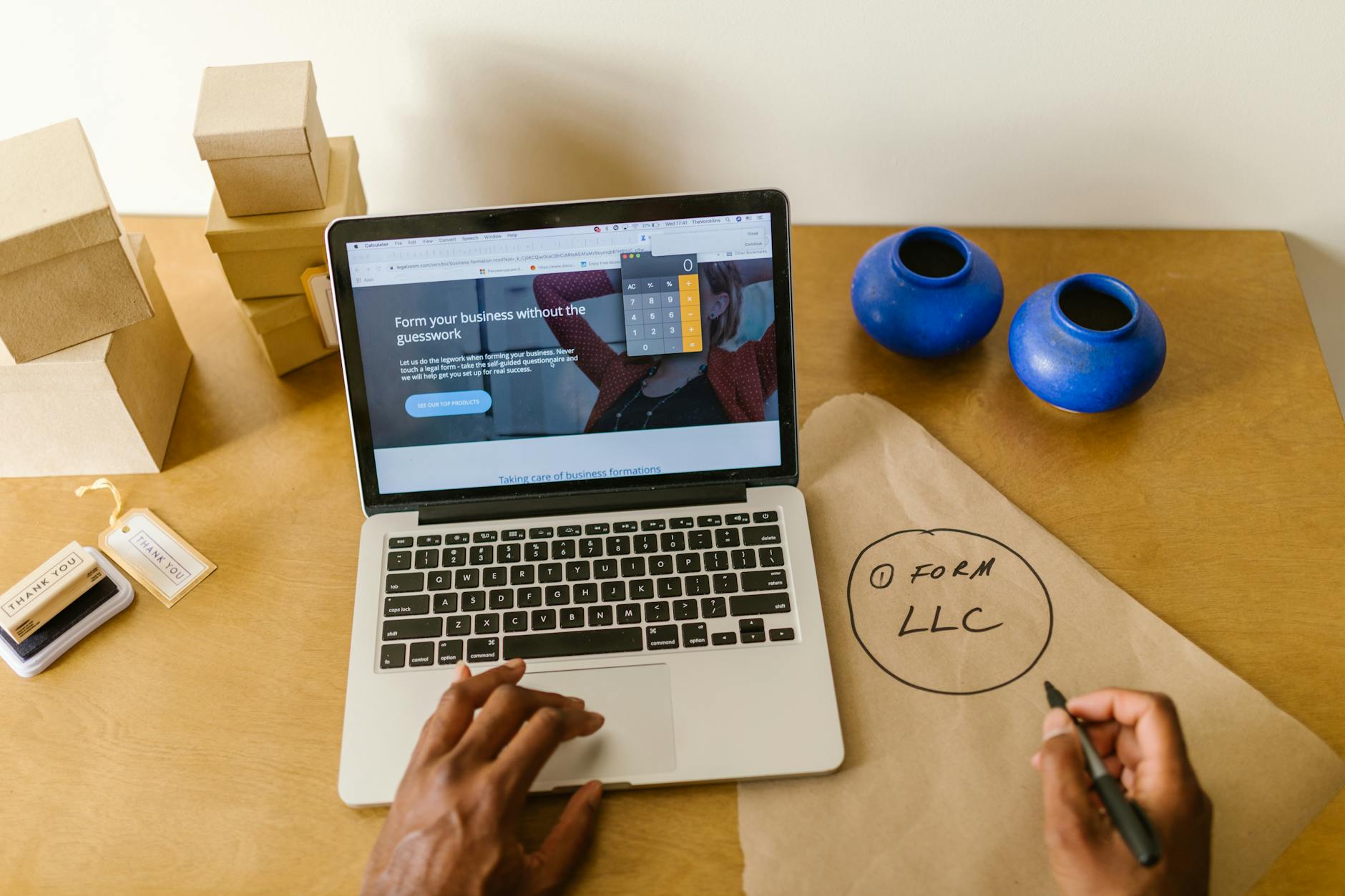
Building your first website can feel like a big project, especially when you're also running a business. An AI website creator shrinks that project from weeks to an afternoon, as long as you show up prepared. This guide walks you through what the tool does, what to gather, how to build, and how to launch with confidence.
This article is part of our complete guide: Website Builder Comparison.
What an AI website creator actually does for you
Traditional drag-and-drop builders hand you a blank canvas and a toolbox. You pick a template, move blocks around, and write every word yourself. That works if you have design instincts and a free weekend, but most owners have neither. An AI website creator reverses the order by producing a complete draft first and asking you to edit it. Instead of staring at an empty page, you start with something that already looks like a real business site. The difference is less about features and more about how much blank-page work you get to skip.
When you describe your business, the AI uses those details to draft the layout, the wording, and the imagery. It decides which pages you need, such as services, about, and contact, and arranges them in a sensible order. It writes first-pass copy in plain language and suggests visuals that suit your trade. Treat the result as a strong starting draft, not a finished brand. Your job is to add the specifics only you know, and that is the step that makes the site truly yours.
Gather what you need before you start
The quality of what the AI builds depends on what you tell it, so spend twenty minutes collecting the basics first. Write down your business name, the exact services you offer, the area you serve, your opening hours, and your contact details. Include your phone number, email, and street address if customers visit you. Keep the wording consistent, because you will reuse these details on Google and social profiles later. A single note on your phone with all of this saves you from stopping halfway through the build.
Next, gather photos of your work, your team, or your location, even if they are phone shots. Real images of a finished job or a friendly storefront usually build more trust than polished stock photos. Then list the three to five questions customers ask you most often. These might be about pricing, how fast you can start, whether you are insured, or where you work. If your site answers those questions clearly, it does a good part of your sales conversation for you.
Build the site step by step
Start by answering the creator's questions about your industry, your goals, and the kind of customers you want. Be specific rather than broad, because "family dental practice for children and adults" gives the AI far more to work with than "health services." Once the first version appears, review the generated structure before touching any wording. Check that the pages match how your customers think and that nothing important is missing. A good website builder for small business should let you add, remove, and reorder pages easily at this stage.
Now replace generic copy with details about your services and your pricing approach. You do not need to publish every price, but you should explain how pricing works, such as free quotes, fixed packages, or hourly rates. Swap vague phrases like "quality service" for facts like "same-day repairs across the east side." Add your real photos, your story, and the reasons customers choose you. Every specific detail you add makes the site more believable to visitors and more useful to search engines.
Finally, check the homepage as a stranger would see it. Within a few seconds, a visitor should know what you do, who you serve, and what to do next. That next step might be calling, requesting a quote, or booking an appointment, and it should appear as a clear button near the top. Read the page on your phone, since that is where many local customers will find it. If you can't answer those three questions at a glance, simplify the page until you can.
Choose and connect your domain
Your domain is your address on the web, so choose one that is short, easy to spell, and close to your business name. Say it out loud to a friend and ask them to type it, which quickly reveals confusing spellings. Avoid hyphens, numbers, and long strings of keywords, since they are hard to share by word of mouth. If your exact name is taken, add a simple word such as your city or trade rather than something clever. A plain domain that people can remember will serve you better than a creative one they can't.
You can connect a domain you already own or buy a new one through the platform. If you connect an existing one, you will update its DNS settings, and the change can take anywhere from a few minutes to a day or two to spread across the internet. Don't panic if the site doesn't appear immediately. Once it does, confirm that HTTPS is active so the browser shows a secure padlock instead of a warning. Then set one primary version of your domain, with or without "www," so visitors and Google don't see duplicate copies of your site.
Prepare the site to be found on Google
Every page needs a unique title and description that name your service and your location. A title like "Emergency Plumber in Austin | Smith Plumbing" tells both people and Google exactly what the page offers. The description is your short pitch in search results, so write it like a sentence a customer would want to click. Avoid repeating the same title across pages, since that makes it harder for each page to be understood. Most AI tools will suggest these for you, but edit them so they sound like your business.
Next, set up a Google Business Profile if you don't have one, and make sure your address, phone number, and hours match the site exactly. Small mismatches, such as "Street" on one and "St." on the other, can create confusion about whether the listings belong together. Add the same photos and a short description, and link the profile to your new website. For local service businesses, this profile often brings in more calls than the website itself. The two work best as a pair, each reinforcing the other.
Before publishing, submit your sitemap in Google Search Console so Google knows which pages exist. Then check the mobile layout carefully by scrolling every page on your own phone. Look for text that is too small, buttons too close together, and images that load slowly. Fixing these issues now is far easier than discovering them after customers do. If you'd like help beyond the basics, our services page explains what else the platform can do for you.
Publish, test, and keep it current
Before you announce the launch, test everything a customer might do. Submit the contact form and confirm the message reaches your inbox, then tap every click-to-call link on a phone to make sure it dials the right number. Click through the menu, open each page, and try the site on a second device if you can. Ask a friend who has never seen the site to find your opening hours and tell you what you do. Whatever slows them down is exactly what you should fix before going live.
A website is not a poster you hang once and forget. Put a monthly reminder in your calendar to review your hours, offers, and photos, because outdated information costs you trust quickly. Plan your first blog post or update within the first month as well, such as a short answer to one of your customers' top questions. Fresh content gives Google a reason to return and gives visitors a reason to believe you are active. Small, steady updates beat a big overhaul once a year.
Your first site doesn't have to be perfect, it has to be clear, accurate, and live. Use the AI to get a strong draft quickly, add the details only you can provide, and then give it a little attention each month. That steady habit is what turns a new website into a dependable source of customers.
Build your website in Minutes and get the AI Tools that work
Start Building Your Website →