Best Website Builder for Business: AI vs Wix, Squarespace and WordPress
Comparison of four website building platforms: AI Builder, Wix, Squarespace, and WordPress. Each offers distinct features and capabilities for different user needs. AI Builder provides automated design, Wix offers drag-and-drop simplicity, Squarespace emphasizes aesthetics, while WordPress delivers customization flexibility and scalability for users seeking advanced control.
- No coding required
- Live in minutes
- Blog, SEO and chatbot tools included
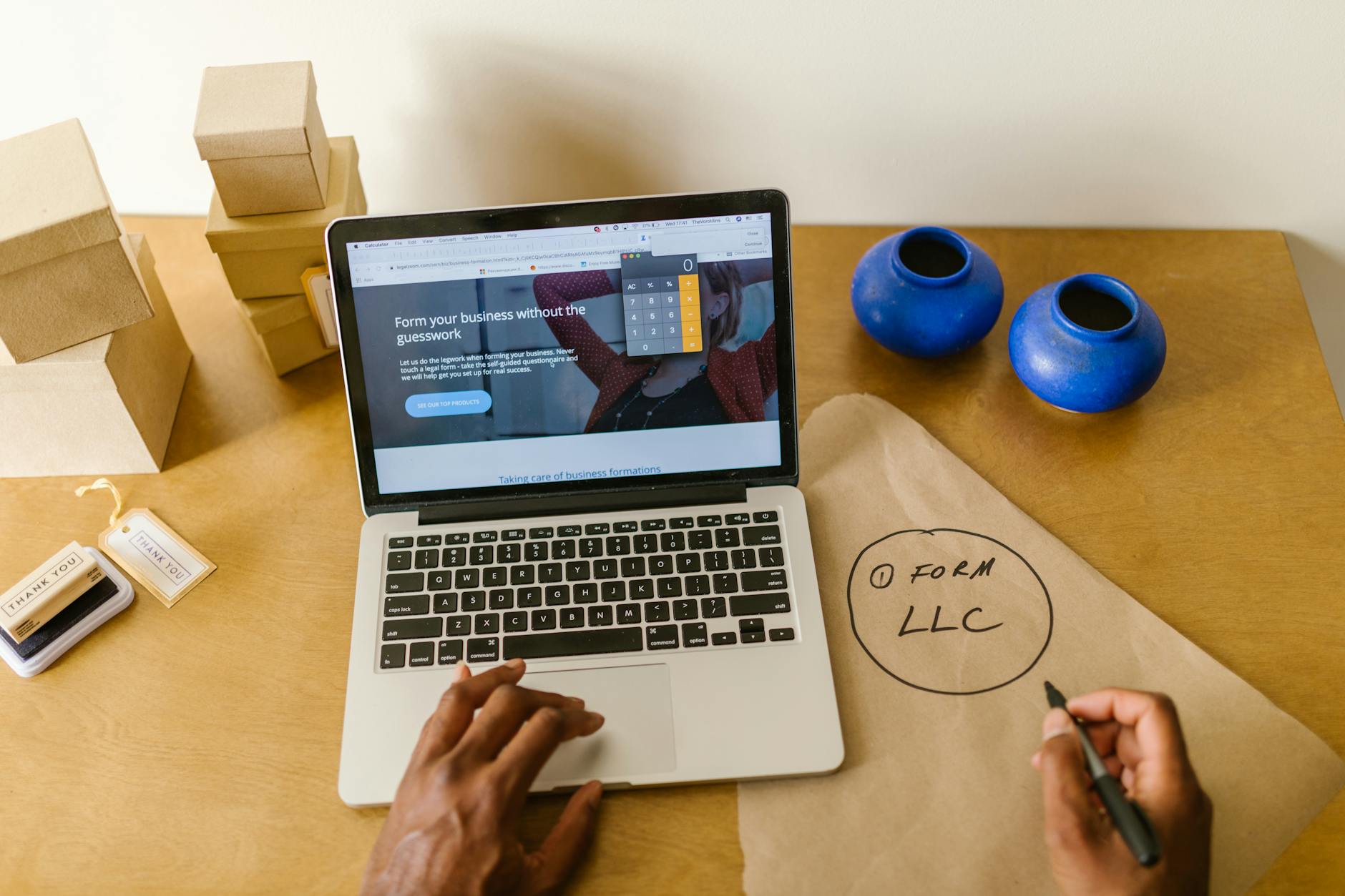
The best website builder for business is the one that gets an accurate, findable site live with the least of the owner's time. For most service businesses that points to an AI builder, while Wix and Squarespace suit owners who enjoy designing by hand and WordPress suits sites with a developer or technical person behind them.
This article is part of our complete guide: Best Tools to Build a Website.
- Google indexes and ranks the mobile version of a page first, so 1 layout has to work on a phone before anything else (Google Search Central on mobile-first indexing).
- The WordPress.org plugin directory lists more than 75,000 plugins, and each one installed is another item to configure and keep updated (WordPress.org plugin directory).
- A Squarespace trial site runs for 14 days and is not indexed by search engines until it is published on a paid plan (Squarespace Help Center).
- Google's Core Web Vitals ask for the main content to load within 2.5 seconds and for interactions to respond within 200 milliseconds (web.dev on Core Web Vitals).
- On AI Web Maker, building and previewing a site costs nothing; going live is $119 a year of hosting, with the domain paid separately.
How do AI builders, Wix, Squarespace and WordPress differ?
The four differ mainly in who does the building. An AI builder drafts the whole site from your description, while the other three give you tools and expect you to assemble it.
Wix, Squarespace and WordPress have led the website conversation for years, and each has a genuine strength. Wix offers a flexible drag-and-drop editor with a large template library, Squarespace is known for polished design out of the box, and WordPress offers the deepest customisation of the four. An AI website builder such as AI Web Maker starts from the other end. You describe the business, its services and its customers, and the platform lays out the pages, drafts the headings and copy, and places images in minutes. The question for an owner then shifts from which editor to learn to how much editing you want to do at all.
| Test | AI builder | Wix | Squarespace | WordPress |
|---|---|---|---|---|
| Who builds the first draft | The platform, from your answers | You, from a template | You, from a template | You or a developer, from a theme |
| Skill needed to launch | Low | Low to medium | Low to medium | Medium to high |
| Ongoing upkeep | Handled by the platform | Handled by the platform | Handled by the platform | Core, theme and plugin updates are yours |
| Main strength | Speed and built-in tools | Layout freedom | Design polish | Flexibility and plugins |
The table is a simplification, but it shows why there is no single winner. Each platform passes the tests of speed, cost, search readiness and upkeep in a different order. The right choice depends on which of those tests matters most to the way your business runs day to day.
Which website builder gets a business online fastest?
An AI builder is usually fastest, because it produces a complete draft in minutes rather than asking you to fill a template page by page.
With Wix and Squarespace, the platform supplies the structure but you still decide which sections to use, where calls to action sit and what every block of copy says. Neither is hard to learn, yet both demand focused time, and that time is usually what a busy owner lacks. Wix also notes that you cannot switch the template of a site you have already created, so a poor first choice means starting a new site, according to the Wix Help Center. Getting the template decision right is therefore part of the setup time.
WordPress sits in its own category for setup. You choose hosting, install the software, pick a theme and add plugins for forms, search optimisation, security and caching before writing a word. Each step is manageable for a technical person, but for an owner without that background a competent setup can take far longer than expected. The power is real, and so is the learning curve.
An AI builder removes the blank page. The draft arrives with real headings, service sections and a contact area shaped around what you described, and your job becomes reviewing and correcting it. That review still matters, since only you know your prices, hours and the exact services you offer. Even so, correcting a finished draft is much faster than building one from nothing.
What does each website builder really cost to run?
Running cost depends less on the advertised plan than on what you add to it: higher tiers, apps, plugins, premium themes and the hours you spend maintaining the site.
Wix and Squarespace both sell tiered plans, and features such as online payments, advanced analytics, booking or marketing tools often sit on higher tiers or come from third-party apps with their own billing. Squarespace, for example, keeps premium features such as code injection off its Basic plan. None of this is hidden, but it is easy to underestimate when you first compare plans. The useful test is to list every feature your business needs and price the plan and apps that deliver all of them.
WordPress software itself costs nothing to download, but running it does not. Hosting, a domain, premium themes, premium plugins and developer time all add to the bill, and the mix varies widely from one site to the next. Time is the cost owners most often leave out. Updating plugins, checking that nothing broke and fixing conflicts are recurring jobs that someone has to do.
AI Web Maker publishes its own terms plainly. Building and previewing a site costs nothing, going live is $119 a year of hosting, the domain is paid separately, and AI work such as blog drafting or chat replies runs on credits at about $0.65 a credit. Whichever platform you choose, compare the full year of running costs, including your own time, rather than the first month's plan.
Which builder does the most for SEO and getting found on Google?
Every one of the four can rank on Google; the difference is how much search work is done for you and how much you must know to do the rest.
Google's own guidance says you usually do not need to do anything special beyond publishing a site, and that changes can take anywhere from a few hours to several months to show (Google SEO Starter Guide). What helps is clear page titles, useful descriptions, sensible headings and content that answers what customers search for. Wix and Squarespace both give you the fields for these, and Squarespace produces clean, well-structured pages. The catch is that the fields only help if you know what to put in them.
WordPress paired with a dedicated search plugin is powerful in experienced hands. An SEO professional can do a great deal with a well-configured WordPress site. The challenge for most owners is that the power requires either personal knowledge of search or the budget to hire someone who has it.
An AI builder fills in titles, descriptions and headings as it builds each page, so the basics are in place on launch day. AI Web Maker also has AI SEO Tools that check a site afterwards and point out what to fix, and you can run the AI Website SEO Checker on any site to see where it stands. Speed matters as well, because a page that loads slowly on a phone works against you whichever platform built it.
What happens after launch: updates, edits and marketing tools?
After launch, the hosted builders handle software updates for you, while a WordPress site needs its core, theme and plugins kept current by someone.
WordPress has applied minor core updates automatically since version 3.7, but plugin and theme auto-updates are opt-in, one at a time, and the WordPress handbook still advises backing up before you update. Wix, Squarespace and AI builders run the software for you, so updates are not your job. All four still need fresh content if you want to stay relevant in search results. Pages about new services, answers to common questions and the occasional article do not write themselves.
Marketing tools are where the platforms differ most after launch. Wix and Squarespace treat email marketing, chat and booking as add-ons or higher-tier features, and WordPress covers them through plugins you configure. AI Web Maker builds in tools such as a blog writer, a website chat assistant and SEO checks, with the AI work charged in credits as you use it. Having the tools in one place matters less than whether you will actually use them, so judge each option by the work you can realistically keep up.
Which website builder fits which kind of business?
A service business that wants a working site this week fits an AI builder best; design-led brands fit Wix or Squarespace, and complex or developer-backed sites fit WordPress.
Choose an AI builder if you need a professional site quickly, have little time for design work and want marketing tools ready to use. That description fits many trades, consultants, clinics, salons and local service providers. You are not trading away quality for speed, because the draft is a starting point you correct and refine.
Choose Wix or Squarespace if you enjoy the design process and have a few days to invest in it. Both produce attractive results when used thoughtfully, and they give real creative control to someone with a sense for layout and copy. They also suit a simple portfolio or brochure site that does not need active marketing.
Choose WordPress if you have a developer relationship or an in-house technical person who will manage the platform long term. It is the right foundation for custom functionality, a large content operation or integrations other platforms cannot handle. For an owner running everything alone, its ongoing upkeep can cost more time than it returns.
Which narrower comparisons sit beneath this one?
Most owners who ask which builder is best soon ask a narrower question about one rival, about ease of use or about selling online.
The pages listed under this one take those questions one at a time. One sets out what actually differs between an AI website builder and a traditional builder, from who writes the copy to which tools come built in. Another compares Squarespace with an AI builder on speed, cost and search, and a third asks which builder is easiest for an owner with no technical background. The last weighs Shopify against an AI builder for businesses that sell products, where checkout and inventory change the answer.
Questions business owners ask about choosing a website builder
Is an AI website builder good enough for a real business?
Yes, for most service businesses an AI builder produces a complete, professional site that is ready to correct and publish. The draft still needs your review, because only you know your prices, hours and exact services. Businesses with highly custom functionality may still be better served by WordPress and a developer.
Is WordPress better for SEO than Wix or Squarespace?
Not by default. WordPress gives an expert more control, but Google ranks helpful, fast, well-structured pages whichever platform built them. For an owner without search knowledge, a platform that fills in the basics for you often performs just as well.
Can I move my site from one builder to another later?
You can, but it usually means rebuilding the design and moving the content by hand. Wix does not even allow switching the template of an existing site. It is worth choosing carefully at the start rather than planning on a later move.
How much does a business website cost to run?
The cost depends on the plan tier, any apps or plugins, hosting, the domain and the time spent on upkeep. On AI Web Maker, building and previewing costs nothing, going live is $119 a year of hosting, and the domain is paid separately. Compare a full year of running costs across platforms, not just the first month.
Which builder is easiest for someone with no technical skills?
An AI builder is usually easiest, because it removes the blank page and the design decisions. Wix and Squarespace are approachable but still ask for many choices. WordPress has the steepest learning curve of the four.
The short answer
For most businesses, the best builder is the one that gets an accurate site live this week and stays easy to keep current.
An AI builder suits owners who want speed and built-in tools, Wix and Squarespace suit owners who want to design by hand, and WordPress suits sites with technical support behind them. None of the four is the right answer for every business, and each has a real case. Ask which one you will actually use well given your time, skills and goals, because a clear, accurate site that is live today will serve customers better than a perfect one that is still unfinished in three months.
Build your website in Minutes and get the AI Tools that work
Start Building Your Website →