Local Service Business Website: What Your Homepage Must Show
Local service business homepages require specific elements to convert visitors into customers. Essential components include clear service descriptions, business contact information, service area coverage, customer testimonials, professional imagery, pricing transparency, and trust signals like certifications or licenses to establish credibility and encourage engagement.
- No coding required
- Live in minutes
- Blog, SEO and chatbot tools included
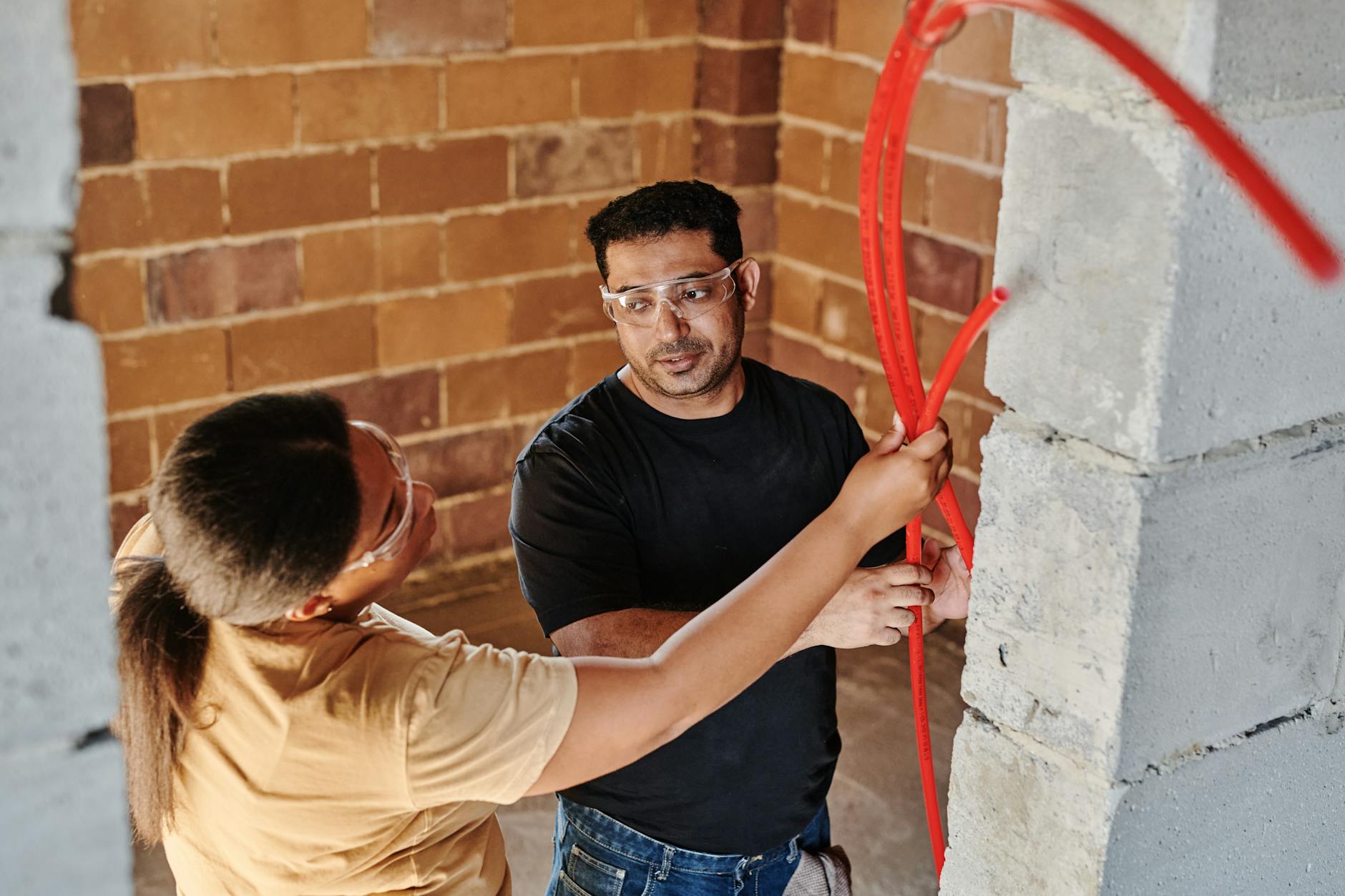
A local service business homepage is the page that has to tell a nearby visitor, within seconds, what you do, where you work, why they can trust you and how to call. For most trades it is the first page seen and often the only one, so those four answers belong in the first screen.
- Google rates main content that loads in 2.5 seconds or less as good, and a response to a tap within 200 milliseconds as good (web.dev).
- Google indexes and ranks the mobile version of a page, so a homepage that hides details on phones hides them from search too; it describes 3 mobile set-ups (Google Search Central).
- Google asks service-area businesses to cover no more than about 2 hours of driving from their base (Google Business Profile guidelines).
- The FTC's Endorsement Guides, revised in 2023, treat fake reviews and reviews that do not reflect honest experience as deceptive (Federal Trade Commission).
What must a local service business homepage show first?
It must show five things without scrolling: your service area, what you do, proof of quality, one clear call to action and, if offered, emergency availability.
- Service area. Name your towns, neighbourhoods or driving radius at the top, so a visitor in a suburb knows at once whether you will come.
- What you do and for whom. "We install and repair home heating systems across the Denver metro area" says more than "comprehensive facility solutions".
- Proof. A genuine review, your years in business and any licence or trade membership your work requires.
- One main action. A tap-to-call number, a short form or a booking link, chosen to suit how your customers prefer to get in touch.
- Urgency, if you offer it. "Emergency call-outs around the clock" or "Same-day roofing quotes" speaks directly to someone with a problem tonight.
Geography is the most often missed of the five. A customer will rarely phone to ask whether you cover their street, so if the homepage does not say, they assume you do not. Naming real places also tells search engines where you work, which helps the page appear for nearby searches. Plain, specific wording about the service and the area beats polished vagueness for both readers and search.
Why does the homepage matter so much for a service business?
The homepage is usually where a ready-to-hire visitor decides whether to call you or go back to the results. A visitor who leaves without calling rarely returns.
Someone searching "electrician near me" at seven on a weekday evening is ready to hire now. They expect to see your area, hours and phone number within seconds, and if they have to scroll, squint or click through several pages, most will give up. Think of the homepage less as a brochure and more as a receptionist who must answer the right questions instantly. Nothing on it should be there for decoration alone.
A slow or confusing homepage is not neutral, because it costs you trust you cannot earn back during that visit. A bad first impression online weighs as heavily as one in person. The good news is that the fixes are usually simple once you know what to look for. The homepage is one part of the larger question of what pages does a website need, and it is the page that sends visitors on to services, reviews and contact.
How does a homepage build trust quickly?
A homepage builds trust quickly with things a visitor can check: real photos of your team and work, named reviews, visible credentials and a link to your Google Business Profile.
Stock photos of smiling strangers in hard hats convince nobody. A photo of your own van with your name on the side, or your crew at a real job, tells the visitor that a real local business stands behind the site. That matters when someone is deciding whether to let a stranger into their home. One honest job-site photo does more than a gallery of polished library images.
List your services as the problems you solve, in the words customers use. "We fix leaking taps, burst pipes, failed water heaters and slow drains" is more useful than a heading that says "Plumbing services", because people search for their problem. Explaining how you price or quote, such as a fixed call-out charge or an on-site estimate, removes a major source of hesitation without needing to publish figures. A visitor who has no idea what to expect is more likely to call a competitor who explains it.
Let visitors verify you independently. A link to your Google Business Profile reviews, or an offer to share recent references, shows you have nothing to hide. Keep the reviews honest: the FTC warns that asking only happy customers for reviews, or holding back negative ones, can mislead, and Google prohibits offering discounts or goods in exchange for reviews. A mix of genuine feedback is more believable than a wall of perfect praise.
How should a service business homepage work on a phone?
On a phone, the number must be a tap-to-call button visible on arrival, the copy must be short enough to scan, and the page must load quickly.
A customer standing in a flooded kitchen will not hunt for your contact page. They need to see a number immediately and call it with one tap, so link the number properly rather than showing it as plain text that has to be retyped. A slim bar that keeps the call button in view while the visitor scrolls removes the last bit of friction. Treat this as a requirement, not a design preference.
Keep homepage copy short and scannable on small screens. People ready to act are skimming for what you do, where you work, how to reach you and why to trust you, and long paragraphs push those facts out of view. Short sentences, clear headings and a few bullet points let a skimmer find the one fact that tips them towards calling.
Test the homepage on your own phone regularly, not only on a desktop. What looks clean on a large screen can be cluttered and slow on a phone, and a layout that worked six months ago can break after an update. Google PageSpeed Insights shows how quickly the page loads on mobile and which problems to fix first, and the AI Website SEO Checker flags missing titles and descriptions.
What mistakes cost a service business homepage calls?
The most costly mistakes are hiding contact details, using a vague tagline, showing no proof, and loading slowly. Each one gives a visitor a reason to leave.
Forcing visitors to a separate contact page is the most common error. Every extra click is a chance to change their mind, so put the number and a short form on the homepage itself, ideally in more than one place. Several competing buttons cause a similar problem, because a visitor unsure where to click often clicks nothing.
Generic taglines such as "Quality you can trust" or "Your local experts" take up prime space and say nothing. Replace them with a sentence that names your trade, your area and what sets you apart, such as "Family-owned pest control serving Austin and Round Rock". A homepage with no reviews and no credentials misses its best chance with hesitant visitors, so add even two or three genuine quotes with the customer's first name and neighbourhood, used with their permission.
Slow loading is the quiet one. Oversized images, heavy themes and too many scripts are the usual causes, and most are fixable without writing code. Fix the biggest issue a speed test reports first, then test again.
How can you audit your homepage in ten minutes?
Ask someone new to your site to open it on their phone and tell you, within ten seconds, what you do, where you work and how to contact you.
Watch where they hesitate, because those moments mark the parts of the page that need work. Then count the clicks from arrival to your phone number or form. The answer should be zero, and if it is not, fix that before anything else.
Finally, check that the page answers three questions a new local customer always has: where exactly do you serve, how do you price or quote, and why choose you over the other results on the page. Write your answers down, then look for each one on the homepage. Anything you cannot find in a few seconds is the next thing to change.
Questions business owners ask about service homepages
Should my homepage show prices?
Show prices where they are fixed, and otherwise explain how you quote and what affects the cost. A visitor who understands your pricing approach is more likely to call than one left guessing. Keep figures accurate and up to date if you publish them.
Is it better to show a phone number or a contact form?
Show both, but make one the main action based on how your customers prefer to reach you. For urgent trades, a tap-to-call number usually comes first. A short form suits people who are researching or contacting you out of hours.
Can I use stock photos on my homepage?
You can, but real photos of your team, vehicles and finished work build far more trust. Customers want to see who will arrive at their door. Replace stock images with your own as soon as you have a few good shots.
How many reviews should the homepage show?
A few genuine reviews with names and job types are enough on the homepage. Link to your Google Business Profile or a reviews page for the full set. Never write or edit reviews yourself.
Building the homepage with AI Web Maker
AI Web Maker builds a homepage from a short description of your business, with your services, area and contact details placed for you to check and edit.
Building and previewing costs nothing, going live is $119 a year of hosting, and the domain is paid separately. AI edits, such as rewriting a headline, use credits at about $0.65 each. Whichever builder you use, test the finished homepage on a phone against the five essentials above before you publish.
Build your website in Minutes and get the AI Tools that work
Start Building Your Website →