Essentials
a user a month, from$35
- Helpdesk by phone and email
- Updates and security software kept current
- Nightly backups of files and email
- On site visits billed at $85 an hour
Helpdesk Harbour looks after laptops, email, backups and networks for offices of five to forty people, on a plain monthly plan per user. One named engineer learns your setup, and a short report each month shows what was done and what is coming up.

Prices are per person who uses a computer, with a minimum of five. Every plan includes the helpdesk, updates, nightly backups and the monthly report.
a user a month, from$35
a user a month, from$55
a user a month, from$79
Plans run month to month and end with 30 days notice. Laptops and licences are bought at cost in your name, so they stay yours if you ever move on.
The everyday machinery of an office, kept working and written down, whatever make of laptop or brand of router you already have.
Set up for each person, kept updated and repaired under warranty where it applies. We say plainly when a machine is no longer worth fixing.
Accounts, shared mailboxes, spam filtering and folder permissions, plus the move from an old provider when it is time to change.
Files and email copied every night to a separate location, with a sample restored each month to prove the copies work.
Routers, switches and wifi kept updated, with the cabinet labelled so anyone can see what plugs into what.
Accounts and a laptop ready on the first morning, and access closed on the last afternoon, without anyone having to remember.
Desk phones, printers, meeting room screens and the odd gadget nobody else wants to touch, all logged on the same helpdesk.
Every request is sorted by how much it stops people working. Times run within plan hours, and a response means an engineer working on it, not an automatic reply.
| How urgent | For example | Picked up within | Usually settled |
|---|---|---|---|
| Nobody can work | The office network or email is down for everyone | 30 minutes | The same day |
| One person cannot work | A laptop will not start or an account is locked | 1 working hour | Same or next working day |
| Something is not right | A slow laptop or a printer that keeps jamming | 4 working hours | Within two working days |
| A request | A new starter, extra software or a desk move | 1 working day | At a time you choose |
Faults outside plan hours are logged and picked up first thing, unless you are on Office plus and use the weekend urgent line.
Changing IT support is mostly paperwork. These four steps take about three weeks, and nothing is switched off while they happen.
An engineer spends half a day in the office listing every laptop, account, router and backup.
You receive a plain record of what you own, where it lives and who can reach what.
Old accounts are closed, updates applied and two step sign in turned on for every person.
The helpdesk opens for your team and the first monthly report arrives four weeks later.
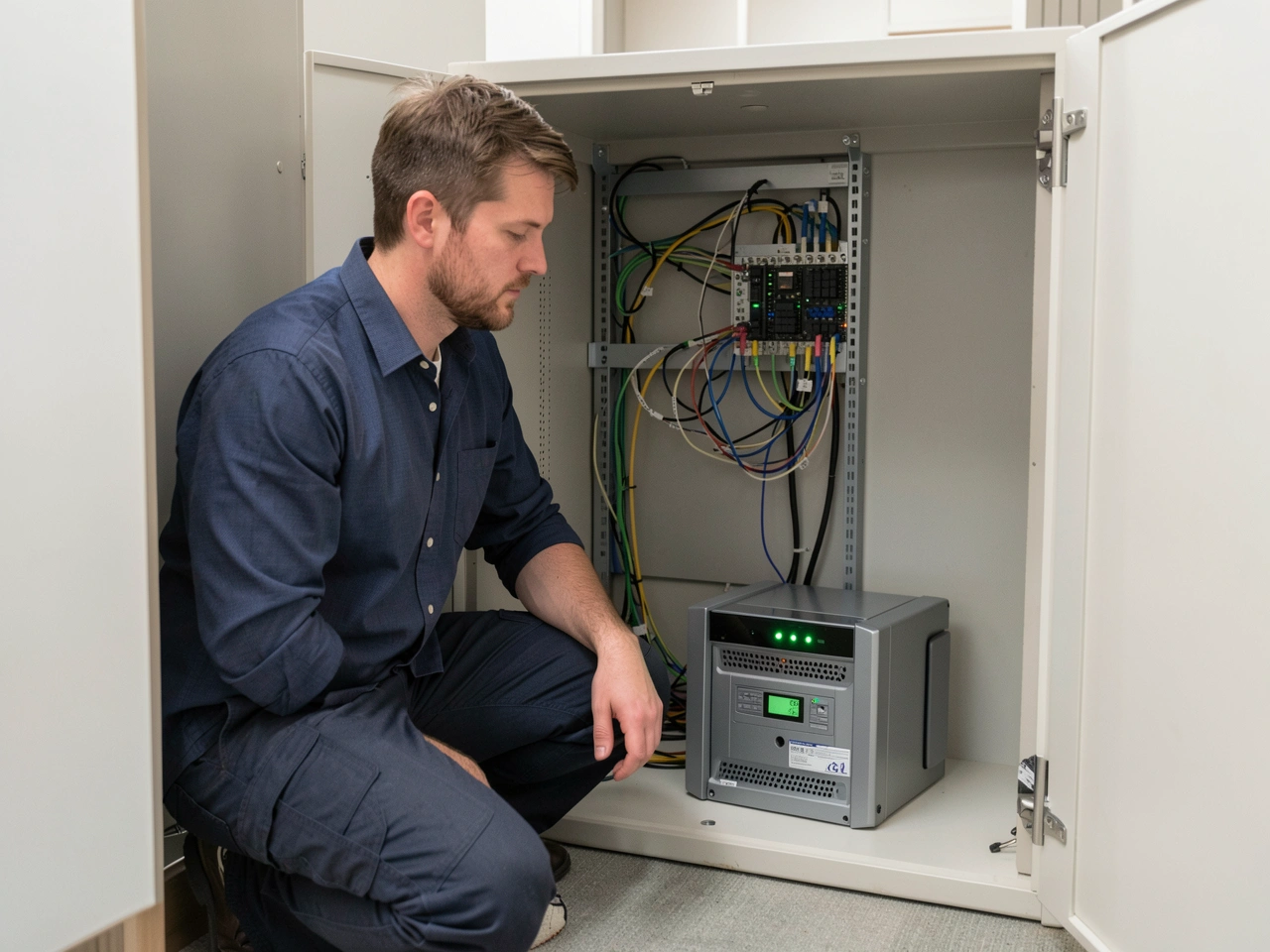
Each night your files and email are copied to a second location away from the office. Once a month an engineer restores a handful of files at random and records how long it took in your report.
So when a laptop is left on a train or a folder is deleted by accident, the copy is there and the time to bring it back is already known. It is ordinary housekeeping, done on a timetable, so nobody in the office has to think about it.
Most have between five and forty people and nobody whose job is IT. These are the kinds of teams we look after today.
Bigger than forty people, or spread over several sites? Ask about a plan built around your offices.
Set ups, cabinets, reviews and the quieter fixes that keep an office running.
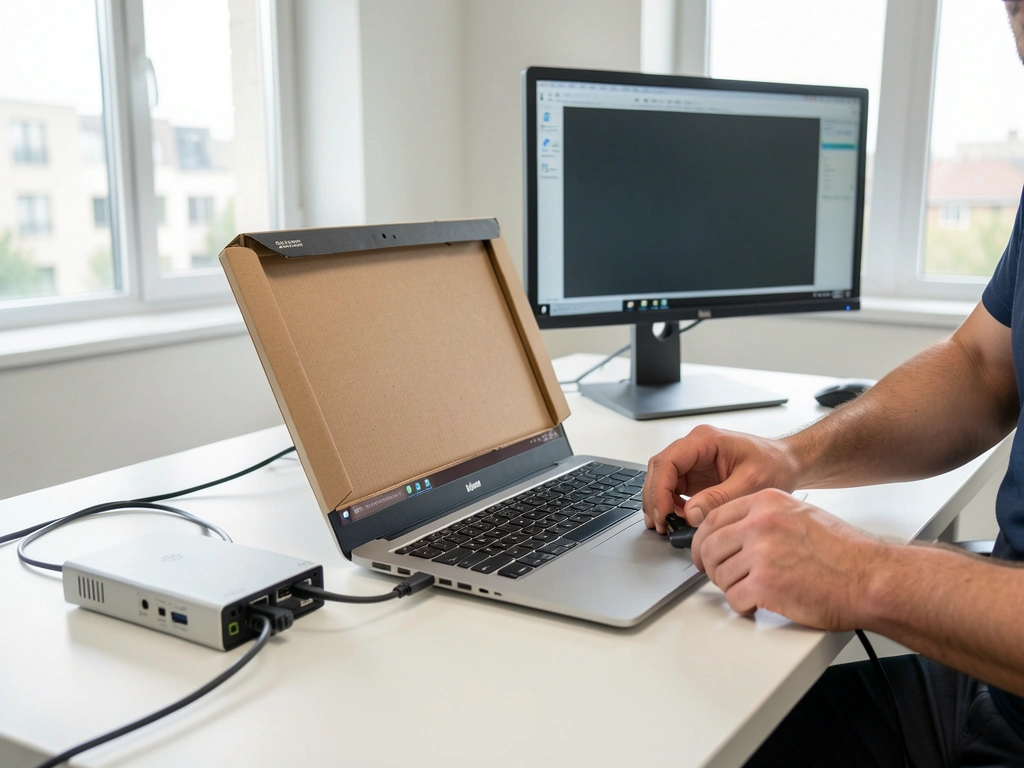


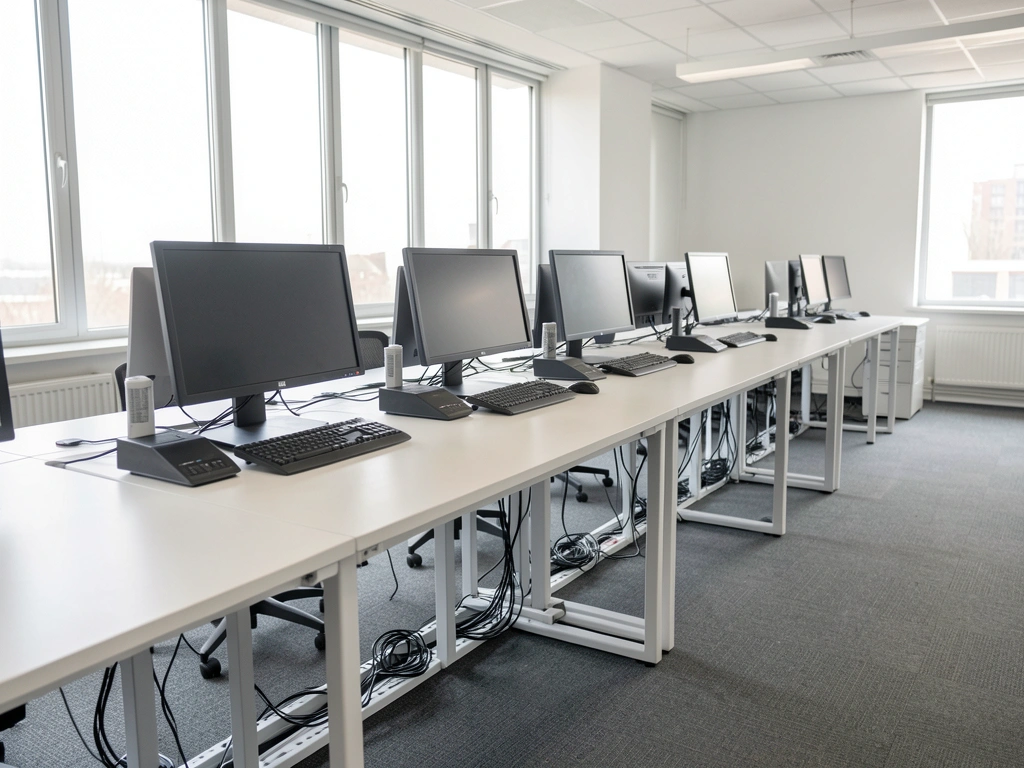

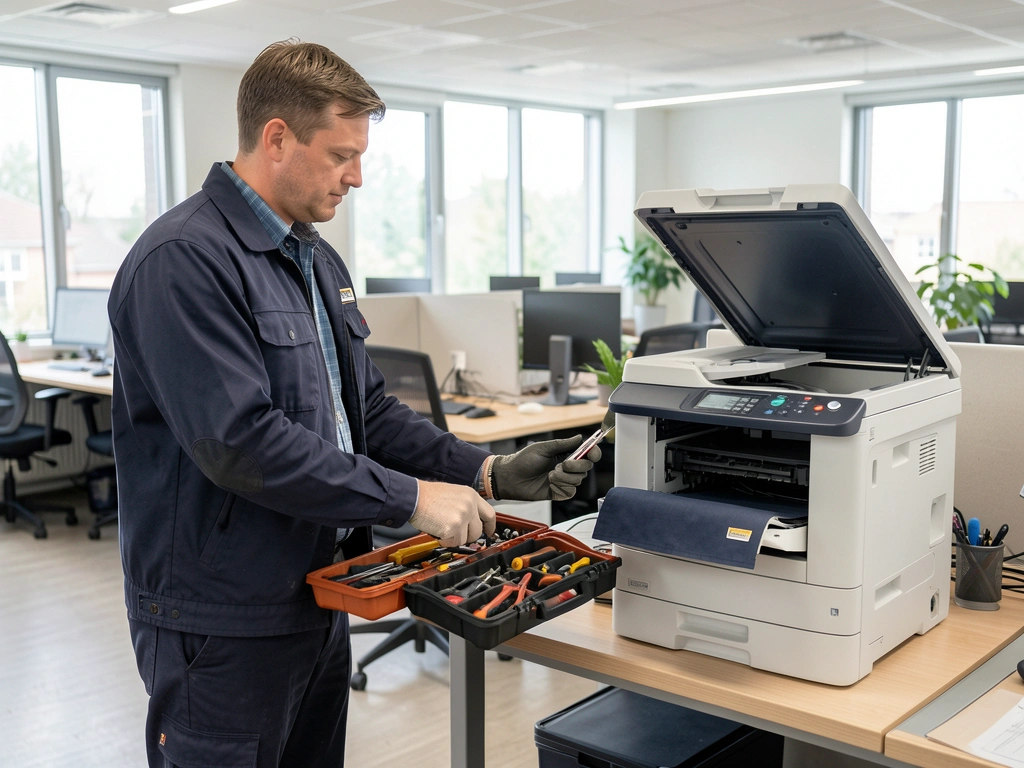
Our new starters used to wait a week for a laptop. Now everything is on the desk on their first morning, and leavers lose access the hour they go.
The monthly report is one page and actually readable. When a partner deleted a client folder, it was back within twenty minutes, as the report said it would be.
They took over from a provider who had left nothing written down, and within three weeks we had a list of every account and every password owner.
No. Plans run month to month and end with 30 days notice. If you leave, we hand over the written record of your setup and every admin account.
Yes, whatever the make. During the walk round we note which machines are worth keeping and which will cost more in repairs than a replacement.
Requests are logged and picked up first thing next working day. Office plus clients also have a weekend line for faults that stop everyone working.
No. We work through our own admin accounts, and each person keeps their own password. Two step sign in is turned on for everyone during the tidy up.
You do. Licences and equipment are bought in your name at cost, and the admin accounts are registered to your business, not to us.
We recommend what to buy and order it at cost if you like, but we take no commission, so the advice stays the same whoever supplies it.
A few details about your people and how IT is handled today are enough for a first call. We answer within one working day to arrange a call or book the walk round.
Call during plan hours or email at any time. Clients reach the helpdesk on the same number and are put straight through to their engineer.
Offices across the city and in towns within 40 km; most fixes are done remotely
| Monday to Friday | 08:00 to 18:00 |
| Office plus clients | 07:00 to 20:00 on weekdays |
| Weekends | Urgent line for Office plus only |
Log a fault by phone or email and quote your office name. Your named engineer picks it up, or a colleague who has read your setup notes when your engineer is away.
Ask about a planThis it support website was built by AI from two sentences. Tell us about your business and yours is built the same way, with its pages, photos and booking in place, ready to preview in minutes.
About this sample page
Helpdesk Harbour has never closed a ticket, yet its sample shows how an IT support provider can present itself on AI Web Maker without a single scare story. The first screen pairs an engineer at a desk with a terminal that types four quiet status lines. Plans priced per user come straight after the strip, followed by what is covered, a table of response times and four steps for taking over. Tested backups, the kinds of offices on the books, a gallery, reviews and six questions lead to the enquiry form. The page moves from cost, to speed, to method, to the first conversation.
Providers on AI Web Maker describe their plans, hours and response times in a few lines, and the builder replies with a drafted page and an enquiry form shaped like this one. Each enquiry lands with the provider, who calls the office back and agrees the plan directly. There is no charge while the page is a draft, and once it is public, hosting the helpdesk page costs less than two Essentials site visits: $119 covers twelve months, or the provider can pay $19 monthly, and the domain comes on a separate invoice. The commentary next to the sample justifies every block, from the terminal lines down to the plan hours. A real helpdesk could replace every price, review and photo and keep the calm order exactly as it stands.