Will not start
Power jacks, chargers, failed drives and faulty boards traced to the real cause, not guessed at.
Diagnosis$49
Laptop and desktop repairs, virus removal and data recovery, at our workshop in town or at your desk on a home visit. Book a drop off or a visit online, and every repair is priced before we start.
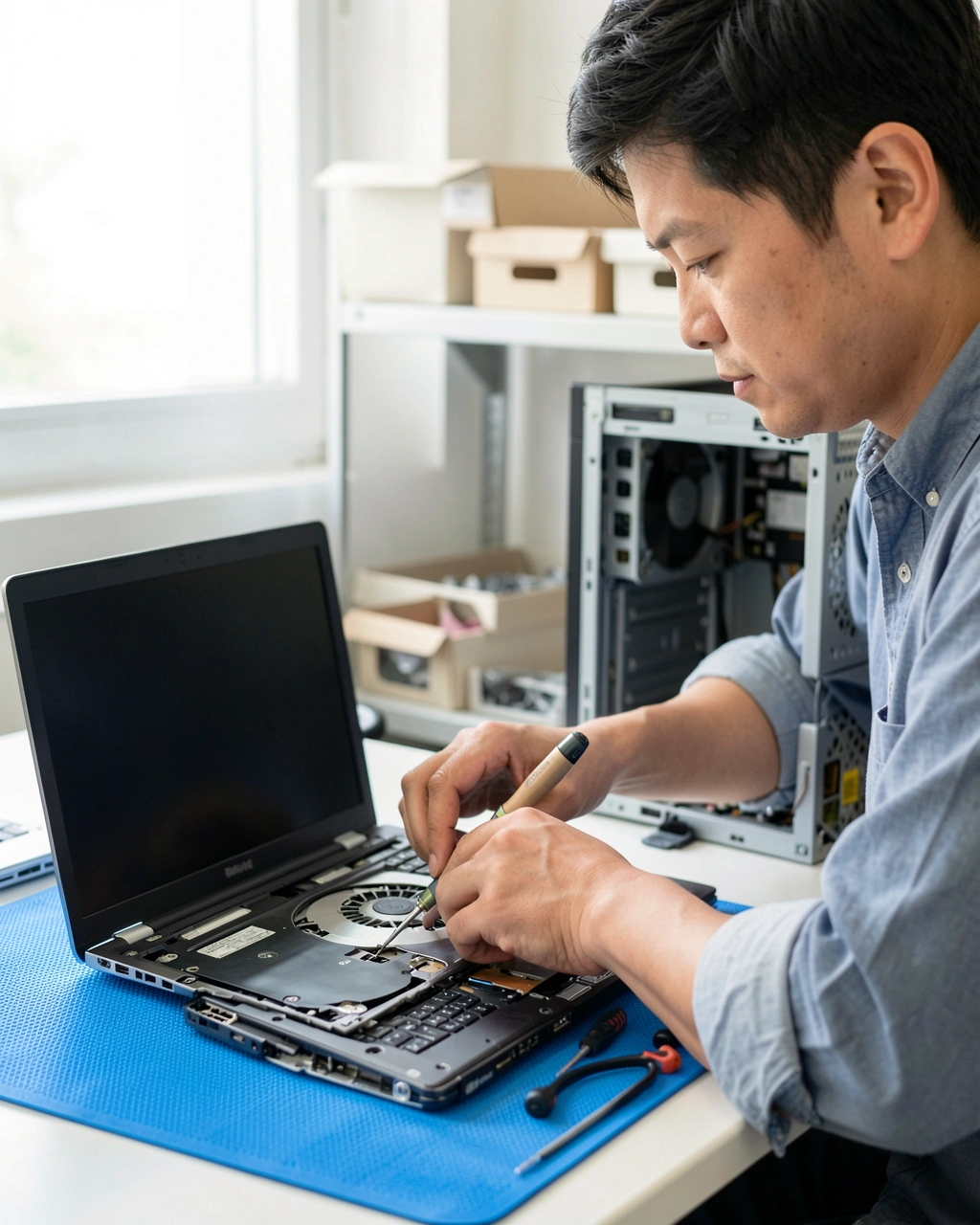
Laptops, desktops and all in one computers from every major maker. Parts are priced for your exact model before we order them.
Power jacks, chargers, failed drives and faulty boards traced to the real cause, not guessed at.
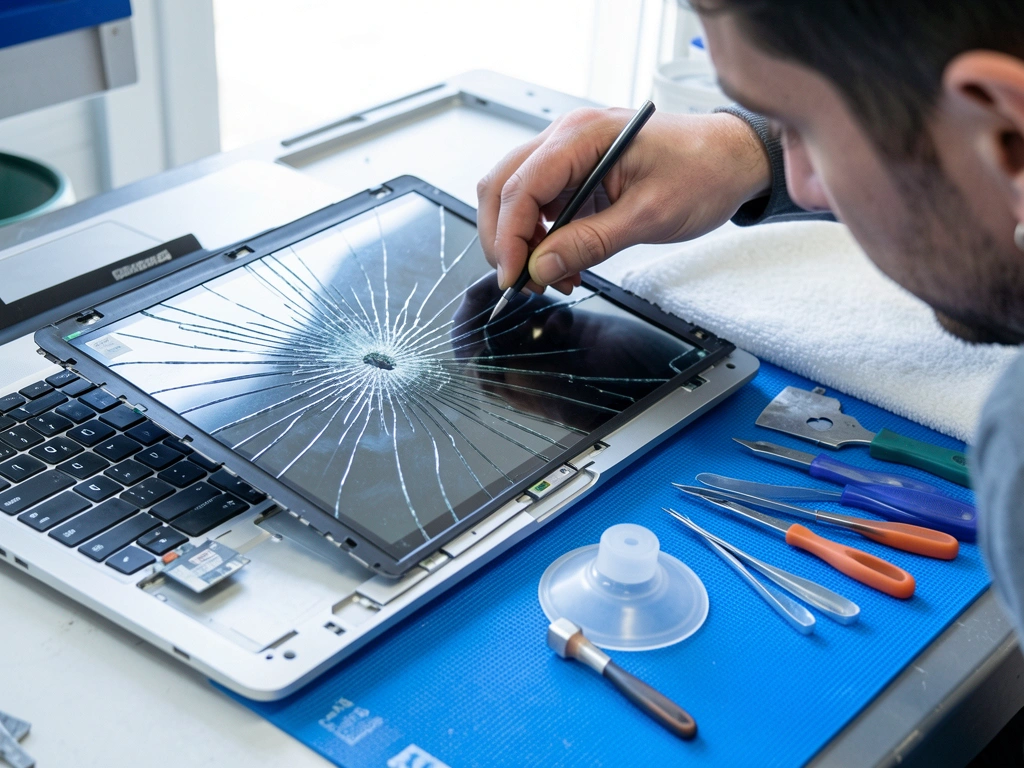
Cracked or flickering panels replaced with a matching screen, and the hinges checked while the lid is open.
Startup programs trimmed, the drive and memory tested, and updates installed, so you know what was slowing it down.
Infections removed, browsers reset and security updates installed, with your documents and photos left where they were.
Worn batteries, sticky keyboards and loose charging ports replaced with parts made for the model.
A solid state drive with everything copied across is the biggest speed gain for most older machines.
The $49 diagnosis comes off the repair price when you go ahead.
Recovery is never certain, so every job starts with an assessment and a list of the files we can reach. If none of the files you need can be recovered, you pay only the $49 diagnosis.
from$149
from$349
from, quoted first$600
Stop using a computer that clicks or keeps locking up. Every hour a failing drive keeps running can lower the chance of getting files back.
Some jobs are best done at your desk, others on our bench. If you are unsure, book either one and we will tell you honestly when you call.
| Job | Best done | Why |
|---|---|---|
| Setting up a new computer and moving files across | Home visit | Your printer, wireless network and accounts are all in one place |
| Wireless, printer or email problems | Home visit | The fault often sits in the router or the settings, not the computer |
| Virus and pop up removal | Either | Quicker at the workshop, handier at home |
| Cracked screen, keyboard or battery | Drop off | Parts are ordered for the exact model |
| A computer that will not start | Drop off | Testing needs the bench and spare parts |
| Data recovery | Drop off | Failing drives are cloned on dedicated equipment |
Choose a drop off time or a home visit online, naming the computer and the fault in a sentence or two.
Within one working day we find the cause and call with a fixed price. Nothing is repaired until you agree.
Each repaired computer runs a long load test, so faults that appear once it warms up are caught on our bench.
Pick it up at the counter or book a return visit, with a short written report of what was found and done.
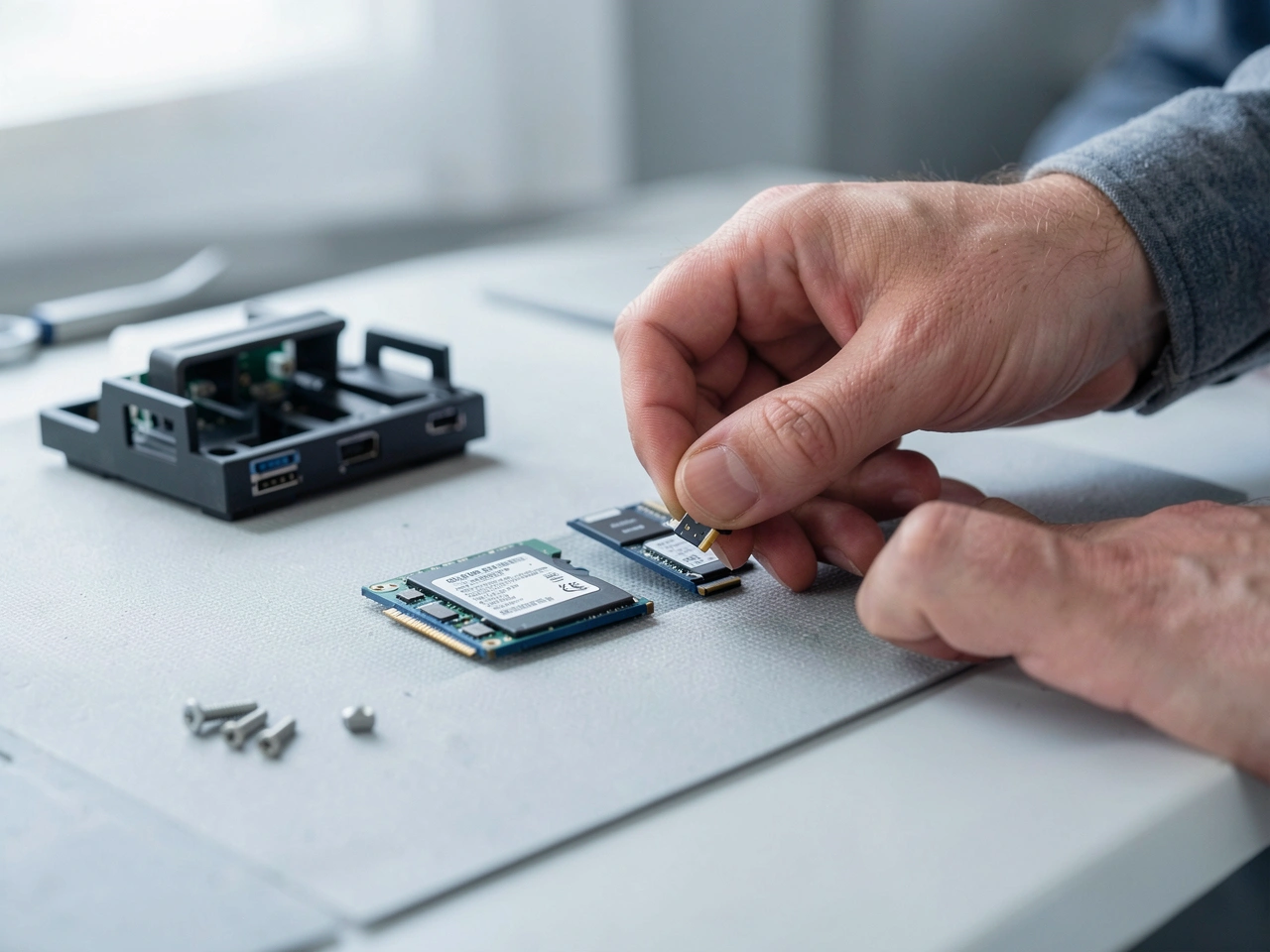
A computer holds family photos, bank statements and work, so every machine on our bench is treated as private. Nothing is copied off it unless the job is a recovery or a backup you asked for.
When a drive is replaced, the old one comes back to you. If you would rather not keep it, we wipe it and physically destroy it once you have agreed in writing.
Machines running any of the common operating systems, old or new.
Phones, tablets and game consoles are outside what we repair. We are happy to suggest a specialist nearby.
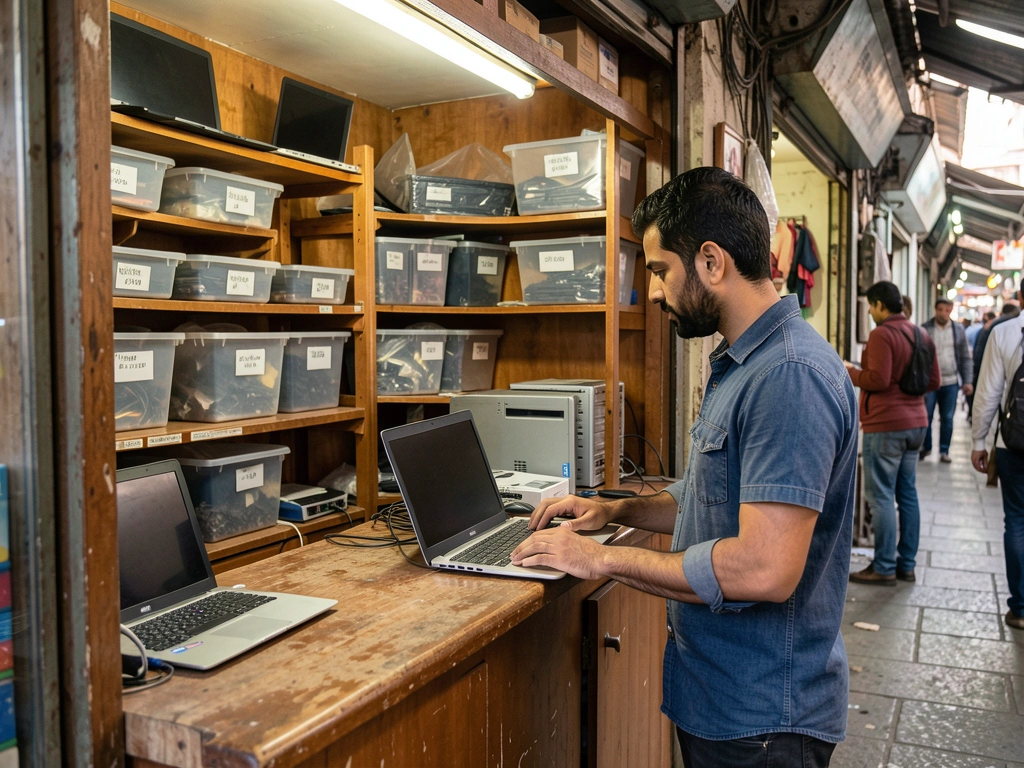
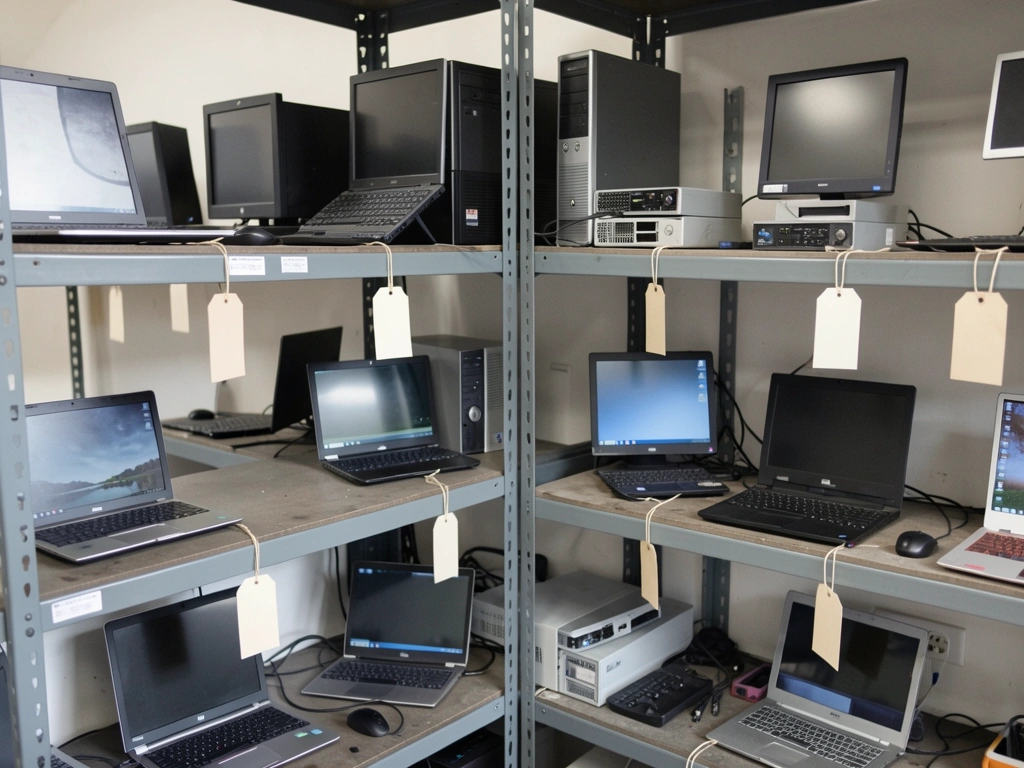
Repairs are done on the bench in the arcade workshop, where every device is tagged and stored until it is collected.
The laptop started clicking the night before a thesis deadline. They cloned the drive first, then recovered every chapter and most of the photos.
One home visit sorted the office printer and two slow computers in an afternoon, and the technician explained exactly what had been slowing them down.
They said a new drive and more memory would cost far less than a new laptop. It starts in seconds now, and every old file is where it was.
No, and nobody can promise it. Success depends on how the drive failed and what happened afterwards, which is why we assess first and show you the list of recoverable files before the recovery is charged.
To test the computer properly we need to sign in. You can give us your password and change it after collection, or create a temporary account for us before you drop off.
Most repairs leave files untouched. When a job could put data at risk, such as reinstalling the operating system, we ask first and offer a backup for $39.
Often it is. A solid state drive and more memory can make a five year old laptop feel quick again. If the bill would pass half the cost of a similar new laptop, you hear that from us before any work begins.
A technician comes to your home or office within a two hour window, for a $45 call out fee inside the city. Visits suit set up, wireless trouble, virus removal and moving files, while hardware repairs come back to the workshop.
You pay us directly when you collect, or at the end of a home visit. Recoveries sent to the partner clean room take a deposit of half the quote.
Pick a drop off slot at the workshop or a home visit window. We reply within the working day to confirm it, and the repair is priced after diagnosis, before any work.
Drop offs and collections happen at the counter during opening hours. Collections need no appointment.
Workshop in the old market arcade, with home visits across the city
| Monday to Friday | 09:00 to 18:00 |
| Saturday | 10:00 to 15:00 |
| Sunday | Closed |
Technicians visit homes and offices anywhere in the city for a $45 call out fee. Outside the city, ask for the travel charge before booking.
This computer repair shop website was built by AI from two sentences. Tell us about your business and yours is built the same way, with its pages, photos and booking in place, ready to preview in minutes.
About this sample page
Byteworks Computer Repair is a fictional shop, and its single page proves that a fixer of laptops can earn trust on AI Web Maker simply by being specific. The opening view pairs a promise about safe files with a terminal window that types a short diagnosis, then moves straight to six priced repairs. Data recovery follows in three levels, each beginning with an assessment and a plain warning that recovery is never certain. A privacy section lists exactly how files, logins and old drives are handled. These details answer the fears that stop people from handing over a computer.
Repair shops starting on AI Web Maker describe their services and policies, and the builder produces a draft with a booking form in place. Customers ask for a drop off or a home visit on a chosen day, and the shop accepts, moves or declines each request. Payment stays between the shop and its customers, with no share going to the platform. Running the live site means $119 a year in hosting, or $19 monthly, with the domain registered on its own. The sample page linked to this summary explains each section in more depth, so a real shop can adapt the layout to its own work.
The whole sample website of a computer repair shop, explained ·